May 02, 2025

6 Best Free Coding Resources for Kids in 2025
6 Best Free Coding Resources for Kids in 2025 image

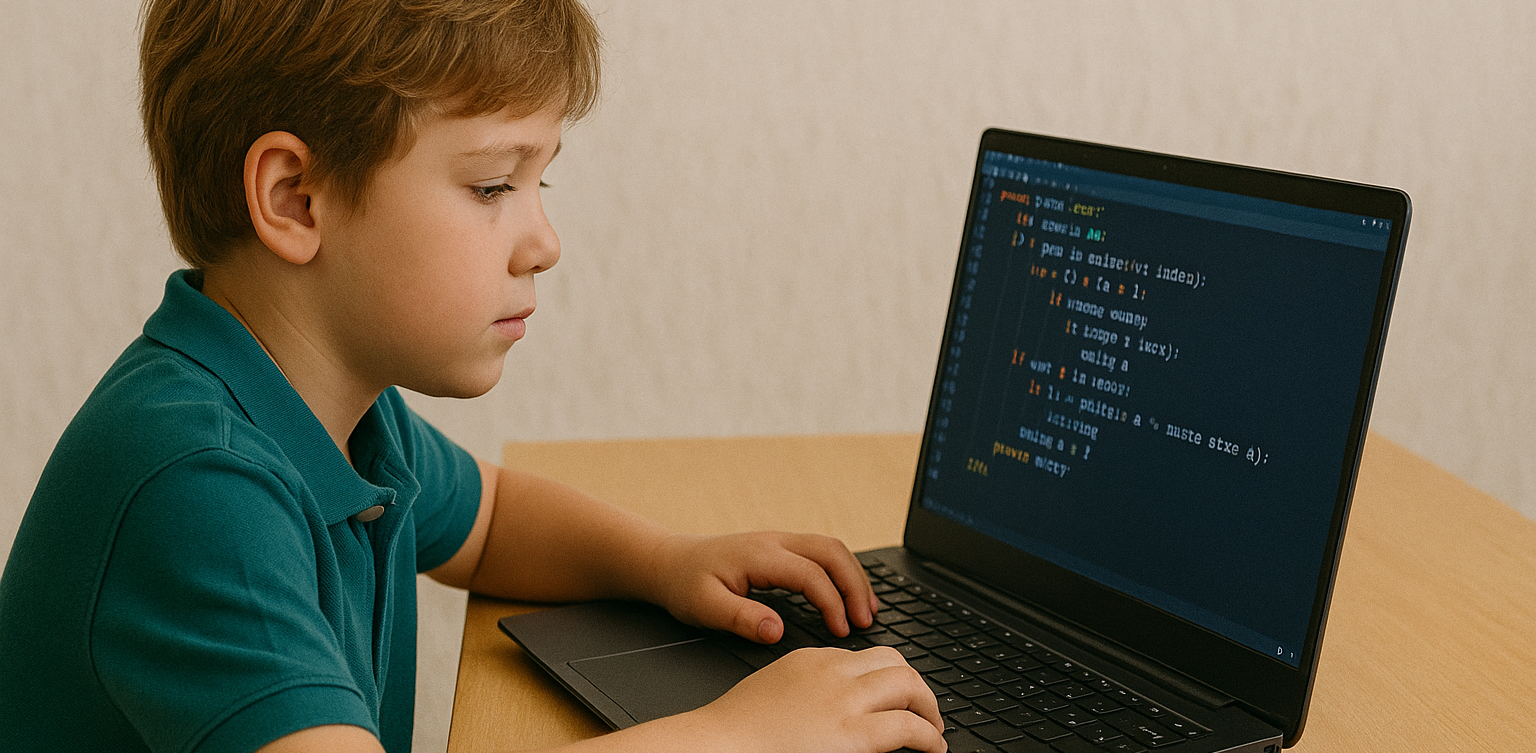
In today’s digital era, coding is becoming one of the most essential skills kids can learn for the future. It is not just about creating computer programs, but also about building logical thinking, creativity, and problem-solving abilities. Fortunately, there are now many free coding resources for kids that can be accessed easily from home.

For parents who want to introduce programming early on, this article shares a variety of platforms, apps, and websites that offer free, fun, and kid-friendly coding lessons.

Why Should Kids Learn to Code Early?

Learning to code is not only for those who want to become programmers. It helps sharpen important cognitive skills like critical thinking, persistence, and collaboration. In addition, coding teaches kids how to face failure and try again, as they learn to troubleshoot and improve their work.

Introducing coding at an early age also gives kids a chance to explore their interests in technology and create things they can be proud of, such as simple games, animations, or interactive stories.

What Makes a Coding Resource Kid-Friendly?

When choosing a free coding resource for kids, it is important to look for the following:

  • Clear, simple language that is easy to understand
  • Engaging and interactive visuals
  • Gradual, age-appropriate learning paths
  • Gamified elements to keep kids motivated
  • Safe and ad-free learning environments

Here are some great platforms and tools to try out.

6 Best Free Coding Resources for Kids in 2025

1. Scratch
free coding resources for kids

Scratch is an introductory coding platform developed by MIT for kids ages 8 and up. Using colorful code blocks, kids can create animations, stories, or interactive games without needing to write code.

Scratch encourages creativity and features a global community where kids can safely share their projects. It is also available in Bahasa Indonesia, making it even more accessible for Indonesian families.

2. Code.org

Code.org is one of the best free coding resources for kids worldwide. It offers a wide range of free courses with varying difficulty levels, from beginner to advanced. Kids can even learn with their favorite characters like Elsa from Frozen or Steve from Minecraft.

The platform also provides age-specific curriculums for elementary to high school students, with a fun, project-based approach.

3. Tynker
Tynker is another popular platform recommended for kids. While the premium version is paid, Tynker offers free access to several well-structured introductory modules.

Kids can learn basic coding concepts through games, build animations, and even get a taste of drones and robotics in a simplified way.

4. Khan Academy – Computer Programming

Khan Academy is widely recognized for offering free educational content, and its programming section is no exception. It provides beginner-friendly coding lessons, especially for older kids and teens who are starting to understand text-based programming logic.

The videos are interactive and well-paced, making Khan Academy a great choice for slightly more advanced learners.

5. Blockly Games

Blockly Games is a collection of educational games that teach basic coding concepts using block-based visual programming. It is perfect for kids who are just starting out and want to learn while having fun.

With a simple and functional interface, Blockly Games is a solid first step into the world of coding for elementary-aged kids.

6. Timedoor Academy

In addition to these global platforms, there is also a great local option: Timedoor Academy. Timedoor offers interactive online coding classes for kids, using a fun and structured approach guided by experienced instructors.

Timedoor Academy understands the unique needs of children potential. It tailors its lessons to local language, uses project-based learning, and provides flexible schedules. A free trial class is also available, making it easy for parents and kids to try it out before committing.

Tips for Supporting Kids Coding at Home

To make the most of your child’s coding journey, here are a few helpful tips for parents:

  • Be there to guide them when they try a new platform, especially younger kids
  • Set a regular learning schedule, like 30 minutes per day
  • Give small creative challenges, such as making a simple game or animation
  • Celebrate their achievements, no matter how small
  • Keep screen time balanced with physical and social activities

Ready to Start Coding from Home? Here’s the First Step:

Learning to code has never been more accessible, thanks to the growing number of free coding resources for kids. Parents can introduce programming in a fun, engaging way through platforms designed with kids in mind. But to make learning more structured and effective, it helps to choose the right method and guidance.

 Image

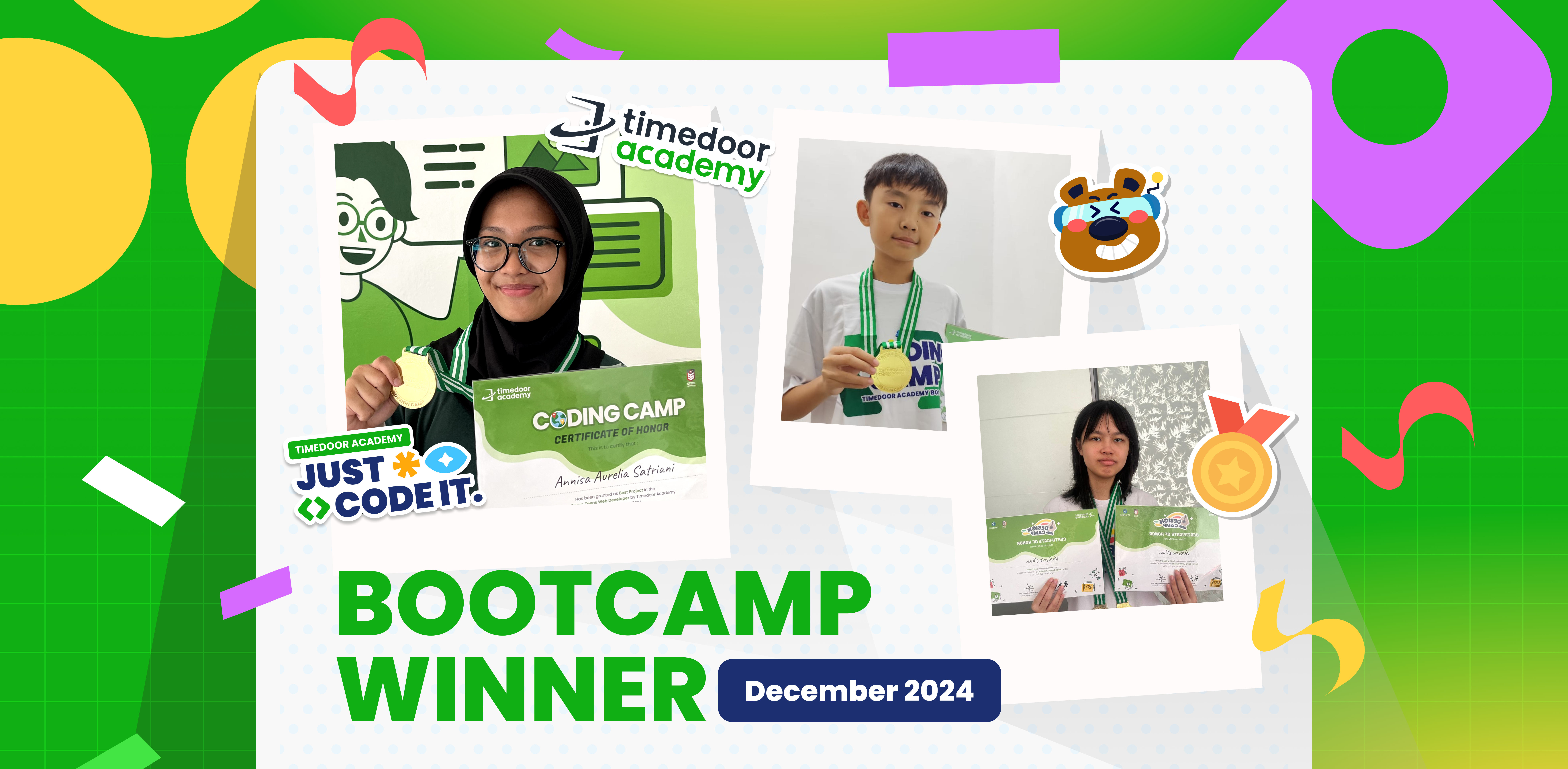
Timedoor Academy offers kid-focused online coding classes with a creative and organized approach. Led by experienced instructors and adapted to different age levels, Timedoor is ready to support your child’s coding journey. Try a free class today and help your child start learning to code from home in a fun and meaningful way.
Keep Reading

The Role of Parents in Kids Digital Learning: Practical Tips for 2025
Digital learning is now a core part of how kids learn. Since the pandemic, many have grown used to studying through screens, whether from school platforms or extra classes like coding, languages, or math. But behind the ease of technology, the role of parents in kids digital learning is still key to making learning effective. Some might think digital learning makes kids more independent, but not all are ready to manage time, stay focused, or understand lessons on their own. This is where the role of parents in kids digital learning remains essential. Parents are not just supervisors but active guides who support and respond to their kids’ needs. Setting a Healthy Learning Rhythm Time management is one of the biggest challenges in digital learning. Without a teacher physically present, kids can get distracted easily when learning at home. Parents can help by building a consistent routine that balances study and rest. This structure helps shape responsible habits early. It is one of the simplest ways to support the role of parents in kids digital learning and helps build long-term discipline. Creating a Supportive Learning Space Focus depends a lot on environment. At home, distractions like TV, traffic noise, or a younger sibling playing nearby can make learning harder. Parents should create a quiet, comfortable study spot where kids can focus better. Make sure tools like laptops, headphones, and internet connections are working properly. These technical basics matter more than they seem. Helping with this setup is a key part of the role of parents in kids digital learning at home. Offering Emotional Support Digital learning can feel isolating. Kids may feel stuck, frustrated, or unsure who to talk to when lessons are hard. That is why emotional support is just as important as helping with assignments. Simple questions like “Was today’s class fun?” or “Anything that confused you?” can make a big difference. Being emotionally available is a powerful part of the role of parents in kids digital learning, helping kids stay motivated and confident. Guiding Tech Use with Balance Technology can help learning, but it can also be distracting. Kids might be tempted to play games or watch videos during study time. That is why parents should stay involved by setting rules and limits that feel fair. Use screen timers, focus modes, or parental control tools. More importantly, explain why these rules exist so kids see them as helpful, not harsh. Balanced tech use is part of the role of parents in kids digital learning that keeps learning on track. Becoming a Learning Partner Parents do not have to know everything their kid is learning. Just being involved by listening to a project explanation or joining an online session shows support. Being a learning partner means exploring together and showing real interest. This shared effort makes learning more engaging and strengthens the role of parents in kids digital learning by building trust and motivation. Why Parents Still Matter in Kids' Digital Learning Technology has made learning more flexible, but the role of parents in kids digital learning is still irreplaceable. From setting routines to offering encouragement, parents help make learning not only effective but enjoyable. By staying engaged and present, you give your kid the best chance to succeed. You become the connection between digital tools and real growth. Support Your Kid’s Digital Learning with Timedoor Academy Looking for a better way to support your kid’s learning at home? Timedoor Academy offers fun and interactive online classes in coding, math, and robotics. All programs are designed specifically for kids. Try a free class today and discover how we make your role of parents in kids digital learning easier and more meaningful.
cara mengurangi screen time pada anak
How to Reduce Screen Time for Kids and Encourage More Physical Activity
Screens are everywhere, from TVs and tablets to smartphones and laptops. While digital devices can support learning and creativity, many parents today are asking the same question: how to reduce screen time for kids without starting a daily argument. With more classes, entertainment, and social interaction happening online, children are spending more time in front of screens than ever before. But excessive screen time can affect their physical health, sleep quality, and even emotional well-being. So how can we find the right balance? This article shares practical tips for reducing screen time while promoting more physical activity, helping children grow in a healthy, well-rounded way.   Why Reducing Screen Time Matters Understanding how to reduce screen time for kids starts with knowing why it is important. According to the American Academy of Pediatrics, screen time (excluding educational use) should be limited to no more than two hours per day for children over age five. Excessive screen time can lead to: Eye strain and poor posture Trouble falling asleep Weight gain and low energy Reduced attention span and creativity Meanwhile, regular physical activity supports: Healthy growth and stronger bones Improved mood and focus Better sleep patterns Social development and teamwork skills   1. Set Consistent Rules and Daily Limits The first step in learning how to reduce screen time for kids is to set clear boundaries. Children thrive with structure, and having a consistent schedule helps them develop discipline and independence. Alternatives: Set device-free hours in the morning and evening Use timers or apps to manage screen duration Keep screens out of bedrooms, especially before bedtime Create a reward system for non-screen activities 2. Replace Passive Screen Time with Active Choices Not all screen time is bad, but it is important to guide children toward more active or creative screen use, or replace it with something physical. Alternatives: Encourage drawing, puzzles, or hands-on crafts Swap cartoons for interactive learning videos Use music apps for dancing or movement-based play Sign up for extracurriculars like swimming, martial arts, or team sports 3. Be a Role Model for Healthy Screen Habits Children mimic adult behavior. If you are always on your phone, it becomes harder to convince them to turn off their devices. Modeling a balanced tech routine is one of the most effective ways to teach how to reduce screen time for kids. Alternatives: Read a book while your child plays Keep your phone out of sight during meals Suggest family walks instead of watching TV Join your kids in outdoor games or activities 4. Involve Your Kids in Planning Screen-Free Time When children feel involved in the process, they are more likely to follow the rules. Let them help plan fun screen-free activities for the week. Alternatives: Create a weekly activity jar with ideas like bike rides, baking, or hide and seek Use sticker charts to track screen-free time Allow them to choose the family game or weekend adventure 5. Create Fun Physical Routines Balancing movement with screen time does not mean forcing kids into sports they do not enjoy. Find what excites them and build around that. Alternatives: Backyard obstacle courses Dance breaks between homework sessions Family yoga or stretching challenges Short fitness videos designed for kids Chores with a twist such as turning tasks into a timed race 6. Use Tech Wisely with Movement-Based Apps If completely removing screen time is not realistic, try using apps that blend movement with tech. This way, kids remain active while staying engaged. Alternatives: Dance apps like GoNoodle Augmented Reality (AR) games that require walking Fitness video games like Ring Fit Adventure Educational platforms that include movement breaks 7. Establish Tech-Free Family Traditions Make family time more meaningful by building rituals that do not involve screens. This strengthens your bond and shows that fun does not always require a device. Alternatives: Family cooking nights Nature walks or park visits Gardening or DIY projects Volunteering together in local events Learning how to reduce screen time for kids is not about removing devices entirely. It is about creating healthier, more balanced routines. When screen habits are paired with regular movement, children become more focused, creative, and emotionally strong. By staying involved, setting clear limits, and offering fun alternatives, parents can guide kids toward a lifestyle that blends the best parts of technology with the joys of being active.   Try a Healthy Digital Routine with Timedoor Academy Looking for another way how to reduce screen time for kids and turn them into learning time? At Timedoor Academy, your child can explore the world of coding, animation, and creative digital projects in a structured, kid-friendly environment. With live teachers and flexible schedules, our courses encourage healthy online habits and critical thinking. A free trial is available so you can see how your child can enjoy screen time the smart and balanced way. Visit our website to learn more and get started!
Cara Menghasilkan Uang dari Koding
How to Make Money Coding as a Kid
In today’s tech-driven world, kids are not just consumers of technology. They can become creators too. One exciting way for young minds to explore this potential is by learning how to code. What’s even better? Coding is not just a fun and valuable skill. It can also help children start earning money at an early age. In this article, we will explore practical and age-appropriate ideas on how to make money coding as a kid, and how platforms like Timedoor Academy can help kickstart the journey.   1. Build and Sell Simple Games One of the most popular ways for kids to make money with coding is by creating simple games. Platforms like Scratch allow children to build their own games using visual programming blocks. Once they get the hang of it, kids can upload their games to platforms like itch.io or Game Jolt, where others can play and support their work through donations or small purchases. This is a great way for kids to combine creativity with coding skills. It also teaches them the basics of digital entrepreneurship, such as designing for users and thinking about what makes a game fun and engaging.   2. Design a Personal Website or Blog Creating a personal website is a great way for kids to showcase their projects and interests. Using platforms like WordPress, Wix, or coding from scratch with HTML/CSS, kids can build blogs, portfolios, or fan pages. Once the website gains some visitors, there are many ways to monetize it. These include placing ads through Google AdSense with adult guidance, using affiliate links, or even selling digital products like game templates or beginner-friendly coding guides. This helps kids learn how websites work and how online income is generated in real life.   3. Create YouTube Coding Tutorials Another exciting option on how to make money coding as a kid is by creating YouTube tutorials. Kids can teach others how to code in Scratch, build simple apps, or walk through a project step by step. These videos do not need to be fancy. They just need to be clear and helpful. As the channel grows, monetization through YouTube ads, sponsorships, and affiliate links becomes possible. This is also a great way for kids to improve their communication skills while reinforcing their own understanding of coding.   4. Sell Digital Art or Assets for Games Kids who enjoy both coding and art can create digital assets like characters, backgrounds, or sound effects. These can be sold on platforms like Unity Asset Store, OpenGameArt, or Itch.io. For example, if your child designs a cool background for a Scratch game, they can package it with a few more designs and offer it for free or for a small fee online. This is a fun way to blend art, coding, and entrepreneurship.   5. Try Safe Freelance Gigs (With Parental Help) Older kids or teenagers ages 13 and up can start exploring junior freelance work in simple coding tasks. These include fixing bugs, customizing websites, or helping with small scripts. Sites like Fiverr or Freelancer often have beginner-friendly gigs that can be done with parental supervision. Even if the job pays only a few dollars at first, the experience and confidence gained are invaluable. It helps children see how coding is used in the real world and builds their early portfolio.   6. Participate in Coding Competitions Many platforms and organizations hold coding competitions or hackathons for kids. These events often come with prizes such as gadgets, cash, or even scholarships. Websites like Tynker, Code.org, and local coding academies host events where kids can test their skills and possibly win something exciting. Competing not only motivates kids to learn faster. It also introduces them to other like-minded peers and creates a supportive community.   7. Build Mobile Apps With tools like Thunkable, MIT App Inventor, or even Flutter, kids can start building simple mobile apps. Whether it is a calculator, a quiz game, or a daily planner, these apps can be uploaded to the Google Play Store with adult help. Even if the app is free, kids can include ads or in-app purchases to start earning money. It is a great way to explore real-world coding with tangible outcomes.   8. Teach Coding to Other Kids Once your child becomes confident in their coding skills, they can teach younger children or peers who are just starting out. Whether it is through local workshops, helping a sibling, or organizing a mini class with friends, this builds leadership and communication skills. Some older kids even offer beginner Scratch tutoring sessions online, turning their knowledge into a meaningful side hustle.   Why Learning to Code Early Matters Understanding how to make money coding as a kid goes beyond earning an allowance. It teaches real-world skills like time management, problem-solving, entrepreneurship, and confidence. Kids who code not only learn how to build apps or games. They also gain a mindset that prepares them for the future.   Start Coding the Fun Way with Timedoor Academy If your child is curious about coding, game creation, or building their first app, Timedoor Academy is the perfect place to begin. With interactive lessons, expert guidance, and beginner-friendly projects, kids can explore coding in a way that is fun and engaging. Ready to see if coding is right for your child? Visit us to join a free trial class and let your child turn creativity into real skills and even their first coding income.
float button