Apr 25, 2025

How to Make Money Coding as a Kid

How to Make Money Coding as a Kid image

In today’s tech-driven world, kids are not just consumers of technology. They can become creators too. One exciting way for young minds to explore this potential is by learning how to code. What’s even better? Coding is not just a fun and valuable skill. It can also help children start earning money at an early age. In this article, we will explore practical and age-appropriate ideas on how to make money coding as a kid, and how platforms like Timedoor Academy can help kickstart the journey.

1. Build and Sell Simple Games
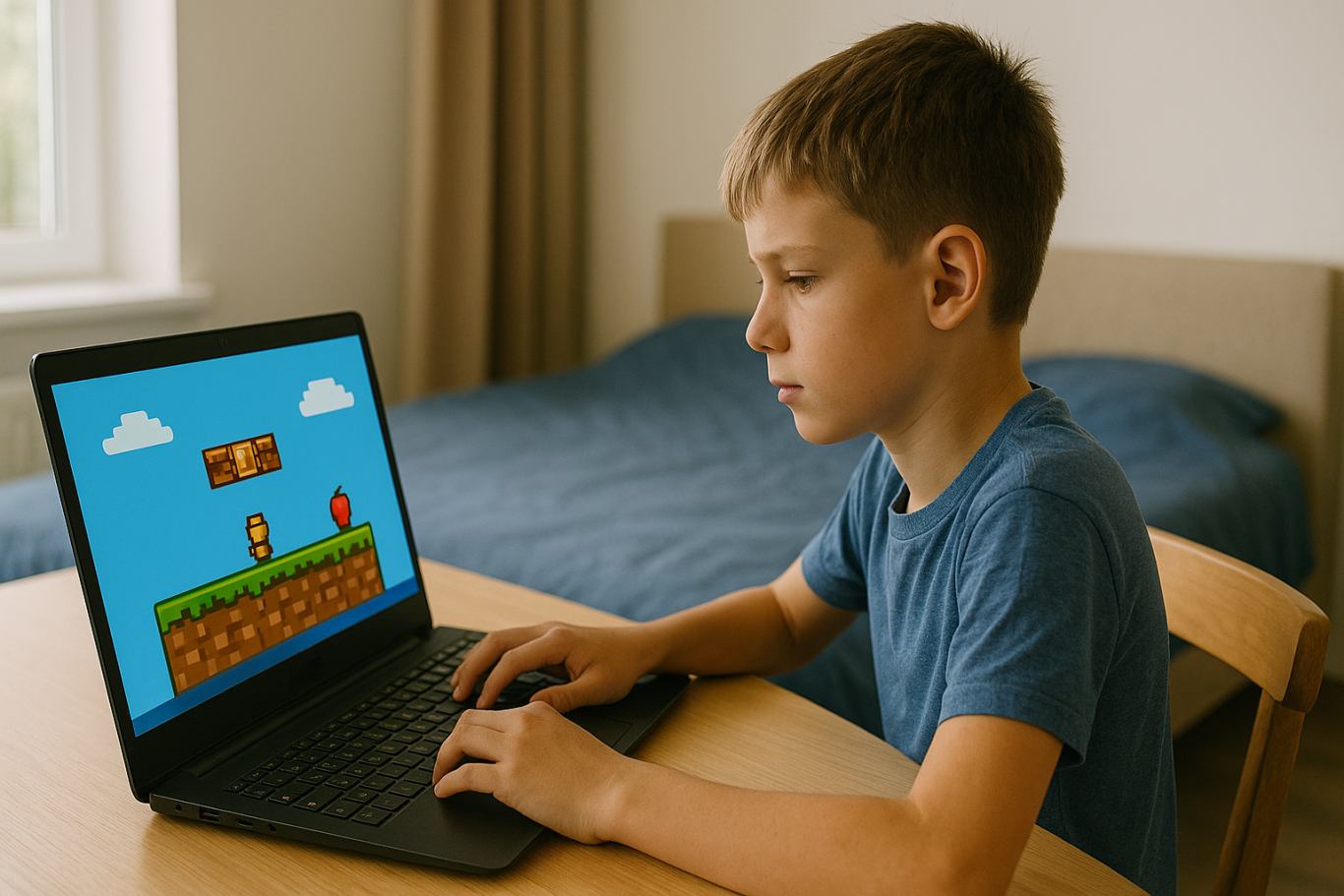
how to make money coding as a kid

One of the most popular ways for kids to make money with coding is by creating simple games. Platforms like Scratch allow children to build their own games using visual programming blocks. Once they get the hang of it, kids can upload their games to platforms like itch.io or Game Jolt, where others can play and support their work through donations or small purchases.

This is a great way for kids to combine creativity with coding skills. It also teaches them the basics of digital entrepreneurship, such as designing for users and thinking about what makes a game fun and engaging.

2. Design a Personal Website or Blog
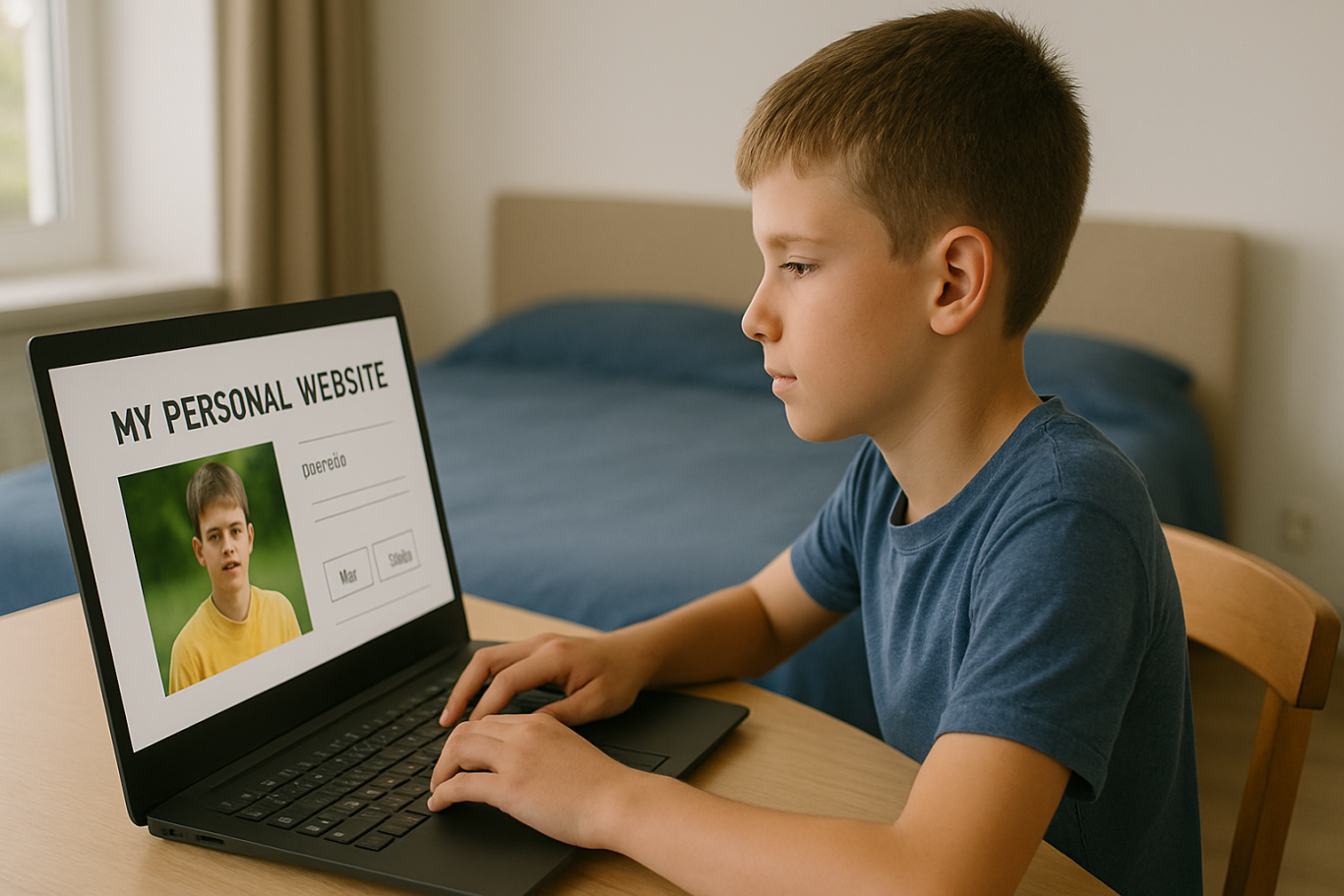
Creating a personal website is a great way for kids to showcase their projects and interests. Using platforms like WordPress, Wix, or coding from scratch with HTML/CSS, kids can build blogs, portfolios, or fan pages.

Once the website gains some visitors, there are many ways to monetize it. These include placing ads through Google AdSense with adult guidance, using affiliate links, or even selling digital products like game templates or beginner-friendly coding guides. This helps kids learn how websites work and how online income is generated in real life.

3. Create YouTube Coding Tutorials
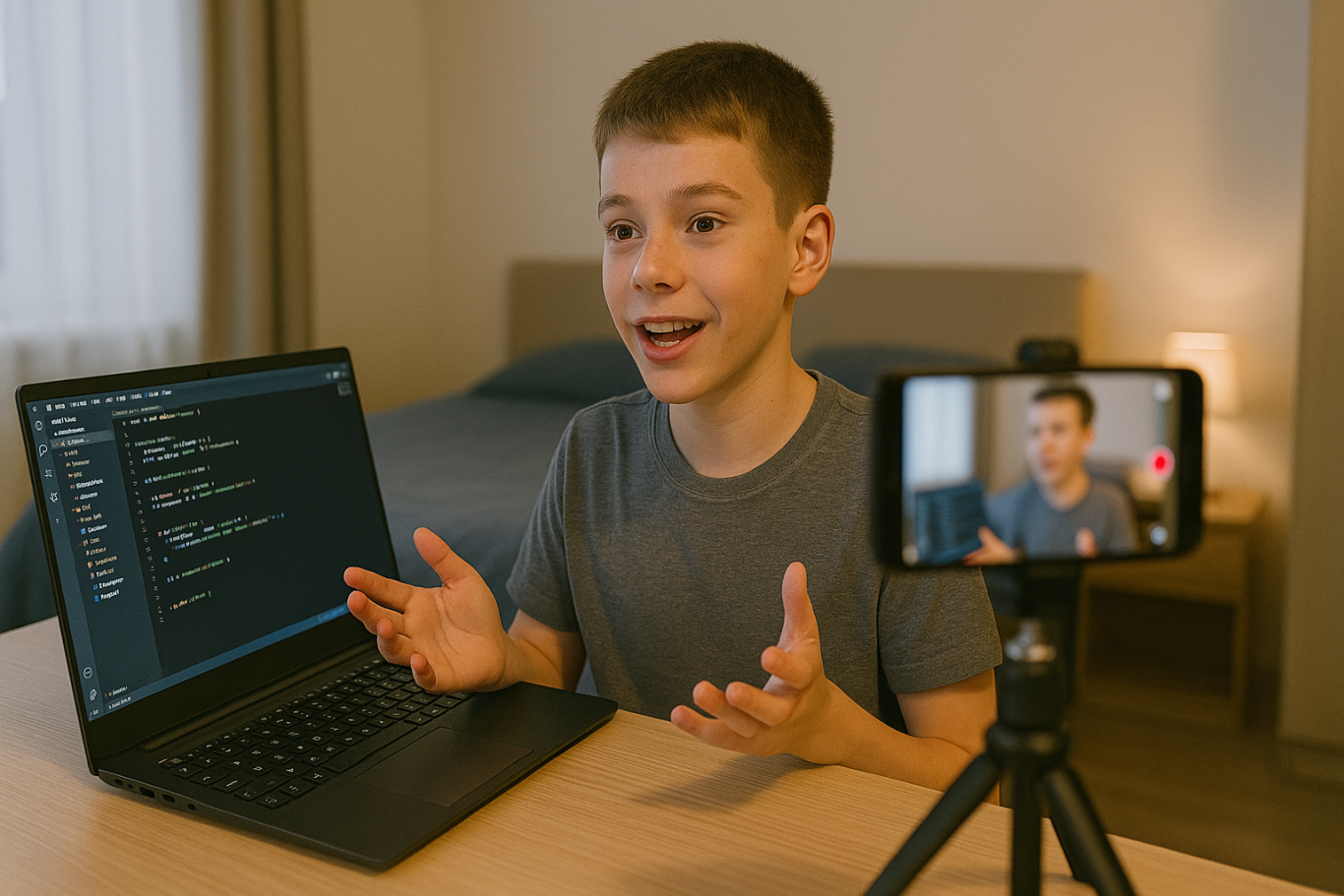
how to make money coding as a kid

Another exciting option on how to make money coding as a kid is by creating YouTube tutorials. Kids can teach others how to code in Scratch, build simple apps, or walk through a project step by step. These videos do not need to be fancy. They just need to be clear and helpful.

As the channel grows, monetization through YouTube ads, sponsorships, and affiliate links becomes possible. This is also a great way for kids to improve their communication skills while reinforcing their own understanding of coding.

4. Sell Digital Art or Assets for Games
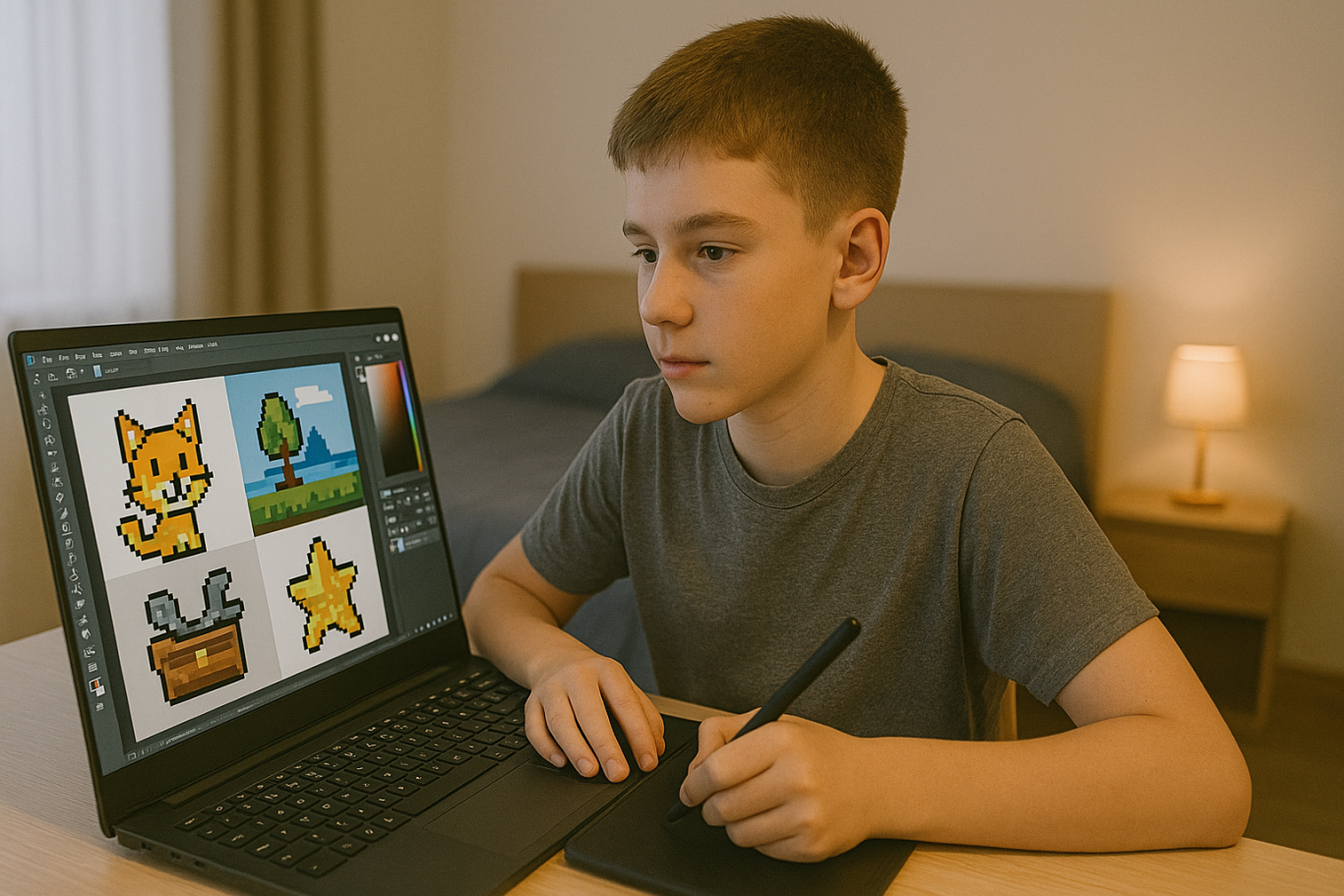
Kids who enjoy both coding and art can create digital assets like characters, backgrounds, or sound effects. These can be sold on platforms like Unity Asset Store, OpenGameArt, or Itch.io.

For example, if your child designs a cool background for a Scratch game, they can package it with a few more designs and offer it for free or for a small fee online. This is a fun way to blend art, coding, and entrepreneurship.

5. Try Safe Freelance Gigs (With Parental Help)
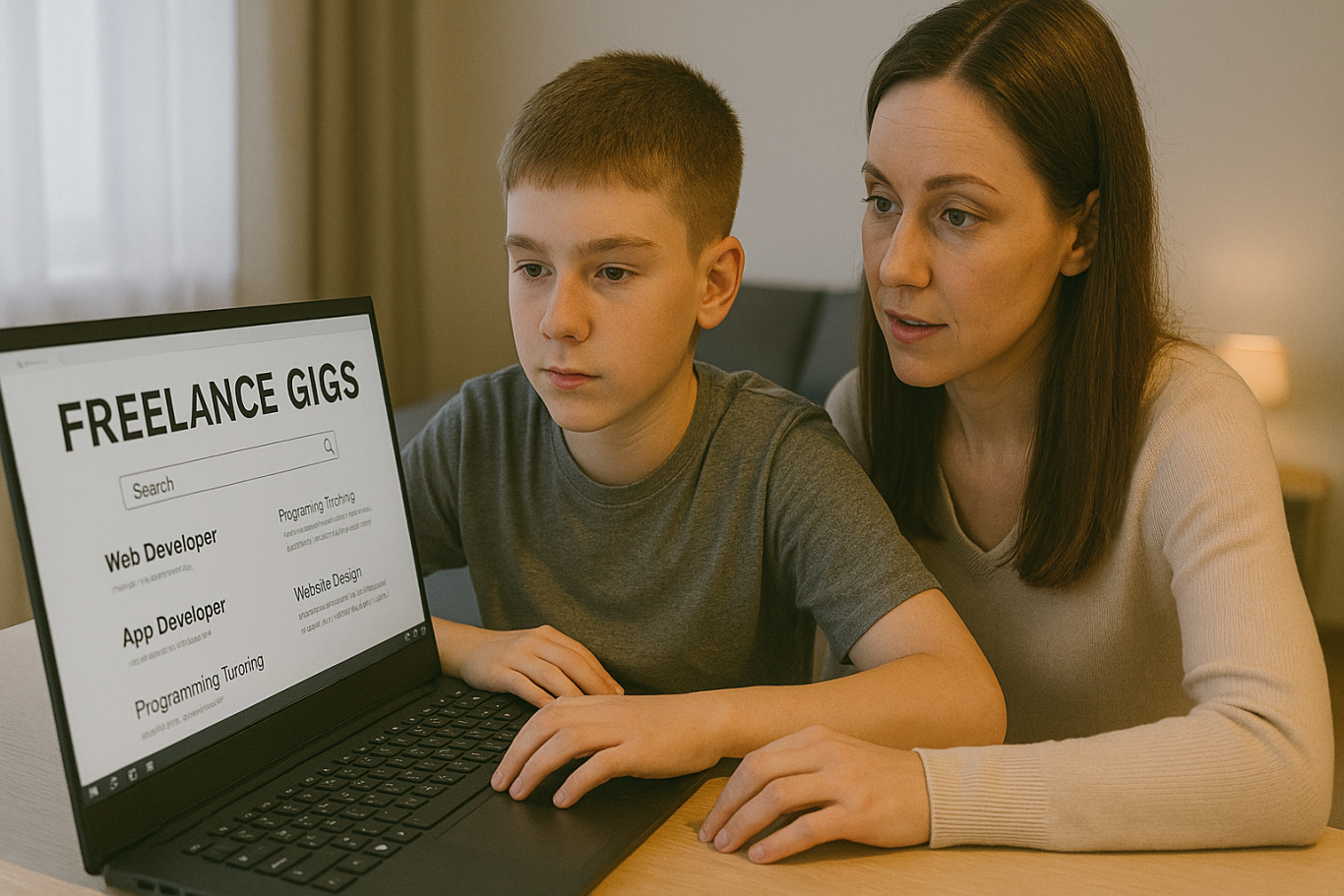
Older kids or teenagers ages 13 and up can start exploring junior freelance work in simple coding tasks. These include fixing bugs, customizing websites, or helping with small scripts. Sites like Fiverr or Freelancer often have beginner-friendly gigs that can be done with parental supervision.

Even if the job pays only a few dollars at first, the experience and confidence gained are invaluable. It helps children see how coding is used in the real world and builds their early portfolio.

6. Participate in Coding Competitions
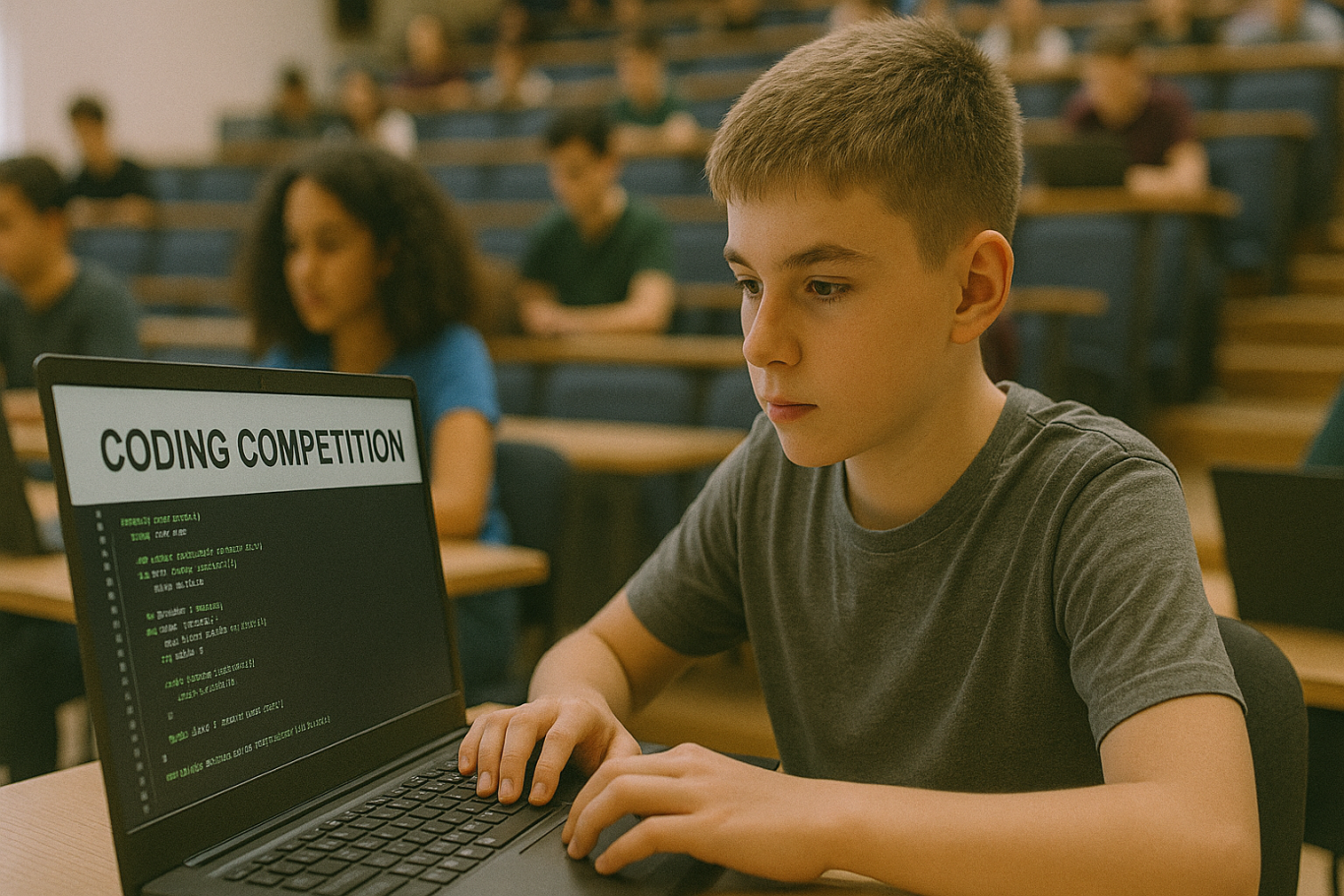
Many platforms and organizations hold coding competitions or hackathons for kids. These events often come with prizes such as gadgets, cash, or even scholarships. Websites like Tynker, Code.org, and local coding academies host events where kids can test their skills and possibly win something exciting.

Competing not only motivates kids to learn faster. It also introduces them to other like-minded peers and creates a supportive community.

7. Build Mobile Apps
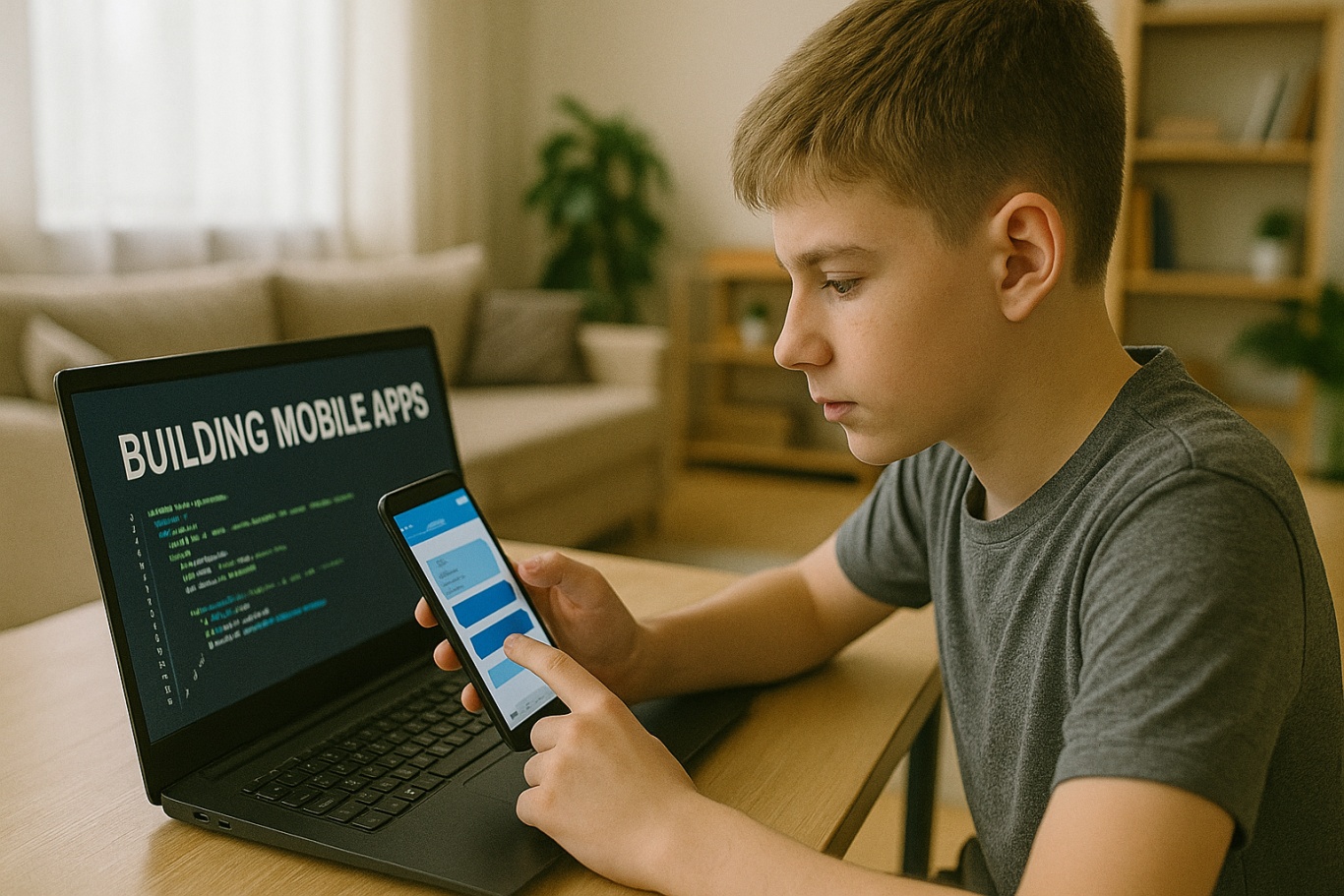
With tools like Thunkable, MIT App Inventor, or even Flutter, kids can start building simple mobile apps. Whether it is a calculator, a quiz game, or a daily planner, these apps can be uploaded to the Google Play Store with adult help.

Even if the app is free, kids can include ads or in-app purchases to start earning money. It is a great way to explore real-world coding with tangible outcomes.

8. Teach Coding to Other Kids

Once your child becomes confident in their coding skills, they can teach younger children or peers who are just starting out. Whether it is through local workshops, helping a sibling, or organizing a mini class with friends, this builds leadership and communication skills.

Some older kids even offer beginner Scratch tutoring sessions online, turning their knowledge into a meaningful side hustle.

Why Learning to Code Early Matters

Understanding how to make money coding as a kid goes beyond earning an allowance. It teaches real-world skills like time management, problem-solving, entrepreneurship, and confidence. Kids who code not only learn how to build apps or games. They also gain a mindset that prepares them for the future.

Start Coding the Fun Way with Timedoor Academy

 Image

If your child is curious about coding, game creation, or building their first app, Timedoor Academy is the perfect place to begin. With interactive lessons, expert guidance, and beginner-friendly projects, kids can explore coding in a way that is fun and engaging.

Ready to see if coding is right for your child? Visit us to join a free trial class and let your child turn creativity into real skills and even their first coding income.

Keep Reading

The Role of Parents in Kids Digital Learning: Practical Tips for 2025
Digital learning is now a core part of how kids learn. Since the pandemic, many have grown used to studying through screens, whether from school platforms or extra classes like coding, languages, or math. But behind the ease of technology, the role of parents in kids digital learning is still key to making learning effective. Some might think digital learning makes kids more independent, but not all are ready to manage time, stay focused, or understand lessons on their own. This is where the role of parents in kids digital learning remains essential. Parents are not just supervisors but active guides who support and respond to their kids’ needs. Setting a Healthy Learning Rhythm Time management is one of the biggest challenges in digital learning. Without a teacher physically present, kids can get distracted easily when learning at home. Parents can help by building a consistent routine that balances study and rest. This structure helps shape responsible habits early. It is one of the simplest ways to support the role of parents in kids digital learning and helps build long-term discipline. Creating a Supportive Learning Space Focus depends a lot on environment. At home, distractions like TV, traffic noise, or a younger sibling playing nearby can make learning harder. Parents should create a quiet, comfortable study spot where kids can focus better. Make sure tools like laptops, headphones, and internet connections are working properly. These technical basics matter more than they seem. Helping with this setup is a key part of the role of parents in kids digital learning at home. Offering Emotional Support Digital learning can feel isolating. Kids may feel stuck, frustrated, or unsure who to talk to when lessons are hard. That is why emotional support is just as important as helping with assignments. Simple questions like “Was today’s class fun?” or “Anything that confused you?” can make a big difference. Being emotionally available is a powerful part of the role of parents in kids digital learning, helping kids stay motivated and confident. Guiding Tech Use with Balance Technology can help learning, but it can also be distracting. Kids might be tempted to play games or watch videos during study time. That is why parents should stay involved by setting rules and limits that feel fair. Use screen timers, focus modes, or parental control tools. More importantly, explain why these rules exist so kids see them as helpful, not harsh. Balanced tech use is part of the role of parents in kids digital learning that keeps learning on track. Becoming a Learning Partner Parents do not have to know everything their kid is learning. Just being involved by listening to a project explanation or joining an online session shows support. Being a learning partner means exploring together and showing real interest. This shared effort makes learning more engaging and strengthens the role of parents in kids digital learning by building trust and motivation. Why Parents Still Matter in Kids' Digital Learning Technology has made learning more flexible, but the role of parents in kids digital learning is still irreplaceable. From setting routines to offering encouragement, parents help make learning not only effective but enjoyable. By staying engaged and present, you give your kid the best chance to succeed. You become the connection between digital tools and real growth. Support Your Kid’s Digital Learning with Timedoor Academy Looking for a better way to support your kid’s learning at home? Timedoor Academy offers fun and interactive online classes in coding, math, and robotics. All programs are designed specifically for kids. Try a free class today and discover how we make your role of parents in kids digital learning easier and more meaningful.
Introduction to Basic Robotics for Kids: Tips and Trick 2025
As technology advances rapidly, introducing children to robotics is no longer considered too early. In fact, robotics is one of the most valuable areas to explore at a young age, helping children develop logical thinking, creativity, and structured problem-solving skills. An introduction to basic robotics for kids can be a gateway to exploring technology in a fun and meaningful way. With a solid foundation in how technology works, children will be better prepared to navigate and shape the future ahead. What Is Robotics? Robotics is the field of study focused on designing, building, and controlling robots. For children, a robot doesn’t have to be a complex machine. It can be a simple educational toy that can move or perform tasks based on programmed instructions. Through an introduction to basic robotics for kids, children begin to understand core concepts like sensors, motors, and logic commands, while also learning that every action has a cause and an effect. Why Should Kids Learn Robotics Early? Builds Logical and Systematic ThinkingRobotics helps children learn how to think in sequences and steps. They learn to structure instructions so a robot can perform specific tasks, reinforcing their problem-solving skills. Encourages Creativity and InnovationChildren are given the opportunity to create something from their own ideas. Whether they are designing how a robot looks or deciding what it should do, they are learning to turn imagination into real outcomes. Introduces Technology in a Positive WayWhen children learn about technology through robotics, they see it as a helpful tool rather than just entertainment. This shapes how they interact with technology as they grow. Boosts Independence and ConfidenceCompleting a working robot on their own gives children a sense of accomplishment. This achievement builds self-confidence and motivates them to keep learning and trying new things. How to Get Started with Robotics for Kids An introduction to basic robotics for kids should be fun, simple, and age-appropriate. There are many robotics kits designed specifically for children, often equipped with easy-to-follow instructions and safe-to-use components. Parents can also begin with unplugged activities to build early logical thinking. Games like direction cards or movement simulations that mimic robot commands can serve as great stepping stones before introducing digital coding. Fun Robotics Activities to Try at Home Simple activities like building robots out of cardboard or using beginner-friendly kits like Bee-Bot can make robotics feel like play. Apps like Scratch Junior also help kids understand coding logic in a visual, hands-on way. The key to a successful introduction to basic robotics for kids is to keep it playful. When children enjoy the process, they naturally become more engaged and absorb more from each activity. Common Challenges and How to Overcome Them Introducing robotics to children can come with challenges. Not every parent has a technical background, and not every child is excited right from the start. These obstacles can be managed with patience and flexibility. Start small, go at the child’s pace, and remove the pressure to get everything right the first time. A consistent and supportive learning environment can make a big difference. Robotics as a Foundation for the Future An introduction to basic robotics for kids is not just about teaching them to use technology, but also about shaping how they think. It nurtures critical thinking, creative problem-solving, and the courage to experiment. Children learn to see failure as part of the process, to try again, and to evaluate what can be improved. These life skills will benefit them in any field they choose to pursue in the future. Learn Coding and Robotics Easily with Timedoor Academy If you're looking for a fun and structured way for your child to learn coding and robotics, Timedoor Academy offers interactive online classes designed for kids. Using creative methods and kid-friendly tools, children can build logical thinking, create commands, and develop real projects with confidence. Try a free coding and robotics class today with Timedoor Academy and help your child take their first steps into the world of future-ready technology through a guided and joyful introduction to basic robotics for kids.
apps for kids learning english
10 Best Apps for Kids Learning English in 2025 (Fun and Effective Tools)
In today's digital age, many parents are turning to technology to support their child's education. If you're searching for apps for kids learning English, you are in the right place. The right apps can help children build their vocabulary, improve pronunciation, and master grammar while having fun through interactive games, songs, and storytelling. This article features the 10 best apps for kids learning English in 2025. Whether your child is a complete beginner or looking to sharpen their English skills, these apps offer engaging ways to learn at home or on the go.   10 Best Apps for Kids Learning English in 2025 (Fun and Effective Tools)   1. Duolingo Kids Why it’s great: Duolingo Kids simplifies English learning with bite-sized, gamified lessons. The colorful design and rewards system make it exciting for young learners. Key Features: Fun vocabulary practice with visual cues Audio support for correct pronunciation Progress tracking for parents Ideal for: Children aged 4 to 10 who enjoy playful, interactive learning.   2. Lingokids – Playlearning App Why it’s great: Lingokids offers a complete English learning experience for kids. It includes games, songs, and videos that cover grammar, vocabulary, and conversation skills. Key Features: Adaptive learning based on skill level Downloadable content for offline use Weekly progress reports for parents Ideal for: Preschool and elementary-aged children who learn best through play.   3. Endless Alphabet Why it’s great: This app uses adorable animated monsters to introduce English words in a fun and engaging way. It's great for building vocabulary and early literacy skills. Key Features: Animated word puzzles Clear voice narration No ads or distractions Ideal for: Toddlers and young children who are just starting with apps for kids learning English.   4. ABCmouse Why it’s great: ABCmouse offers a full curriculum, including reading, phonics, and grammar lessons in English. With thousands of activities, kids stay engaged while learning. Key Features: Structured learning paths Hundreds of English storybooks Built-in reward system for motivation Ideal for: Kids aged 2 to 8 who need a well-rounded learning app.   5. Fun English by Studycat Why it’s great: This app uses games and songs to teach kids English vocabulary, phrases, and sentence structures. It's fun and suitable for both beginners and bilingual learners. Key Features: Voice recognition to practice speaking Games covering numbers, colors, and animals Easy navigation for kids Ideal for: Children who want to learn English in a playful environment.   6. Reading Eggs Why it’s great: Focused on reading and comprehension, Reading Eggs offers phonics-based lessons that improve vocabulary and fluency. Key Features: Interactive reading games English storybooks and lessons Adaptive difficulty levels Ideal for: Early readers who want to improve their English comprehension.   7. Khan Academy Kids Why it’s great: This free app includes English reading lessons along with math, logic, and social-emotional learning. The friendly characters guide kids through interactive stories and games. Key Features: High-quality educational content Creative learning tools No ads and completely free Ideal for: Parents looking for high-value, free apps for kids learning English.   8. Monkey Stories Why it’s great: Monkey Stories features a vast library of animated stories in English. Kids can follow along with subtitles, improving listening and reading skills. Key Features: 1,000+ English books and stories Interactive reading mode Daily learning goals Ideal for: Children who enjoy learning through storytelling.   9. Speakia Why it’s great: Speakia focuses on improving speaking and conversational English skills. It uses AI to simulate dialogues, helping kids speak more confidently. Key Features: Speaking practice with instant feedback Real-life conversation simulations Progress tracking Ideal for: Kids who need extra help with speaking and listening in English.   10. Hello English Kids Why it’s great: Hello English Kids offers lessons in vocabulary, sentence structure, and everyday conversations. The app is simple to use and designed for young learners. Key Features: Games and videos for better engagement English tests and flashcards Child-friendly interface Ideal for: Beginners looking for simple and effective apps for kids learning English.   Tips of Choosing Apps for Kids Learning English Choosing the best apps for kids learning English depends on your child's: Age and learning level: Make sure the content is age-appropriate. Learning style: Some children prefer stories, while others enjoy games or visuals. Screen time: Pick apps that are ad-free and encourage short, productive sessions. Look for apps that allow offline access and offer progress reports so parents can stay involved.   Final Thoughts There are plenty of amazing apps for kids learning English, but the key is to find one that suits your child’s unique interests and learning pace. From storytelling apps to full learning platforms, each of the ten apps mentioned above offers a different approach to mastering English in a fun, engaging way. If your child enjoys using technology to learn, why not take the next step with Timedoor Academy’s online coding classes? While they explore apps to improve their English, learning to code can help them develop logical thinking, creativity, and problem-solving skills. These are essential abilities in today's digital world. Try a free coding class at Timedoor Academy today and empower your child for the future.
float button