Apr 17, 2025

The Role of AI for Kids Education

The Role of AI for Kids Education image

Picture this: a child learning math with a virtual tutor that patiently explains complex ideas. Or mastering a new language through interactive games, tailored to their learning speed and interests. This isn’t a fantasy—it’s the real-world impact of The Role of AI for kids education.

Artificial Intelligence (AI) is revolutionizing how children learn. With smart technology, education becomes more personalized, engaging, and flexible, helping every child unlock their true potential.

The Role of AI for Kids Education

Why AI for Kids Education Matters

Children are naturally curious, adaptable, and fast learners—ideal qualities for learning with AI. With advanced algorithms, AI can personalize learning paths for each child, making lessons more efficient and enjoyable.

Here’s how AI for kids education makes a difference:

  • Adapts content based on each child’s learning progress
  • Matches teaching methods to individual learning styles
  • Provides real-time feedback and suggestions when a child struggles

AI can also track patterns—like which topics confuse a child, when they’re most focused, and how they best absorb information.

Key Benefits of AI for Kids Education

1. Personalized Learning for Every Child

No two children learn the same way. AI for kids education lets children learn at their own pace—whether they need extra time or crave advanced challenges. AI adapts to meet them exactly where they are.

2. Interactive and Engaging Lessons

From adaptive quizzes to fun simulations, AI turns learning into a game. To children, it feels like play. But underneath, they’re gaining deep understanding and critical thinking skills.

3. Instant Feedback

No more waiting days for test results. AI offers real-time feedback, helping kids quickly understand mistakes and try again. It also suggests additional exercises when needed.

4. Inclusive Support for Special Needs

AI-based tools can support children with dyslexia, ADHD, or other learning differences. From reading-aloud features to simplified instructions, AI makes education more inclusive for everyone.

5. Time-Saving for Parents and Teachers

AI automates reports and tracks progress, allowing parents and teachers to focus more on guidance and emotional support rather than grading and paperwork.

Real Examples of AI for Kids Education
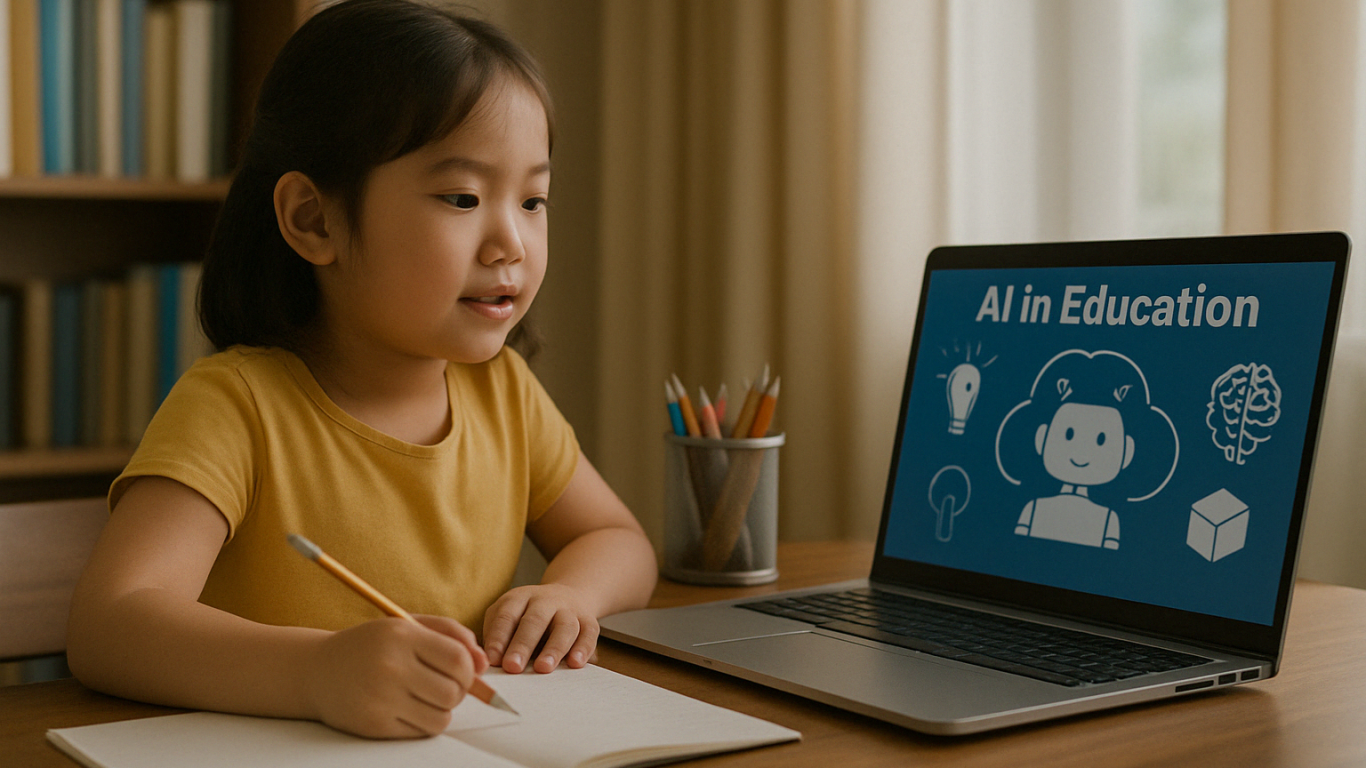
Many platforms are already using AI for kids education successfully:

  • Socratic by Google – Snap a homework question, get step-by-step help.
  • Tynker – Teaches kids coding with gamified learning.
  • Duolingo – Uses adaptive tech to personalize language learning.
  • Khan Academy Kids – Combines fun animations with AI for early learning.

These tools show that AI for Kids education isn’t just theory—it’s shaping learning today.

Challenges of AI for Kids Education
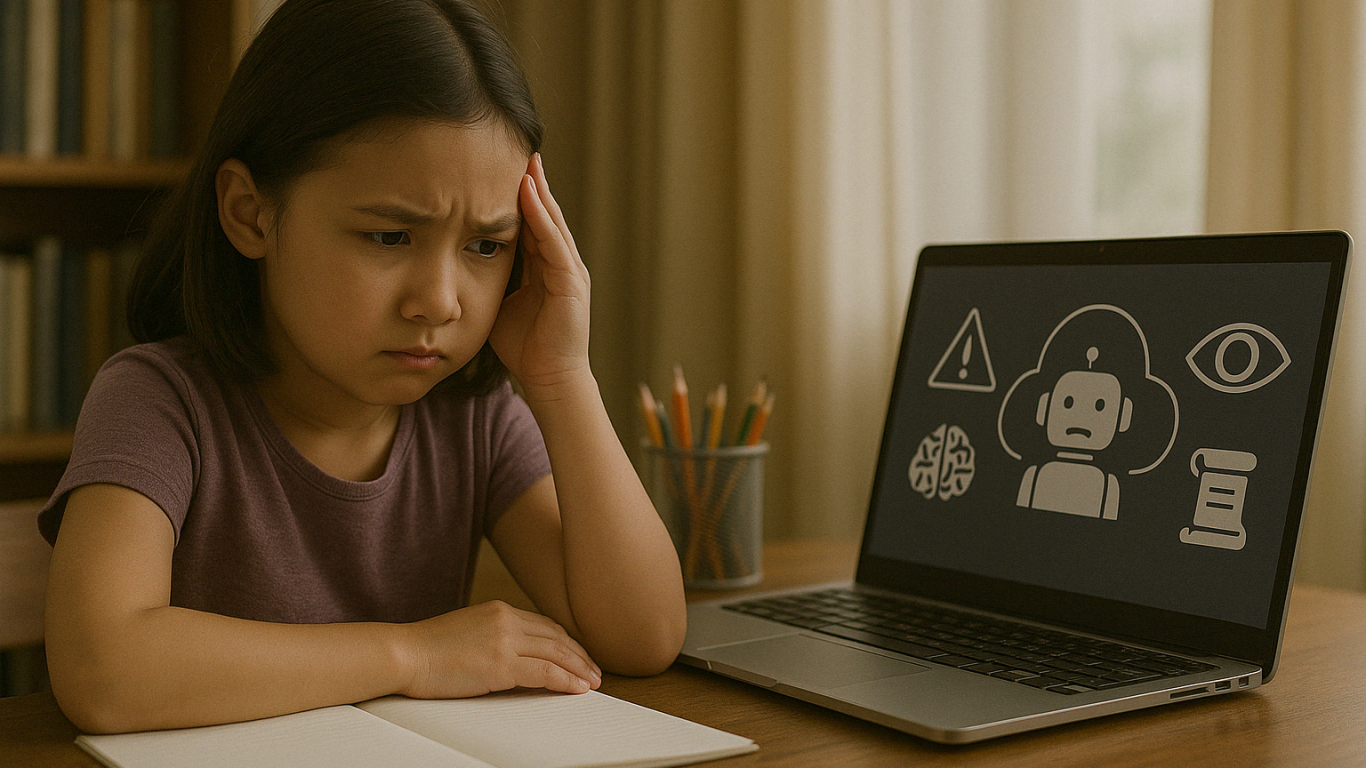
Despite the benefits, there are important challenges to keep in mind:

1. Data Privacy

Children are vulnerable online. AI platforms must have strong protection for kids’ personal data.

2. Lack of Human Interaction

While AI is smart, it can’t replace real human friendships. Children still need to build empathy, teamwork, and social skills through real-life interaction.

3. Unequal Access

Not all families can afford AI devices or fast internet. Equal access must be a top priority for inclusive education.

4. Technology Overuse

Overreliance on screens can limit offline creativity. Children still need time to explore nature, books, and play beyond digital tools.

Human Support in AI for Kids Education

AI is a powerful tool, but it must be guided by people who care. Parents and teachers are essential in making sure AI for Kids Education technology is used wisely.

Here are some tips:

  • Use age-appropriate, trusted AI platforms
  • Supervise learning sessions and offer emotional support
  • Teach kids about digital responsibility and screen time balance
  • Mix AI learning with offline activities

Shaping the Future of Education Together

 Image

AI for kids education is not about replacing traditional learning—it’s about making it better. When used with care and purpose, AI helps children become confident, independent learners prepared for the future.

At Timedoor Academy, we believe in combining innovation with empathy. Let’s build a future where technology empowers children to thrive.

? Ready to Explore the Future of Learning?

Try a free class at Timedoor Academy and see how AI for kids education can spark your child’s learning journey today.


Keep Reading

resep makanan sehat untuk anak
Healthy Food Recipes for Kids: Delicious and Nutritious Ideas for 2025
Finding healthy food recipes for kids that are both nutritious and loved by little ones can feel like a daily challenge. Many parents worry about picky eaters, sugar-filled snacks, and time-consuming meal prep. If you are searching for healthy food recipes for kids, you are in the right place. This article features easy, tasty, and nutritious meals that support your child’s growth and make healthy eating more exciting. Whether for breakfast, lunch, or snacks, these healthy food recipes for kids are designed to be simple and kid-approved.   Why Healthy Eating Matters for Kids Children need a balanced diet to grow strong and stay focused throughout the day. Healthy food recipes for kids help introduce essential nutrients like protein, fiber, vitamins, and minerals in fun and appealing ways. A variety of colorful, whole foods can encourage better eating habits and even reduce cravings for processed snacks.   1. Rainbow Veggie Quesadillas Why kids love it: They are colorful, cheesy, and easy to eat with fingers. Ingredients: 1 whole wheat tortilla ½ cup shredded cheddar or mozzarella cheese ¼ cup chopped bell peppers (red, yellow, green) ¼ cup corn 2 tablespoons chopped spinach Olive oil for cooking Instructions: Heat a pan and add a bit of oil. Place the tortilla on the pan and sprinkle cheese and vegetables on one half. Fold the tortilla and cook both sides until golden brown. Cut into triangles and serve warm. Tip: Using whole grain tortillas adds extra fiber to the meal.   2. Fruity Yogurt Parfaits Why kids love it: It looks like dessert, but it is a nutritious snack or breakfast. Ingredients: 1 cup plain Greek yogurt ½ banana, sliced ½ cup mixed berries (fresh or frozen) ¼ cup granola 1 teaspoon honey (optional) Instructions: Layer yogurt, fruit, and granola in a cup. Repeat the layers and drizzle with honey if desired. Tip: Greek yogurt is rich in protein and calcium for strong bones and muscles.   3. Mini Veggie Muffins Why kids love it: They are soft, tasty, and fun to eat. Ingredients: 1 cup grated zucchini or carrot 1 egg 1 cup whole wheat flour ½ teaspoon baking soda ½ teaspoon salt ½ cup milk ¼ cup olive oil ¼ cup shredded cheese Instructions: Preheat oven to 180°C (350°F). Mix all ingredients in a bowl. Pour into greased mini muffin trays. Bake for 15 to 20 minutes. Tip: These muffins are perfect for lunchboxes or after-school snacks.   4. Chicken and Veggie Rice Bowls Why kids love it: They get to build their own bowl with their favorite ingredients. Ingredients: 1 cup cooked brown rice ½ cup cooked chicken pieces ¼ cup steamed broccoli ¼ cup chopped carrots 2 tablespoons sweet corn 1 tablespoon soy sauce or sesame dressing Instructions: Add rice to a bowl and arrange chicken and vegetables on top. Let kids mix the ingredients themselves. Drizzle lightly with sauce. Tip: Use lean chicken and brown rice for more protein and fiber.   5. Baked Sweet Potato Fries Why kids love it: They are crispy on the outside and soft inside. Ingredients: 2 sweet potatoes 1 tablespoon olive oil ½ teaspoon paprika ¼ teaspoon salt Instructions: Preheat oven to 200°C (400°F). Peel and cut the sweet potatoes into strips. Toss with olive oil, paprika, and salt. Bake for 25 to 30 minutes, flipping halfway. Tip: Sweet potatoes are rich in vitamin A and antioxidants.   Making Healthy Eating Fun for Kids Here are a few ways to make healthy food recipes for kids even more enjoyable: Use cookie cutters to shape fruits, sandwiches, and pancakes Let kids help with washing, mixing, and serving Add a variety of colors to every meal Keep meals simple and avoid pressure during mealtime   Healthy Meals, Smarter Minds With the right approach, healthy food recipes for kids can be simple, delicious, and part of a fun daily routine. The meals shared above are designed to keep your child nourished and satisfied throughout the day. From rainbow quesadillas to sweet potato fries, each dish is packed with essential nutrients that growing kids need. And while you're helping your child eat better, consider supporting their brain development too. At Timedoor Academy, we offer online coding classes for kids that are just as exciting and educational as a well-balanced meal. Learning to code improves logical thinking, creativity, and confidence. Sign up for a free trial class at Timedoor Academy today and give your child the tools to succeed both in the kitchen and in the digital world.
Top 10 Educational Apps For Kids
Top 10 Educational Apps for Kids in 2025 – Learning Meets Fun!
How often do your kids ask, 'Mom, can I play with your phone?' It’s a question many parents hear daily. But what if that screen time could be transformed into a chance for kids to learn, grow, and explore through educational apps? At Timedoor Academy, we believe fun learning shouldn’t end when the school day does. With the right fun learning apps, your child can develop new skills, spark curiosity, and fall in love with education—all while having fun. To help you make the most of screen time, we’ve curated a list of the Top 10 Educational Apps for Kids in 2025—designed for children ages 4 to 12! Top 10 Educational Fun Learning Apps for Kids in 2025 1. Khan Academy Kids: Best Educational App for Kids’ Fun Learning • Age: 2–8 | Free - This all-time favorite keeps growing smarter. In 2025, Khan Academy Kids features more personalized learning paths and emotional learning tools, helping kids improve not just academically—but socially too. The app offers a broad range of subjects, from math and reading to social-emotional skills, making it ideal for holistic development. • Timedoor Tip: Great for early learners who enjoy story-based learning! 2. Duolingo ABC: Best Educational App for Kids’ Fun Learning • Age: 3–7 | Free - A charming spin-off from Duolingo, this app is now powered by AI-driven reading tutors. It helps young kids master the alphabet, phonics, and basic reading skills through interactive play. The app’s bright and engaging visuals keep children interested as they learn essential language skills step by step. • Encourages early literacy in both native and foreign languages. 3. Toca Life World: Best Educational App for Kids’ Fun Learning • Age: 6–12 | Freemium - More than just a game, Toca Life is a creative sandbox for storytelling, roleplaying, and problem-solving. In 2025, it includes educational missions designed by child psychologists and educators to foster creativity and teach key skills like emotional intelligence, cooperation, and critical thinking. • Great for building creativity and emotional intelligence. 4. Prodigy Math Game: Best Educational App for Kids’ Fun Learning • Age: 6–12 | Free with premium option - Prodigy gamifies math using an RPG-style format. The 2025 version introduces adaptive difficulty, so kids are constantly challenged at the right level. With multiplayer features, kids can “battle” with friends while solving math problems, turning learning into an interactive adventure. • Fun, fantasy, and fractions—all rolled into one! 5. CodeSpark Academy: Best Educational App for Kids’ Fun Learning • Age: 5–9 | Subscription - A coding app with no words! Kids learn the logic behind coding through puzzles, games, and story creation. In 2025, CodeSpark Academy introduces collaborative coding projects, allowing kids to work together and solve problems, making it even more engaging for young digital creators. • Perfect for young digital creators and future programmers! Read our another articles:https://staging.timedooracademy.com/blog/winners-announcement-of-bootcamp-december-2024https://staging.timedooracademy.com/blog/timedoor-academy-sea-coding-competition 6. Sago Mini World: Best Educational App for Kids’ Fun Learning • Age: 2–5 | Subscription - This charming app bundle includes over 40 educational games designed for toddlers, each focused on foundational concepts such as shapes, colors, and problem-solving. In 2025, the app adds new science and nature-themed adventures to spark curiosity and introduce environmental awareness. • Ideal for learning through play—especially in early childhood. 7. Elmo Loves ABCs: Best Educational App for Kids’ Fun Learning • Age: 2–5 | Paid - Beloved Elmo helps kids learn alphabets and counting through songs, games, and drawing. A timeless favorite, Elmo’s cheerful presence makes learning numbers fun and accessible for even the youngest learners. The app offers age-appropriate challenges that promote early math skills. • A great bonding activity for parents and toddlers. 8. Endless Alphabet: Best Educational App for Kids’ Fun Learning • Age: 3–7 | Paid - This delightful app uses playful animations and adorable characters to teach kids the alphabet and vocabulary. Each word is brought to life through fun puzzles, with vibrant visuals and friendly creatures that help reinforce each letter and its sound. It’s an excellent way to build literacy skills in young children. • Great for early literacy and word recognition skills. 9. Monkey Preschool Lunchbox: Best Educational App for Kids’ Fun Learning • Age: 2–5 | Paid - This app introduces young children to a variety of foundational concepts such as colors, shapes, numbers, and letters, all through engaging mini-games. The app’s friendly characters make the learning process playful and entertaining, providing a fun, hands-on way to practice essential skills. • Perfect for toddlers to build early math and reading skills in a fun way. 10. Epic!: Best Educational App for Kids’ Fun Learning • Age: 3–12 | Subscription - Epic! offers an extensive digital library of books, audiobooks, and educational videos, making reading more exciting for kids. The app adapts to your child’s interests and reading level, providing them with personalized recommendations and a wide variety of reading material that encourages independent learning. • Ideal for developing reading habits and expanding vocabulary. Turn Kids Curiosity Into Capable Fun Learning In 2025, the world of educational apps is more exciting than ever. Whether your child wants to build stories, solve puzzles, explore new languages, or code their first game—there’s an app waiting to spark that passion. As parents, we don’t just want our kids to be tech-savvy—we want them to be thoughtful, creative learners. The right apps, used with guidance, can be powerful tools for just that. Want to take your kids learning to the next level? Join one of Timedoor Academy's online coding classes and support their development in a structured, fun, and nurturing Llearning environment. Visit our website or contact our team to find the best course for your child.
Cara Membuat Game di Roblox untuk Anak-Anak
How to Create a Roblox Game for Kids: Easy Guide
Roblox is a fantastic platform that allows kids to create, play, and share their own games. Learning how to create a game in Roblox can be a rewarding and fun experience for children, helping them develop creativity and basic coding skills. In this easy guide, we’ll walk you through step-by-step how your child can start creating their very own Roblox game. Creating Roblox Game For Kids Step 1: Setting Up Roblox Game Studio For Your Kids To create games, kids first need Roblox Game Studio. Here’s how to set it up: Log in to your Roblox account. Go to the Roblox Studio website and click on "Start Creating." Follow the simple instructions to install Roblox Studio on your computer. Step 2: Choose a Roblox Game Template For Your Kids Roblox Game offers several easy-to-use templates to help beginners: Open Roblox Studio. Select "New," and then choose a template like "Obby" (Obstacle Course) or "Baseplate." Step 3: Customize Your Roblox Game For Your Kids Encourage your child to personalize their roblox game: Drag and drop different objects from the Toolbox. Click objects to move, rotate, or resize them. Customize colors and textures to make the game visually appealing. Step 4: Add Simple Roblox Gameplay Elements For Your Kids Make the roblox game interactive: Add checkpoints or obstacles in an Obby game. Use scripts from the Toolbox to easily add functionality. Test the game frequently by clicking the "Play" button at the top. Step 5: Publish and Share Your Kids Roblox Game Once your roblox game is ready, follow these simple steps: Click "File" then select "Publish to Roblox." Enter a fun and descriptive name for the game. Choose settings like visibility (Public or Private). Click "Create" to publish your game. Tips for Kids Creating Roblox Game Start simple: Create a basic game and gradually add more features. Explore tutorials: Roblox provides great beginner tutorials. Experiment: Don’t be afraid to try new things Start Your Kids Roblox Game Journey Today! Creating Roblox games is an excellent way for kids to express creativity while learning valuable skills. Follow our simple steps and your child can easily build their first Roblox game today. Want more learning experiences? Timedoor Academy offers free classes to help your kids dive deeper into coding and game design. Join the Free Trial Class now and keep the fun going!
float button