Jul 15, 2022

Venue Partner Program – Coding School

Venue Partner Program – Coding School image

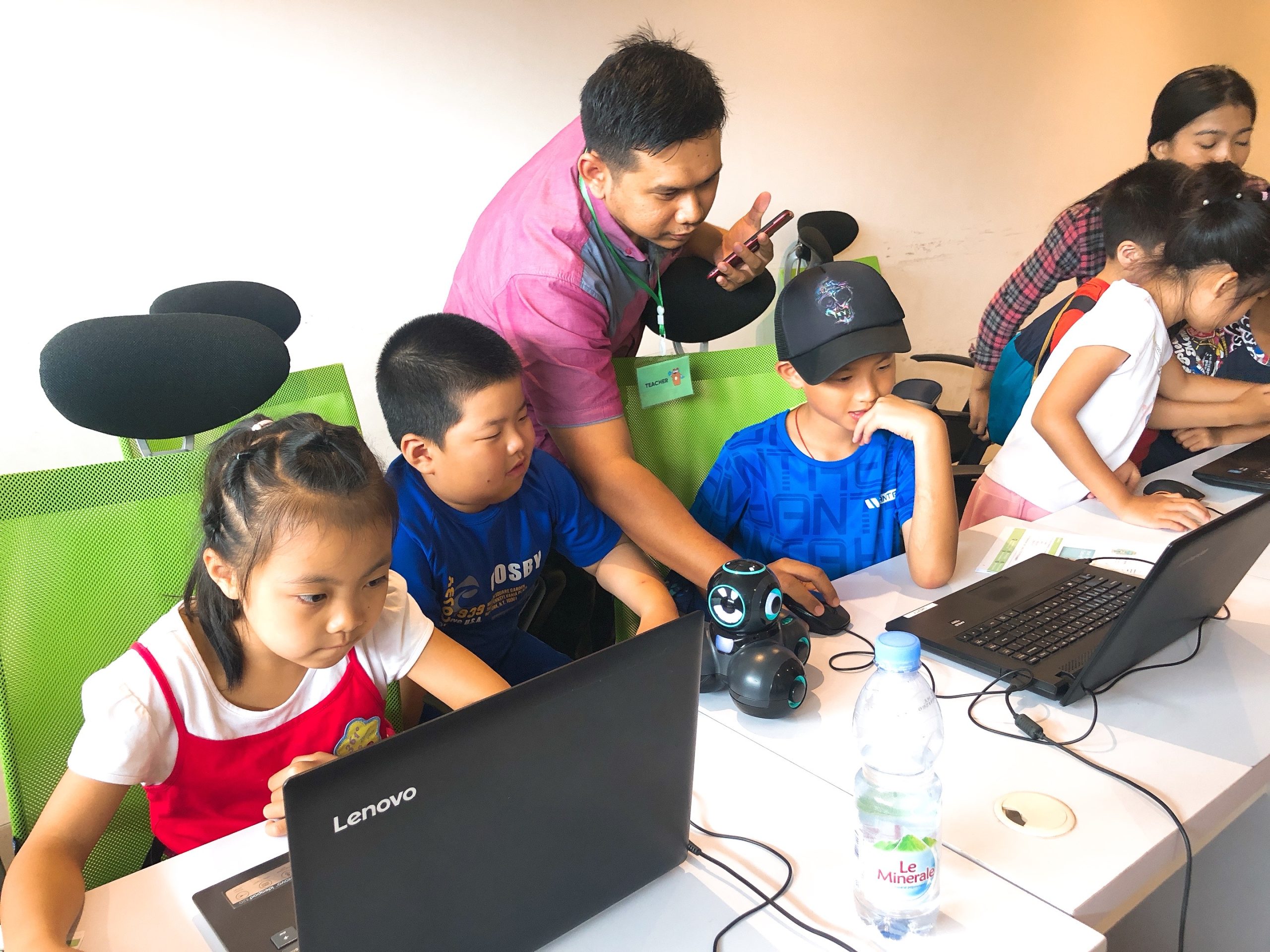
Turn Your Space into a Futuristic Education Center

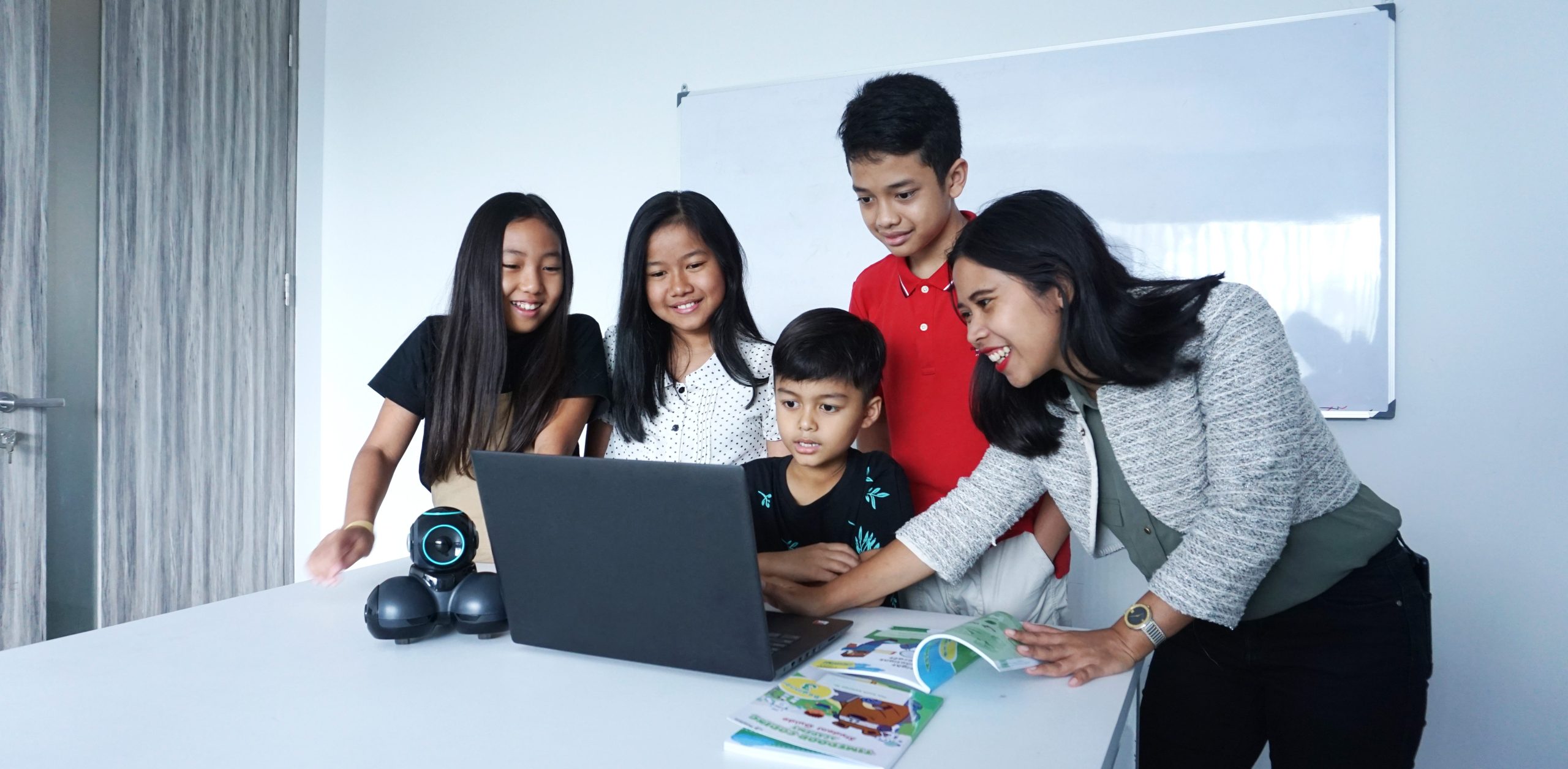
Timedoor Academy is excited to explore the potential of opening an Offline branch in your area. If you happen to have any spare space, we invite you to consider partnering with us and discover the opportunity to generate passive income through our coding school. It’s a chance to contribute to the growth of your community by offering valuable educational resources while also benefiting from the financial rewards of this collaboration. Let’s join forces to create a positive impact together.
 

Business Model

– Sales Share Model
(Not Franchise Model)
 

Benefit

– All operations, management from Timedoor side
– You can generate passive income with spare space
– Synergy effect with your business
– No investment cost
 

Suitable for

– Venue Owner
– School
– Learning Center
– Co-Working Space
– Recreation Club
 

Requirement

– Minimum 3 Rooms, Ideally 7 Rooms for Class (or big class that we can partition into several class)
– Open 15:00 – 21:00 Weekdays, 08:00 – 18:00 Weekend


Contact Us to be our venue partner now!


Keep Reading

apps for kids learning english
10 Best Apps for Kids Learning English in 2025 (Fun and Effective Tools)
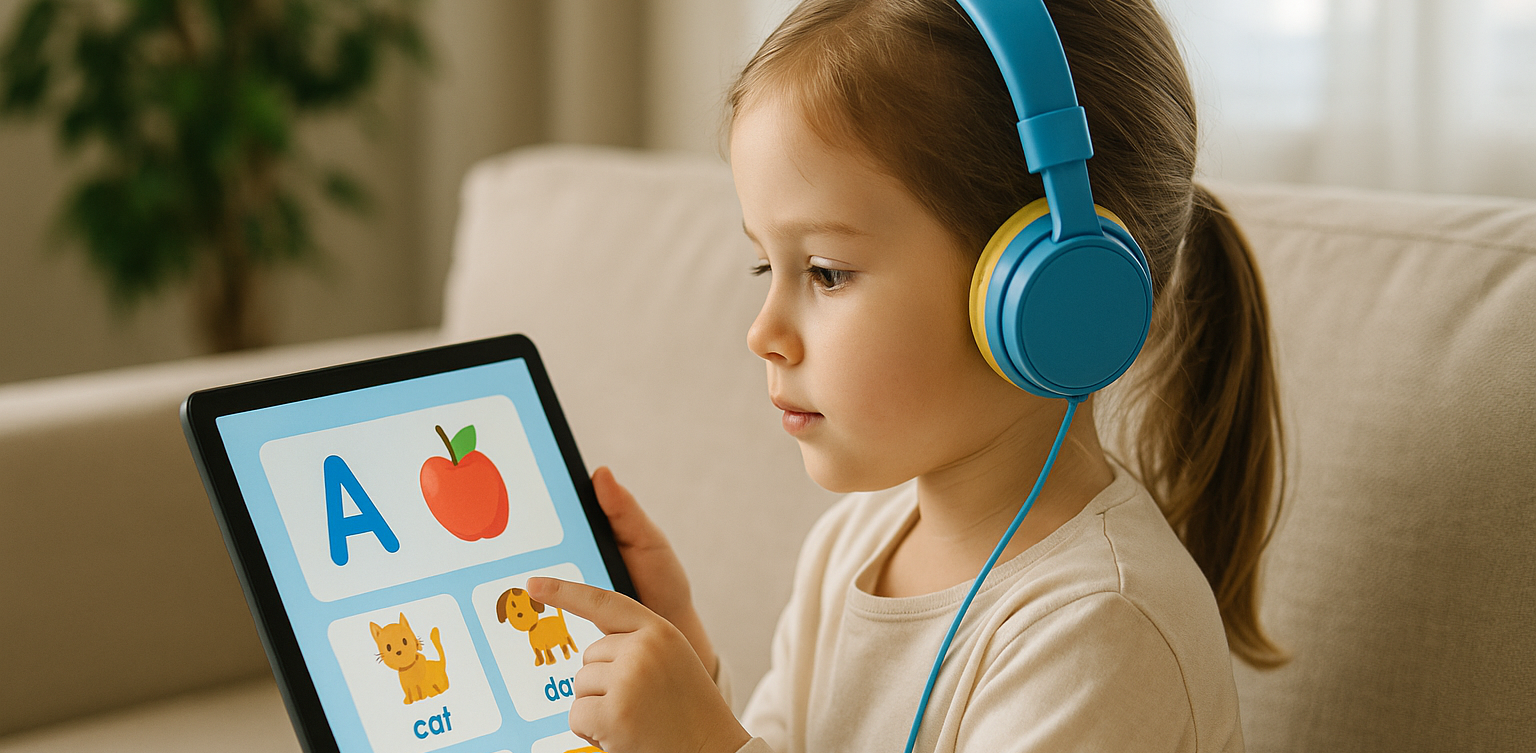
In today's digital age, many parents are turning to technology to support their child's education. If you're searching for apps for kids learning English, you are in the right place. The right apps can help children build their vocabulary, improve pronunciation, and master grammar while having fun through interactive games, songs, and storytelling. This article features the 10 best apps for kids learning English in 2025. Whether your child is a complete beginner or looking to sharpen their English skills, these apps offer engaging ways to learn at home or on the go.   10 Best Apps for Kids Learning English in 2025 (Fun and Effective Tools)   1. Duolingo Kids Why it’s great: Duolingo Kids simplifies English learning with bite-sized, gamified lessons. The colorful design and rewards system make it exciting for young learners. Key Features: Fun vocabulary practice with visual cues Audio support for correct pronunciation Progress tracking for parents Ideal for: Children aged 4 to 10 who enjoy playful, interactive learning.   2. Lingokids – Playlearning App Why it’s great: Lingokids offers a complete English learning experience for kids. It includes games, songs, and videos that cover grammar, vocabulary, and conversation skills. Key Features: Adaptive learning based on skill level Downloadable content for offline use Weekly progress reports for parents Ideal for: Preschool and elementary-aged children who learn best through play.   3. Endless Alphabet Why it’s great: This app uses adorable animated monsters to introduce English words in a fun and engaging way. It's great for building vocabulary and early literacy skills. Key Features: Animated word puzzles Clear voice narration No ads or distractions Ideal for: Toddlers and young children who are just starting with apps for kids learning English.   4. ABCmouse Why it’s great: ABCmouse offers a full curriculum, including reading, phonics, and grammar lessons in English. With thousands of activities, kids stay engaged while learning. Key Features: Structured learning paths Hundreds of English storybooks Built-in reward system for motivation Ideal for: Kids aged 2 to 8 who need a well-rounded learning app.   5. Fun English by Studycat Why it’s great: This app uses games and songs to teach kids English vocabulary, phrases, and sentence structures. It's fun and suitable for both beginners and bilingual learners. Key Features: Voice recognition to practice speaking Games covering numbers, colors, and animals Easy navigation for kids Ideal for: Children who want to learn English in a playful environment.   6. Reading Eggs Why it’s great: Focused on reading and comprehension, Reading Eggs offers phonics-based lessons that improve vocabulary and fluency. Key Features: Interactive reading games English storybooks and lessons Adaptive difficulty levels Ideal for: Early readers who want to improve their English comprehension.   7. Khan Academy Kids Why it’s great: This free app includes English reading lessons along with math, logic, and social-emotional learning. The friendly characters guide kids through interactive stories and games. Key Features: High-quality educational content Creative learning tools No ads and completely free Ideal for: Parents looking for high-value, free apps for kids learning English.   8. Monkey Stories Why it’s great: Monkey Stories features a vast library of animated stories in English. Kids can follow along with subtitles, improving listening and reading skills. Key Features: 1,000+ English books and stories Interactive reading mode Daily learning goals Ideal for: Children who enjoy learning through storytelling.   9. Speakia Why it’s great: Speakia focuses on improving speaking and conversational English skills. It uses AI to simulate dialogues, helping kids speak more confidently. Key Features: Speaking practice with instant feedback Real-life conversation simulations Progress tracking Ideal for: Kids who need extra help with speaking and listening in English.   10. Hello English Kids Why it’s great: Hello English Kids offers lessons in vocabulary, sentence structure, and everyday conversations. The app is simple to use and designed for young learners. Key Features: Games and videos for better engagement English tests and flashcards Child-friendly interface Ideal for: Beginners looking for simple and effective apps for kids learning English.   Tips of Choosing Apps for Kids Learning English Choosing the best apps for kids learning English depends on your child's: Age and learning level: Make sure the content is age-appropriate. Learning style: Some children prefer stories, while others enjoy games or visuals. Screen time: Pick apps that are ad-free and encourage short, productive sessions. Look for apps that allow offline access and offer progress reports so parents can stay involved.   Final Thoughts There are plenty of amazing apps for kids learning English, but the key is to find one that suits your child’s unique interests and learning pace. From storytelling apps to full learning platforms, each of the ten apps mentioned above offers a different approach to mastering English in a fun, engaging way. If your child enjoys using technology to learn, why not take the next step with Timedoor Academy’s online coding classes? While they explore apps to improve their English, learning to code can help them develop logical thinking, creativity, and problem-solving skills. These are essential abilities in today's digital world. Try a free coding class at Timedoor Academy today and empower your child for the future.
Online Homecshooling
Online Homeschooling for Junior High School Students: A Flexible and Personalized Education Solution
With the advancement of technology and changing lifestyles, an increasing number of parents are considering alternative education paths for their children. One option that is becoming more popular is online homeschooling, a flexible, personalized learning model that adheres to national curriculum standards. For Junior High School students, online homeschooling offers a learning solution that can be tailored to the child’s needs, whether in terms of time, learning style, or emotional well-being. Children can still receive a quality education without being tied to the conventional school system. In this article, we will explore the benefits of online homeschooling for junior high school students and highlight several trusted platforms that provide officially recognized and legal homeschooling programs. Benefits of Online Homeschooling for Junior High School Students Flexible Learning ScheduleStudents can learn at their own pace and during the times when they are most productive. This helps improve learning effectiveness and reduces stress. Safer Learning EnvironmentLearning from home provides a sense of security for children, especially if they have previously experienced social pressure or difficulty adjusting to a traditional school environment. Customized to InterestsHomeschooling programs allow for exploration. In addition to core subjects, children can explore coding, digital arts, foreign languages, or even business from an early age. Increased Parental InvolvementHomeschooling enables parents to play an active role in their children's learning process, not just as supervisors but also as companions in character development. Recommended International Online Homeschooling Platforms 1. Wolsey Hall Oxford Established in 1894, Wolsey Hall Oxford is a distinguished British online school offering IGCSE and A-level courses to homeschoolers in over 120 countries. It is a registered online school of Cambridge Assessment International Education, providing a comprehensive curriculum with personalized support. Key Features: Customized curriculum Interactive video lessons Guidance from professional teachers Examinations and progress reports 2. Connections Academy Based in the United States, Connections Academy offers full-time online schooling for grades K–12 through its International Connections Academy. It provides a U.S.-based curriculum with a flexible learning environment, catering to students worldwide. Key Features: Full-time online school Flexible, personalized learning Accredited curriculum Interactive lessons and online communities 3. Bridgeway Academy Bridgeway Academy offers customizable homeschooling programs with U.S. accreditation. It provides options for live online classes, self-paced courses, and textbook-based learning, making it suitable for international families seeking a flexible educational experience. Key Features U.S. accredited programs Live online classes Self-paced and textbook-based learning Flexible schedule Cambridge Home School Cambridge Home School provides online education based on the British curriculum, offering courses from Primary Prep to Sixth Form College. Renowned for high academic standards and personalized learning experiences, it caters to students aged 7–19. Key Features: British curriculum High academic standards Personalized learning Online classes for students aged 7–19 Tips for Choosing the Best Online Homeschooling Program Check AccreditationEnsure that the program is officially accredited, offering a valid certificate or diploma recognized by the respective education authorities. Evaluate the Learning MethodChoose a program that fits your child’s learning style. Whether they prefer structured lessons or more flexible, self-paced learning, find the right approach for them. Consider Additional FeaturesSome programs offer extra classes in coding, foreign languages, or special skills development. These could be beneficial for your child’s overall growth. Communication with TeachersMake sure the program provides active communication and engagement with teachers, not just assignments and assessments. Does Online Homeschooling Reduce Social Interaction? One of the primary concerns parents have is whether online homeschooling will limit their child’s social interaction. Many online homeschooling programs include social aspects such as: Online group discussions Interactive classes Collaborative projects Local homeschooler communities (both online and offline) With these features, students still have the opportunity to develop social skills and engage in teamwork. Enhancing Digital Skills with Extra Classes Academics alone are no longer enough in today’s world. Children today need to be equipped with digital skills such as: Coding Graphic design Animation Game programming One platform offering such extra classes is Timedoor Academy, which focuses on technology and coding education for Junior High School to High School students. If your child is already homeschooling and has a flexible schedule, taking coding classes can be a fun and beneficial way to fill their time while also building their digital future. Timedoor Academy also offers a free trial class for those who want their kids to have a seamless experience learning about IT! Learning from Home, Growing Freely! Online Homeschooling is no longer just a temporary solution but has become an effective, legal, and increasingly popular education alternative. By choosing the right program and being actively involved in your child’s learning journey, homeschooling from home can be a rewarding experience that helps build strong character. So, are you ready to explore online homeschooling for your child?
cara membangun rasa percaya diri anak
How to Build Confidence for Kids: Fun Activities Using Technology and Coding
Learning how to build confidence for kids is one of the most important things parents and educators can do today. Confidence helps children try new activities, solve problems, and handle challenges with resilience. When we focus on how to build confidence for kids early, we prepare them to succeed in a rapidly changing, technology-driven world. In this article, we explore practical ways on how to build confidence for kids, especially by introducing technology and coding as fun, valuable tools. 1. Encourage Participation in Sports and Tech Competitions One of the proven ways on how to build confidence for kids is through healthy competition. Sports teach teamwork and leadership, while technology competitions like coding contests, robotics challenges, and game design tournaments also foster self-belief and perseverance. Participating in both physical sports and tech-based activities strengthens how to build confidence for kids by showing them their hard work can lead to real achievements, whether on the field or in the digital world. 2. Introduce Creative Arts and Digital Creation Creative expression plays a major role in how to build confidence for kids. Traditional arts like painting and music are important, but digital creativity is just as powerful. Kids can design digital art, create animations, or develop their own simple apps. Coding empowers them to build real projects they can proudly share. By blending creative arts with technology, we make how to build confidence for kids even more exciting and relevant to today's world. 3. Promote Public Speaking and Tech Presentations Another essential strategy for how to build confidence for kids is encouraging them to present ideas, especially tech-related projects. Whether it's demonstrating a coding project, showcasing a simple game they built, or explaining a robotics experiment, these presentations strengthen communication skills. When kids explain technology in their own words, they not only become more confident but also realize the value of their knowledge — an important part of how to build confidence for kids. 4. Teach Coding to Build Problem-Solving Skills Teaching coding is a highly effective method on how to build confidence for kids. Through coding, kids learn to break down complex problems, experiment with solutions, and celebrate successes when they see their projects come to life. Every error they fix and every program they build adds to their sense of achievement. Platforms like Scratch, Minecraft Education, and beginner coding classes allow children to experience firsthand how to build confidence for kids in a way that’s fun, interactive, and empowering. 5. Celebrate Tech-Driven Small Achievements Celebrating small wins is key to how to build confidence for kids. This could mean finishing their first coding project, debugging a tricky error, or creating their first animation. Recognizing achievements in the tech space shows kids that every step counts. Praising their effort in technology projects builds a habit of perseverance and reinforces how to build confidence for kids even when challenges arise. 6. Provide Leadership Opportunities in Technology Leadership experiences are essential when thinking about how to build confidence for kids. Letting kids mentor others in coding clubs, lead a small tech workshop, or present a group project boosts their self-esteem and teaches valuable collaboration skills. Being seen as a “tech leader” among their peers strengthens how to build confidence for kids and encourages them to take pride in their abilities. 7. Encourage Independent Tech Projects Encouraging kids to explore independent technology projects is another way on how to build confidence for kids. Whether it's coding their own mini-game, building a basic website, or programming a simple robot, independent projects help children develop critical thinking and ownership. Solving problems without heavy adult assistance shows them they are capable and resourceful — a huge part of how to build confidence for kids. Building Lifelong Confidence Through Technology and Experiences Understanding how to build confidence for kids means offering opportunities across many areas, especially in the digital world. Technology and coding empower kids to think creatively, solve problems, and take pride in their achievements. Whether it’s through sports, public speaking, creative arts, or tech projects, helping kids see their own potential is crucial. By focusing on how to build confidence for kids early, we prepare them to face the future with strength, curiosity, and joy. At Timedoor Academy, we specialize in helping children build confidence through fun coding and technology programs. If you want your child to experience firsthand how to build confidence for kids with exciting tech activities, sign up for a free trial class today!
float button