Apr 17, 2025

The Role of AI for Kids Education

The Role of AI for Kids Education image

Picture this: a child learning math with a virtual tutor that patiently explains complex ideas. Or mastering a new language through interactive games, tailored to their learning speed and interests. This isn’t a fantasy—it’s the real-world impact of The Role of AI for kids education.

Artificial Intelligence (AI) is revolutionizing how children learn. With smart technology, education becomes more personalized, engaging, and flexible, helping every child unlock their true potential.

The Role of AI for Kids Education

Why AI for Kids Education Matters

Children are naturally curious, adaptable, and fast learners—ideal qualities for learning with AI. With advanced algorithms, AI can personalize learning paths for each child, making lessons more efficient and enjoyable.

Here’s how AI for kids education makes a difference:

  • Adapts content based on each child’s learning progress
  • Matches teaching methods to individual learning styles
  • Provides real-time feedback and suggestions when a child struggles

AI can also track patterns—like which topics confuse a child, when they’re most focused, and how they best absorb information.

Key Benefits of AI for Kids Education

1. Personalized Learning for Every Child

No two children learn the same way. AI for kids education lets children learn at their own pace—whether they need extra time or crave advanced challenges. AI adapts to meet them exactly where they are.

2. Interactive and Engaging Lessons

From adaptive quizzes to fun simulations, AI turns learning into a game. To children, it feels like play. But underneath, they’re gaining deep understanding and critical thinking skills.

3. Instant Feedback

No more waiting days for test results. AI offers real-time feedback, helping kids quickly understand mistakes and try again. It also suggests additional exercises when needed.

4. Inclusive Support for Special Needs

AI-based tools can support children with dyslexia, ADHD, or other learning differences. From reading-aloud features to simplified instructions, AI makes education more inclusive for everyone.

5. Time-Saving for Parents and Teachers

AI automates reports and tracks progress, allowing parents and teachers to focus more on guidance and emotional support rather than grading and paperwork.

Real Examples of AI for Kids Education
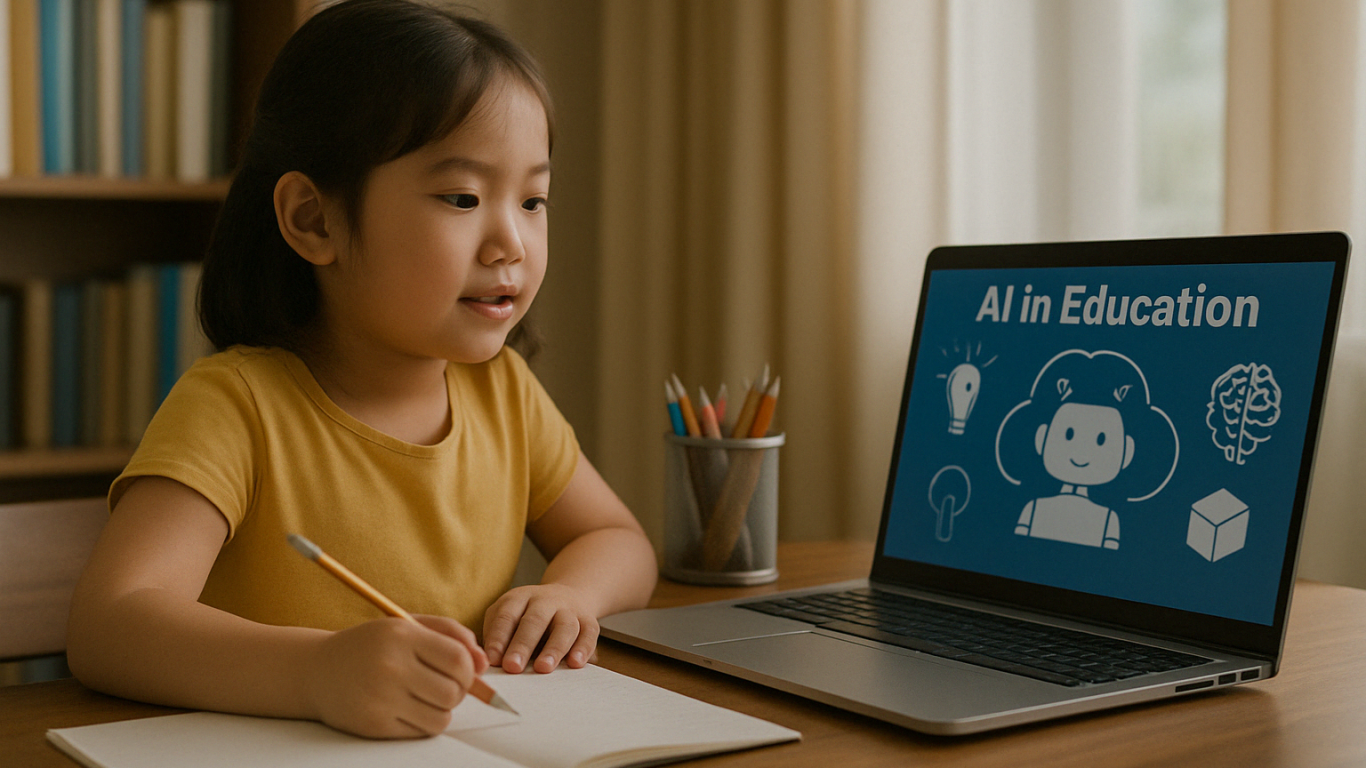
Many platforms are already using AI for kids education successfully:

  • Socratic by Google – Snap a homework question, get step-by-step help.
  • Tynker – Teaches kids coding with gamified learning.
  • Duolingo – Uses adaptive tech to personalize language learning.
  • Khan Academy Kids – Combines fun animations with AI for early learning.

These tools show that AI for Kids education isn’t just theory—it’s shaping learning today.

Challenges of AI for Kids Education
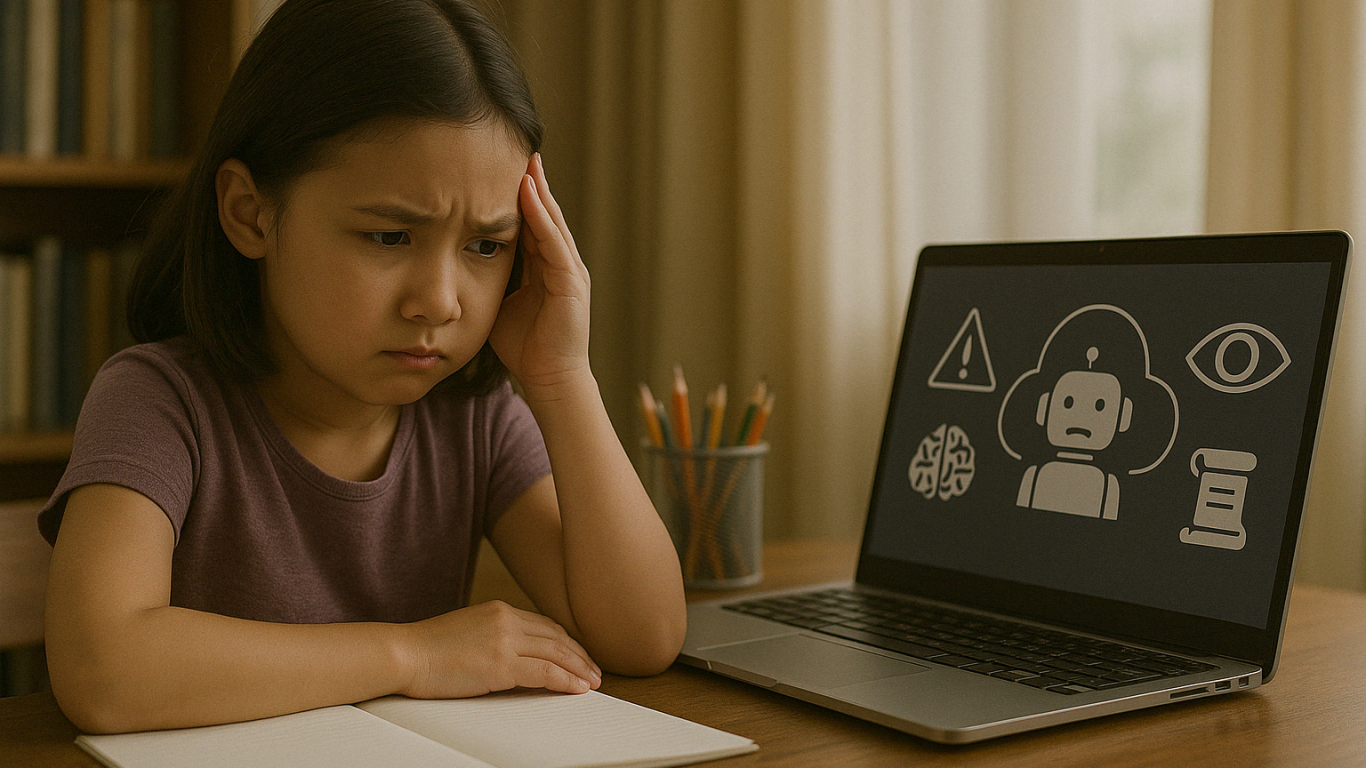
Despite the benefits, there are important challenges to keep in mind:

1. Data Privacy

Children are vulnerable online. AI platforms must have strong protection for kids’ personal data.

2. Lack of Human Interaction

While AI is smart, it can’t replace real human friendships. Children still need to build empathy, teamwork, and social skills through real-life interaction.

3. Unequal Access

Not all families can afford AI devices or fast internet. Equal access must be a top priority for inclusive education.

4. Technology Overuse

Overreliance on screens can limit offline creativity. Children still need time to explore nature, books, and play beyond digital tools.

Human Support in AI for Kids Education

AI is a powerful tool, but it must be guided by people who care. Parents and teachers are essential in making sure AI for Kids Education technology is used wisely.

Here are some tips:

  • Use age-appropriate, trusted AI platforms
  • Supervise learning sessions and offer emotional support
  • Teach kids about digital responsibility and screen time balance
  • Mix AI learning with offline activities

Shaping the Future of Education Together

 Image

AI for kids education is not about replacing traditional learning—it’s about making it better. When used with care and purpose, AI helps children become confident, independent learners prepared for the future.

At Timedoor Academy, we believe in combining innovation with empathy. Let’s build a future where technology empowers children to thrive.

? Ready to Explore the Future of Learning?

Try a free class at Timedoor Academy and see how AI for kids education can spark your child’s learning journey today.
Keep Reading

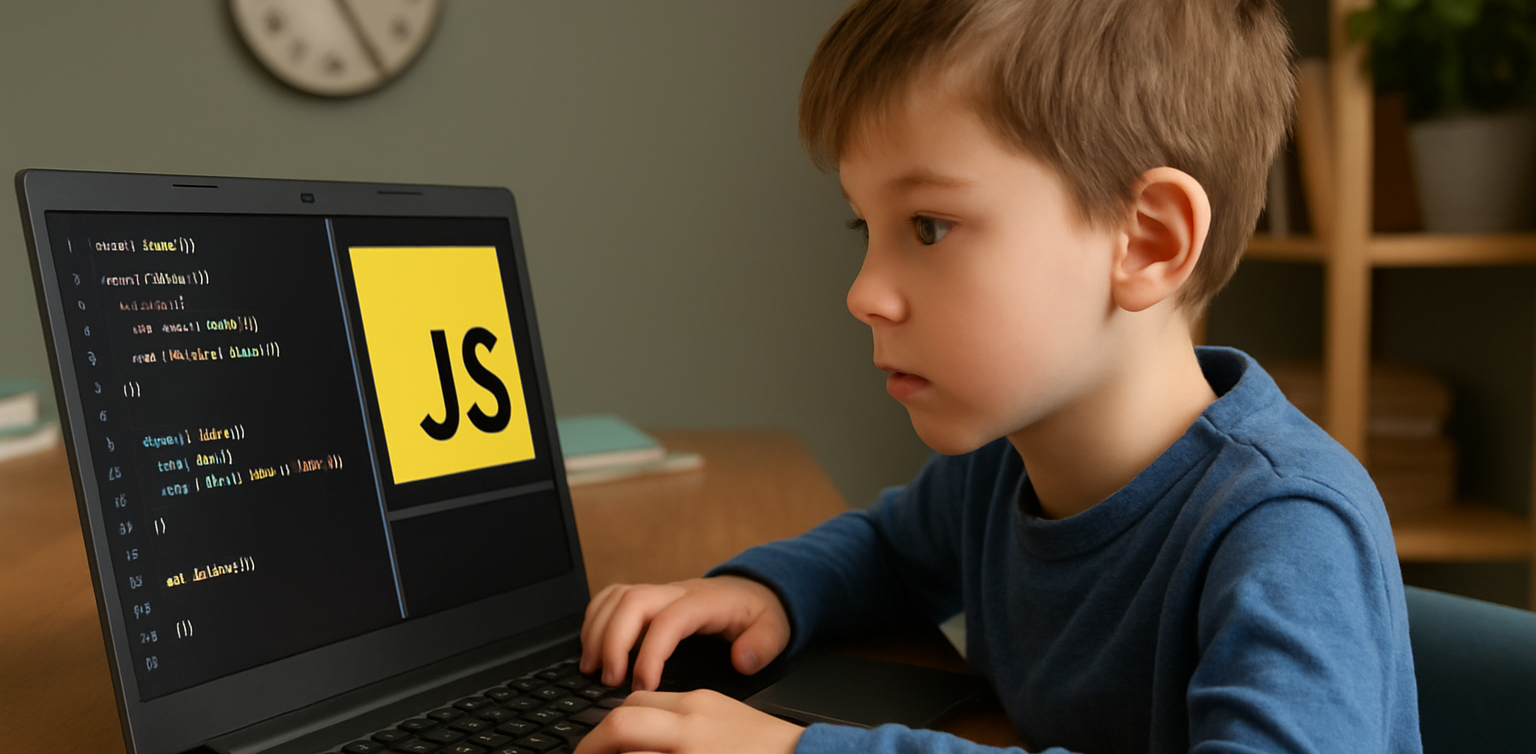
10 Best JavaScript Apps for Kids to Learn Coding in 2025
As we step into 2025, coding is no longer just for adults. Children are now learning programming through engaging tools that match their interests and age. One of the most effective ways to start is by using JavaScript apps for kids. These apps provide a fun and structured way for children to learn how to code while developing essential problem-solving and logical thinking skills. Whether your child is just starting out or already interested in tech, this list of JavaScript apps for kids in 2025 offers the perfect tools to support their coding journey.   10 Best JavaScript Apps for Kids to Learn Coding in 2025   1. CodeCombat Best for: Ages 10 to 15CodeCombat teaches real JavaScript through game-based adventures. Kids write actual code to control characters, solve puzzles, and progress through game levels. It is ideal for children who enjoy gaming and want to learn through action. What stands out: Real coding is combined with exciting missions that keep them motivated.   2. Tynker Best for: Ages 7 to 14Tynker offers lessons that grow with your child, starting with visual block coding and gradually introducing JavaScript and Python. It includes creative projects like Minecraft modding, storytelling, and space-themed challenges. What stands out: Smooth transition from beginner to real coding for long-term growth.   3. Grasshopper Best for: Ages 10 to 16Created by Google, Grasshopper is a mobile-friendly app that uses short, interactive lessons to teach JavaScript. It's excellent for older kids who are ready for more advanced program What stands out: Clean design, daily goals, and real code that builds confidence.   4. Kodable Best for: Ages 5 to 10Kodable begins with simple block coding concepts and introduces JavaScript later on. It focuses on early logic and computational thinking skills through colorful, engaging games. What stands out: Family dashboard for parents to support and track their child's progress.   5. Code.org’s App Lab Best for: Ages 11 to 16App Lab gives kids the freedom to build their own apps using JavaScript. It is perfect for students who are ready to apply their skills through hands-on projects. What stands out: Combines design tools and coding to promote both creativity and technical ability.   6. Bitsbox Best for: Ages 8 to 14Bitsbox is a unique service that sends coding projects to your home, teaching kids how to build apps using real JavaScript. It is ideal for learners who benefit from physical materials alongside digital practice. What stands out: Kids can test their creations on phones or tablets instantly.   7. Hopscotch (with JavaScript transition) Best for: Ages 9 to 13Hopscotch is a visual coding app that also encourages older users to explore JavaScript through community-driven projects and tutorials. It appeals to children who are artistic and love customizing their work. What stands out: Blend of art and code helps kids express creativity.   8. CodeMonkey’s Game Builder Best for: Ages 8 to 12CodeMonkey introduces kids to programming concepts with a JavaScript-style language and game-based learning. Later stages include real JavaScript coding as kids grow more confident. What stands out: Helpful support resources for both kids and educators.   9. LightBot: Code Hour + JavaScript Add-ons Best for: Ages 6 to 11LightBot uses puzzles to teach basic programming logic. It pairs well with JavaScript extensions that introduce actual syntax when the child is ready to move beyond the basics. What stands out: Offline play combined with logic-based challenges.   10. ScriptKit Junior Best for: Ages 10 to 14ScriptKit Junior is a lightweight coding app for iPads where kids can build basic apps using simplified JavaScript. It is ideal for those interested in app development without the complexity of a full IDE. What stands out: Combines touch interaction and coding for intuitive learning.   Why Use JavaScript Apps for Kids? These JavaScript apps for kids help young learners grasp real programming skills in a way that is accessible and exciting. They build a foundation for future learning in tech, engineering, and creative fields. Key benefits include: Developing logical thinking and focus Enhancing creativity through project-based tasks Preparing for future tech careers Boosting self-confidence in problem solving   Choosing the Right JavaScript Apps For Kids To get the most out of JavaScript apps for kids match the app to your child’s age, interests, and goals. Here are a few tips: Test the app yourself to ensure it is ad-free and safe Choose apps with structured learning paths Encourage regular use without overdoing screen time Combine coding with offline creative play or group activities   Support Their JavaScript Learning at Timedoor Academy At Timedoor Academy, we offer both online and offline classes that introduce kids to the world of coding through engaging lessons in JavaScript, Python, robotics, and more. Our structured programs help children build strong technical and critical thinking skills in a fun, supportive environment. Try a free class at Timedoor Academy and discover how we make coding accessible and meaningful for kids of all ages. Visit our website to learn more and start your child’s smart tech journey today.
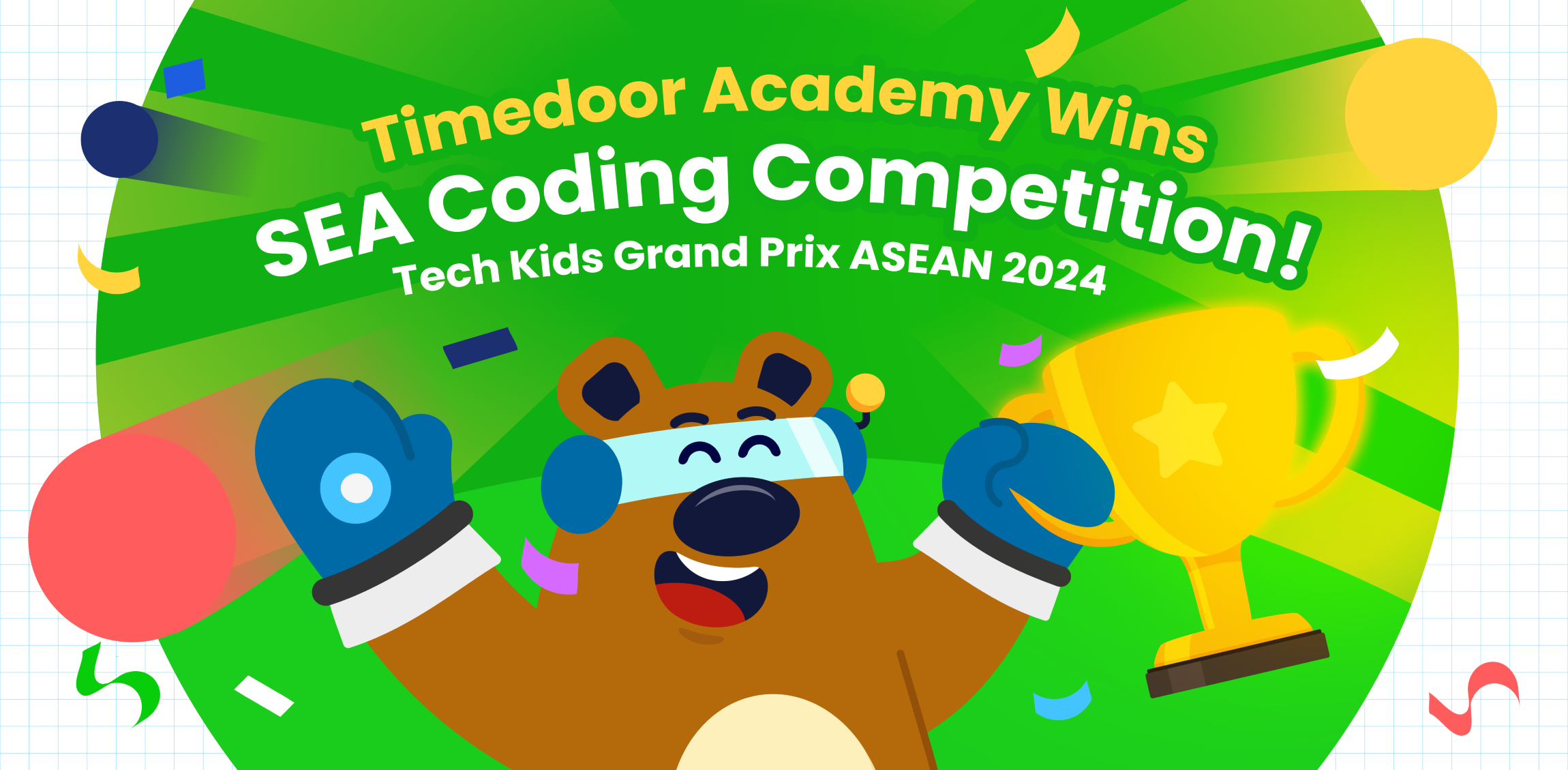
Timedoor Academy Win Coding Competition in Southeast Asia!
Timedoor Academy Shines at the Biggest Kids Coding Competition in Southeast Asia! We are thrilled to share the outstanding achievements of our students at the largest kids coding competition in Southeast Asia, Tech Kids Grand Prix ASEAN 2024, organized by a prominent Japanese company. This prestigious event brought together young coding enthusiasts from various countries, providing them with an incredible platform to showcase their creativity, skill, and determination. An Unforgettable Event This competition provided a platform for kids to showcase their unique coding projects, ranging from mobile apps to games, and even multimedia presentations. More than just a competition, it was an opportunity for students to explore their passions, push their boundaries, and connect with like-minded peers. Timedoor Academy is thrilled to announce that three of our students stood out in the competition, earning impressive awards for their innovative work. Timedoor Academy also had several other students who earned Top 30 recognition, which further demonstrates the exceptional talent and dedication within our community. Nadzkara Fakhri Madenda (Fay) Fay menciptakan sebuah game interaktif kekayaan budaya Indonesia. Proyek ini memperkenalkan berbagai aspek budaya, seperti makanan tradisional, alat musik, pakaian, dan permainan rakyat daerah Indonesia. Fay meraih Presentation Award berkat kemampuannya dalam mempresentasikan proyek ini secara menarik dan detail di depan para juri. Mohammad Fardeen Fardeen dari Bangladesh, menciptakan sebuah aplikasi tabungan yang ditujukan untuk anak-anak. Fardeen terinspirasi dan merancang platform yang membantu anak-anak memahami pentingnya menabung dan literasi keuangan. Berkat visinya yang inovatif dan relevan, Fardeen berhasil meraih Product Award. Top 30 Achievers In addition to our winners, we also want to acknowledge the Top 30 students who represented Timedoor Academy with excellence. These students achieved impressive rankings that reflect their hard work and commitment: I Nyoman Aditya Basudeva Mahaputra (Gatsu Branch) Gede Agasthya Putra Darmawan (Gatsu Branch) Theodorus Giovanni D (Gayungan Branch) Jabir Sharwar (Online Bangladesh) Mahrus Rahman Ayan (Online Bangladesh) We are incredibly proud of all these students for their exceptional achievements and their contributions to the competition. A Truly Memorable Experience For our winners, this competition was more than just about winning—it was about growth, learning, and gaining invaluable experience. Both Fay and Fardeen expressed how meaningful the competition was to them, highlighting how much they learned throughout the process and how grateful they were for the guidance and support from Timedoor Academy and their dedicated teachers. Fay and Fardeen described the experience as “awesome” and said it was a journey they would always cherish. Support from Timedoor Academy To cheer on our students, Yutaka Tokunaga (CEO), Ayu Krisnasari (Curriculum Manager), and Bernadet Andini (Curriculum and Teacher Leader) flew to Singapore to provide their support during the event. Their presence was a testament to Timedoor Academy’s commitment to empowering students and supporting their growth at every stage of their learning journey. We are incredibly proud of all the students who participated in this prestigious event. Their success is a reflection of their creativity, perseverance, and the dedication of the teachers and mentors who supported them. This competition has shown that Timedoor Academy students are truly capable of achieving greatness. Looking Ahead As we celebrate these incredible achievements, we are also looking forward to future opportunities for our students to shine. Timedoor Academy will continue to support and nurture young talent, helping them develop the skills they need to succeed in the digital world. We are excited to see what our students will accomplish next! Stay tuned for more inspiring stories from Timedoor Academy as we continue to empower the next generation of innovators! We provide opportunities for children to explore their potential in the programming world through our free trial sessions. For more information, please visit the link here.
10 Practical Tips to Set Up a Comfortable and Productive Home Learning Space for Kids
In today’s digital age, children are not only learning at school but also through various online platforms from the comfort of home. That’s why setting up a home learning space for kids that is both comfortable and productive has become increasingly important. A well-organized learning environment supports better focus, enhances motivation, and encourages independent study habits from an early age. Here are ten simple yet effective tips to help parents create an ideal home learning space that supports both comfort and academic success. 10 Practical Tips to Set Up a Comfortable and Productive Home Learning Space for Kids 1. Choose a Quiet Spot with Minimal Distractions Start by picking a location that isn’t heavily trafficked throughout the day. Ideally, a home learning space for kids should be away from TVs, the kitchen, or play areas. If you don’t have a dedicated room, convert a quiet corner of the bedroom or living room into a learning zone. Use a bookshelf or lightweight divider to create a clear separation between study time and leisure time. 2. Ensure Good Lighting Lighting has a direct impact on mood and focus. Make sure the home learning space for kids has access to natural light during the day. For evening sessions, provide a desk lamp with bright but soft white lighting. Avoid dim lights, as they can cause drowsiness and reduce attention. 3. Provide Ergonomic Furniture A comfortable setup goes a long way. Use a chair and desk that match your child’s height to encourage proper posture. Add cushions or a footrest if needed, so your child can sit comfortably for longer study sessions. 4. Minimize Visual and Audio Distractions Overly bright or busy decor can be distracting in home learning space for kids. Stick to neutral or calming colors for the walls and furniture. Keep toys and unrelated devices out of reach during study hours. If noise from outside interrupts your child’s focus, consider using noise-cancelling headphones, especially during online classes. 5. Keep All Learning Materials Within Reach Equip the space with all the essentials: stationery, books, a laptop or tablet, headphones, and a reliable internet connection. Having everything nearby prevents unnecessary movement and keeps the child focused. Use storage bins or small shelves to keep the desk tidy and clutter-free. 6. Display a Daily Schedule Help your child develop a routine by creating a visual schedule. Post it on the wall near their desk using colorful charts or illustrations. The schedule can include study time, breaks, meals, and creative activities. Visual structure supports time management and builds responsibility. 7. Involve Your Child in the Setup Let your child have a say in how the space looks. Allow them to choose the colors, arrange the desk, or decorate with their favorite items. When kids feel ownership over their home learning space, they are more likely to use it enthusiastically and keep it tidy. 8. Ensure Good Air Circulation and Room Temperature A cool, fresh room helps maintain energy and concentration. Open windows regularly or use a fan or air conditioner if needed. Scent can also influence mood — try light, calming scents like lavender to create a relaxed environment. 9. Match the Setup to Your Child’s Digital Learning Needs If your child is involved in digital learning, make sure the equipment works smoothly. Check the laptop or tablet, webcam, microphone, and internet connection before class begins. Also, make sure their chair and desk setup supports good posture for screen-based learning. 10. Add Motivational Personal Touches Showcase your child’s artwork, awards, or inspiring quotes on the wall. Personal touches can boost confidence and make the space feel more welcoming and meaningful to them. Maximize Your Child’s Home Learning Space with the Right Learning Program Creating a home learning space for kids is a strong start, but it becomes truly effective when paired with the right learning content. Timedoor Academy offers a wide range of interactive online classes to help children grow academically and creatively — all from their home learning space. With subjects like coding, robotics, math, and digital creativity, your child can explore their interests in a fun and structured way. Sign up for a free trial class at Timedoor Academy today and give your child the opportunity to build skills for the future while learning comfortably at home.
float button