Apr 16, 2025

How to Learn Coding for Beginners Kids and Teens
How to Learn Coding for Beginners Kids and Teens image

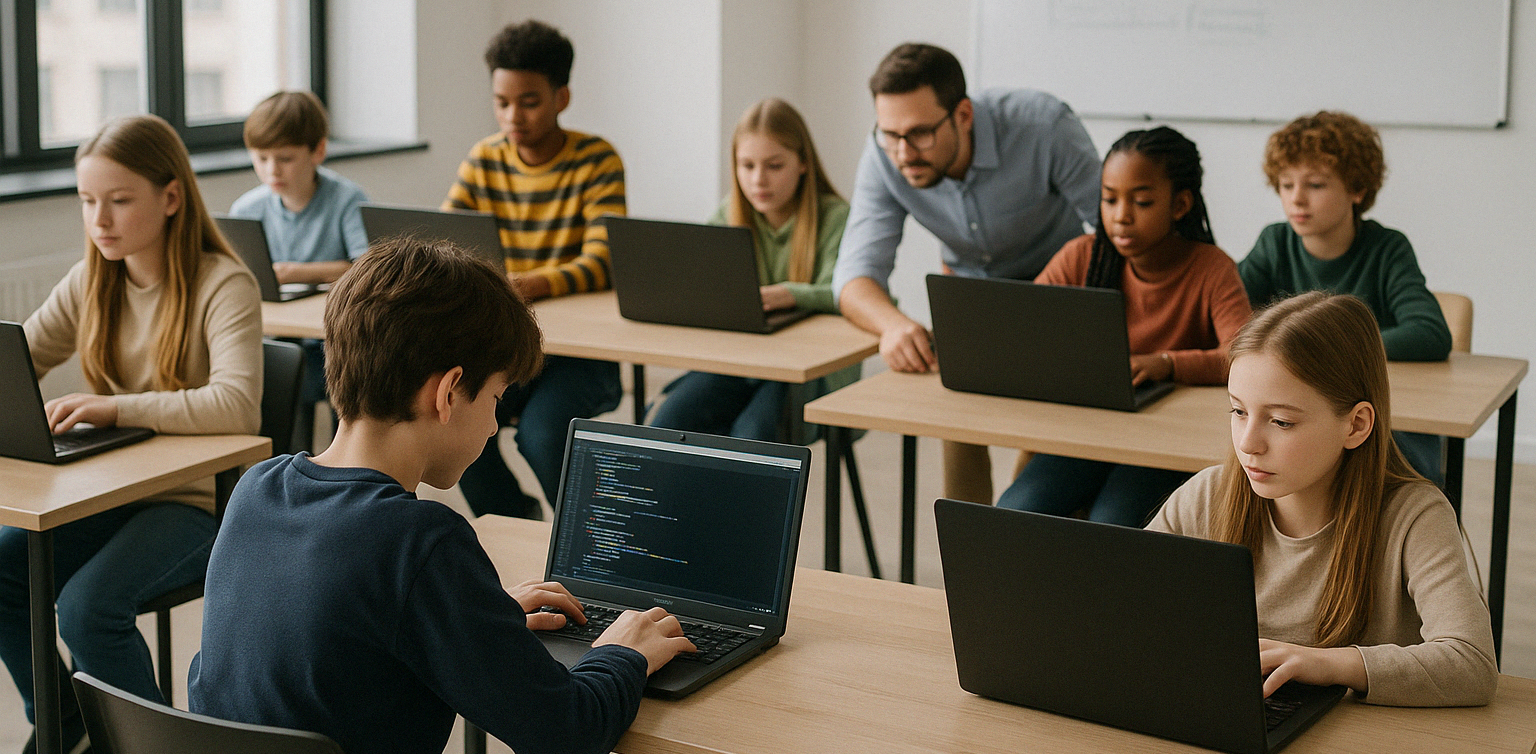
In today’s increasingly digital world, coding has become an essential skill that opens up many opportunities for the future. For kids and teens, learning coding for beginners is a great first step to understanding how technology works and starting to build their own digital creations.

Why Should Kids and Teens Learn Coding for Beginners?

Starting to learn coding for beginners at a young age offers many benefits, not only technical ones, but also for personal development and social skills.

Some key benefits include:

  • Improving logical thinking and problem-solving skills
  • Boosting creativity and imagination
  • Building a structured way of thinking
  • Gaining confidence through creating real projects
  • Understanding the technology they use every day

First Steps to Learn Coding for Beginners
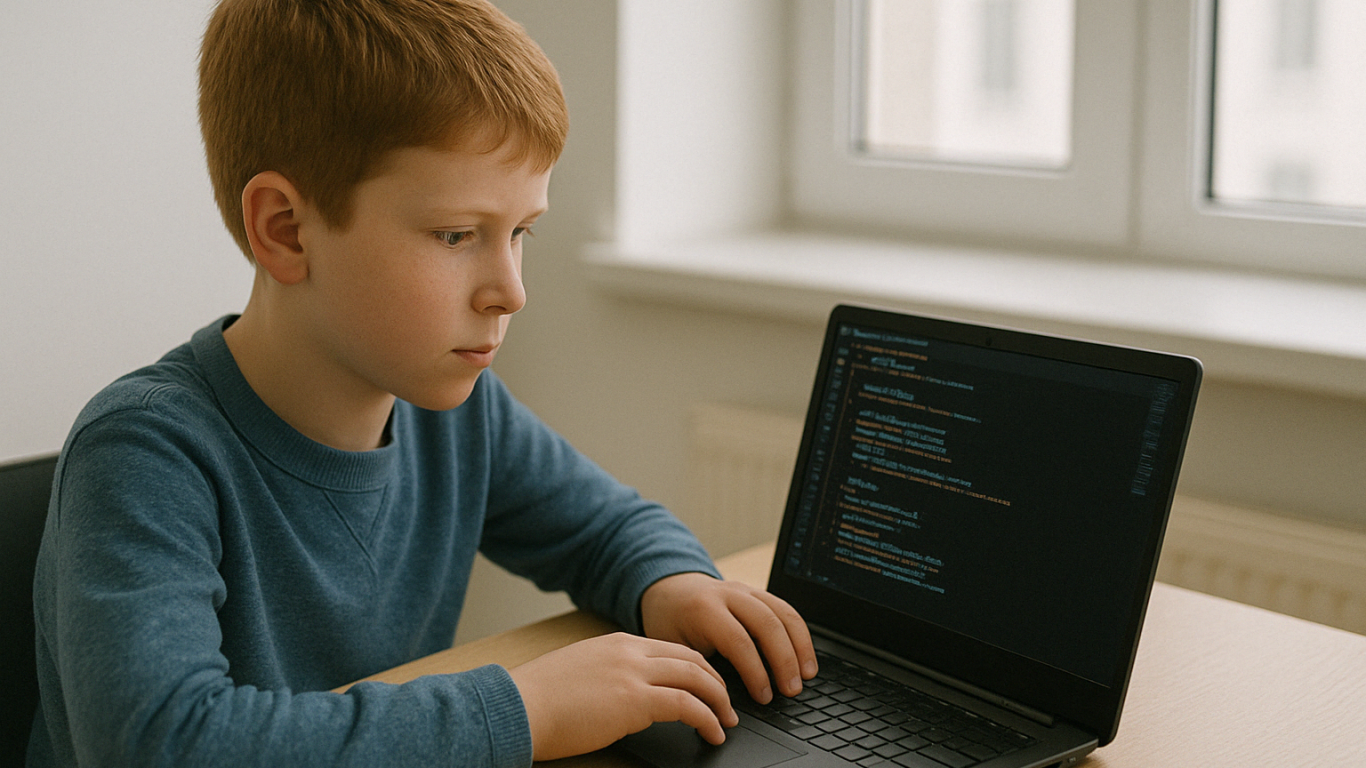
To make the learning process more effective, it’s important to use a fun, engaging approach that matches the child’s learning level.

Here are some steps to get started:

  • Introduce basic concepts with interactive games
    Apps like Scratch Junior or Code.org help kids understand the logic behind programming through visuals and games.
  • Choose the right programming language based on age
    Ages 5–9: Scratch Junior, Blockly
    Ages 10–14: Scratch, basic Python
    Ages 15 and above: Python, HTML/CSS, JavaScript
  • Start small with simple, fun projects
    For example, making a basic game or an animated story on Roblox or Minecraft Education

Kid-Friendly Platforms to Learn Coding for Beginners

There are many online platforms available to help children understand programming step by step.

Recommended platforms include:

  • Scratch – A visual programming tool perfect for beginners
  • Code.org – Educational coding challenges with fun themes
  • Tynker – A subscription-based platform with interactive content
  • Minecraft Education – Learn coding through building and playing
  • Timedoor Academy – Project-based coding courses available online and offline, perfect for kids and teens across the world!

Make Learning to Code Fun and Enjoyable

Kids are more likely to stick with coding if it’s connected to things they already enjoy.

Here are some project ideas that make learning to code more exciting:

  • Create interactive games using Scratch
  • Build a short animation or digital comic
  • Design a personal website with HTML and CSS
  • Make a basic app using Python

When children can see and share what they’ve created, they’ll feel proud and motivated to keep learning.

Combine Kids’ Interests with Learning to Code
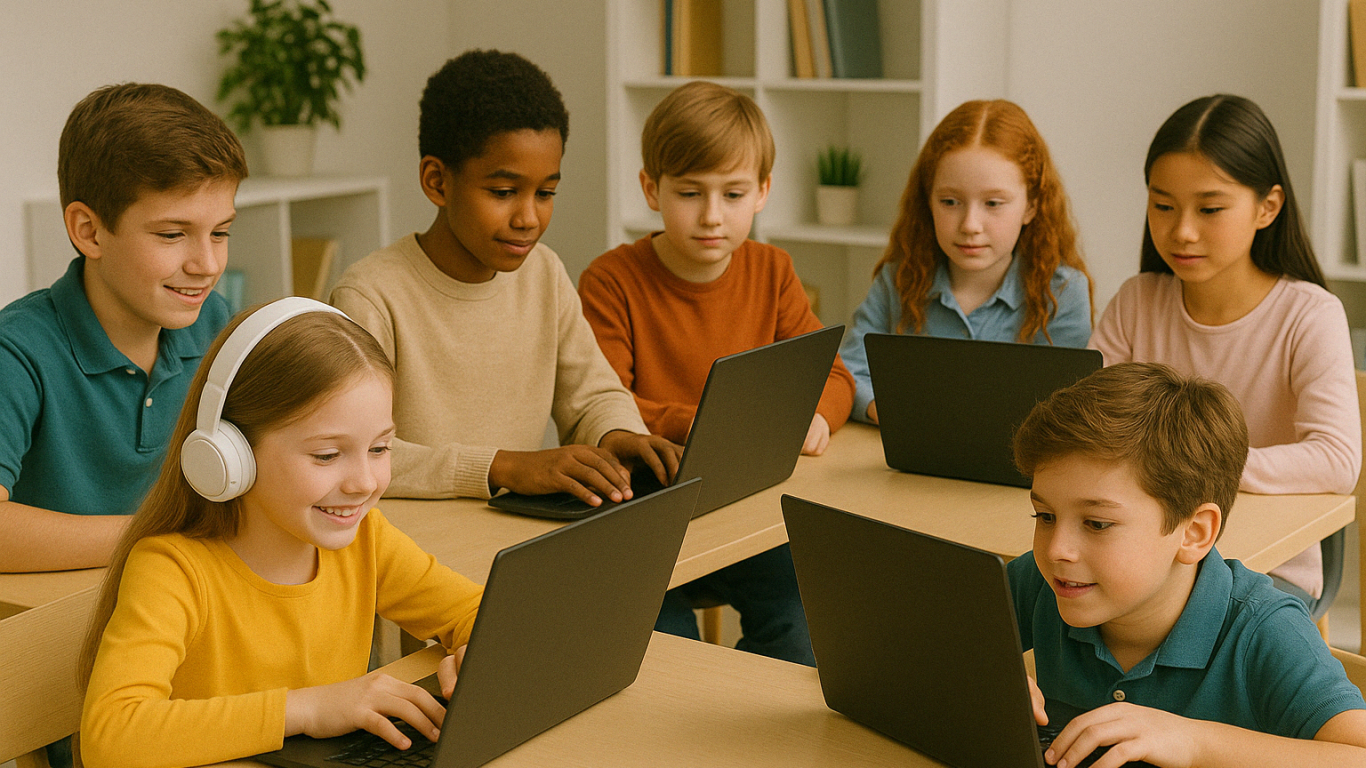
One effective way to encourage your child to learn coding for beginners is by tying it to their hobbies and interests.

For example:

  • Kids who love drawing can try digital animation
  • Kids who enjoy gaming can learn to create their own games
  • Kids who like writing can make interactive stories or visual novels

This personalized approach makes the learning process feel more natural and enjoyable.

Learning to Code is Better with Mentors

Although self-learning is possible, coding for beginners is often more effective with a mentor and a supportive environment.

At Timedoor Academy, kids and teens can join:

  • Coding for Kids (ages 5 to 12)
  • Coding for Teens (ages 13 to 18)
  • Courses in Scratch, Python, HTML/CSS, and more

All classes focus on hands-on practice through age-appropriate digital projects.

Parents Play a Big Role in the Learning Journey

Parental support is key, especially when children face challenges or lose motivation.

What parents can do:

  • Set aside time and space for learning
  • Celebrate their child’s achievements, big or small
  • Have conversations about the projects they’re working on
  • Enroll them in a trusted program with the right learning style

When parents show interest and encouragement, kids feel supported and excited to learn.

Tips for Choosing the Right Coding Course for Beginners

With so many options available, how do you choose the best one? Here are some factors to consider:

  • Age and skill level
    Make sure the course matches the child’s stage of development. It should be challenging but not overwhelming.
  • Teaching method
    Project-based, interactive learning is often more engaging than memorizing theory.
  • Mentor availability
    Having a mentor helps children when they get stuck or need guidance.
  • Flexible schedules
    A flexible program works well with school and other activities.
  • Parent reviews
    Look for testimonials or reviews to get a sense of the course’s quality and impact.

At Timedoor Academy, every aspect is carefully designed to help kids learn coding for beginners in a way that’s fun, meaningful, and future-ready.

Ready to Start Your Child’s Coding Journey?

 Image

Learning coding for beginners is an investment in the future, and it can start today. With the right approach, kids and teens won’t just understand technology, they’ll be able to shape it with their own ideas.

Looking for a fun, project-based, and child-friendly place to start? Join Timedoor Academy’s free trial class available offline all around the world!
Keep Reading

apps for kids learning english
10 Best Apps for Kids Learning English in 2025 (Fun and Effective Tools)
In today's digital age, many parents are turning to technology to support their child's education. If you're searching for apps for kids learning English, you are in the right place. The right apps can help children build their vocabulary, improve pronunciation, and master grammar while having fun through interactive games, songs, and storytelling. This article features the 10 best apps for kids learning English in 2025. Whether your child is a complete beginner or looking to sharpen their English skills, these apps offer engaging ways to learn at home or on the go.   10 Best Apps for Kids Learning English in 2025 (Fun and Effective Tools)   1. Duolingo Kids Why it’s great: Duolingo Kids simplifies English learning with bite-sized, gamified lessons. The colorful design and rewards system make it exciting for young learners. Key Features: Fun vocabulary practice with visual cues Audio support for correct pronunciation Progress tracking for parents Ideal for: Children aged 4 to 10 who enjoy playful, interactive learning.   2. Lingokids – Playlearning App Why it’s great: Lingokids offers a complete English learning experience for kids. It includes games, songs, and videos that cover grammar, vocabulary, and conversation skills. Key Features: Adaptive learning based on skill level Downloadable content for offline use Weekly progress reports for parents Ideal for: Preschool and elementary-aged children who learn best through play.   3. Endless Alphabet Why it’s great: This app uses adorable animated monsters to introduce English words in a fun and engaging way. It's great for building vocabulary and early literacy skills. Key Features: Animated word puzzles Clear voice narration No ads or distractions Ideal for: Toddlers and young children who are just starting with apps for kids learning English.   4. ABCmouse Why it’s great: ABCmouse offers a full curriculum, including reading, phonics, and grammar lessons in English. With thousands of activities, kids stay engaged while learning. Key Features: Structured learning paths Hundreds of English storybooks Built-in reward system for motivation Ideal for: Kids aged 2 to 8 who need a well-rounded learning app.   5. Fun English by Studycat Why it’s great: This app uses games and songs to teach kids English vocabulary, phrases, and sentence structures. It's fun and suitable for both beginners and bilingual learners. Key Features: Voice recognition to practice speaking Games covering numbers, colors, and animals Easy navigation for kids Ideal for: Children who want to learn English in a playful environment.   6. Reading Eggs Why it’s great: Focused on reading and comprehension, Reading Eggs offers phonics-based lessons that improve vocabulary and fluency. Key Features: Interactive reading games English storybooks and lessons Adaptive difficulty levels Ideal for: Early readers who want to improve their English comprehension.   7. Khan Academy Kids Why it’s great: This free app includes English reading lessons along with math, logic, and social-emotional learning. The friendly characters guide kids through interactive stories and games. Key Features: High-quality educational content Creative learning tools No ads and completely free Ideal for: Parents looking for high-value, free apps for kids learning English.   8. Monkey Stories Why it’s great: Monkey Stories features a vast library of animated stories in English. Kids can follow along with subtitles, improving listening and reading skills. Key Features: 1,000+ English books and stories Interactive reading mode Daily learning goals Ideal for: Children who enjoy learning through storytelling.   9. Speakia Why it’s great: Speakia focuses on improving speaking and conversational English skills. It uses AI to simulate dialogues, helping kids speak more confidently. Key Features: Speaking practice with instant feedback Real-life conversation simulations Progress tracking Ideal for: Kids who need extra help with speaking and listening in English.   10. Hello English Kids Why it’s great: Hello English Kids offers lessons in vocabulary, sentence structure, and everyday conversations. The app is simple to use and designed for young learners. Key Features: Games and videos for better engagement English tests and flashcards Child-friendly interface Ideal for: Beginners looking for simple and effective apps for kids learning English.   Tips of Choosing Apps for Kids Learning English Choosing the best apps for kids learning English depends on your child's: Age and learning level: Make sure the content is age-appropriate. Learning style: Some children prefer stories, while others enjoy games or visuals. Screen time: Pick apps that are ad-free and encourage short, productive sessions. Look for apps that allow offline access and offer progress reports so parents can stay involved.   Final Thoughts There are plenty of amazing apps for kids learning English, but the key is to find one that suits your child’s unique interests and learning pace. From storytelling apps to full learning platforms, each of the ten apps mentioned above offers a different approach to mastering English in a fun, engaging way. If your child enjoys using technology to learn, why not take the next step with Timedoor Academy’s online coding classes? While they explore apps to improve their English, learning to code can help them develop logical thinking, creativity, and problem-solving skills. These are essential abilities in today's digital world. Try a free coding class at Timedoor Academy today and empower your child for the future.
Future Trends in STEM Education: What Parents Need to Know In 2025
STEM education, which stands for science, technology, engineering, and mathematics, has long been recognized as a critical foundation for preparing children to thrive in a technology-driven world. However, it is no longer just about learning formulas or solving problems. The landscape of learning is changing quickly, and parents need to stay informed about where education is headed. This article explores the future trends in STEM education that are shaping how children learn and develop key skills. From coding in early grades to interdisciplinary learning, parents today play a bigger role than ever in guiding and supporting their child’s STEM journey. Personalized and Adaptive Learning One of the most significant future trends in STEM education is the use of personalized learning platforms. These platforms adjust the pace and content based on the learner's needs. Instead of using a one-size-fits-all approach, students receive lessons that match their ability level and learning style. This makes STEM subjects more accessible for children who may struggle in a traditional classroom. With adaptive tools, children can explore challenging topics like algebra or coding in ways that feel engaging rather than overwhelming. Emphasis on Real-World Problem Solving STEM education is moving beyond theory to practice. Schools are encouraging students to solve real-world problems, whether it's designing a water filtration system or programming a simple app. This trend helps children see the connection between what they learn in class and how it applies to the world around them. By focusing on real-life applications, children develop a deeper understanding of STEM concepts. They also build critical thinking, teamwork, and communication skills, which are just as important as technical knowledge. Coding as a Core Skill Coding is no longer seen as an optional extracurricular activity. It is becoming a core part of the curriculum in many schools around the world. Understanding the basics of coding helps children become not just consumers of technology but also creators. Among the future trends in STEM education, coding stands out because it blends creativity with logic. From block-based languages like Scratch to more advanced tools like Python, students are learning how to build games, automate tasks, and solve digital challenges. Integration of AI and Emerging Technologies Artificial intelligence is also making its way into STEM classrooms. AI-powered platforms can offer instant feedback, personalize learning paths, and even simulate experiments in virtual labs. Students are also being introduced to how AI works, not just how to use it. This exposure prepares children for a future where technology will continue to evolve rapidly. Understanding emerging technologies is becoming as important as understanding basic math or science. Focus on Interdisciplinary Learning In the future, STEM will not be taught in isolation. Interdisciplinary learning, often referred to as STEAM when incorporating the arts, is gaining popularity. Projects may combine coding with storytelling or physics with design. This shift reflects how the real world works, where innovation often happens at the intersection of multiple disciplines. For parents, encouraging children to explore connections between subjects helps them develop more holistic thinking. More Hands-On, Project-Based Learning Another one of the key future trends in STEM education is project-based learning. Children are no longer just reading textbooks or memorizing facts. They are building, testing, and iterating on their own designs. From robotics kits to 3D printing, students now learn through experimentation. Hands-on learning encourages trial and error and allows children to develop resilience. When a project fails, they learn to adapt and try new solutions, which is a critical skill in any STEM career path. Increased Access Through Online Platforms Online learning has become more refined and accessible. High-quality STEM content is now available to students from various backgrounds, often at low or no cost. This trend is helping to reduce gaps in education and allow more children to engage with STEM early on. Parents can use these resources to support their child’s learning from home. Platforms like Timedoor Academy offer structured online courses in coding, robotics, and math that are designed for children and flexible for families. Equity and Inclusion in STEM There is growing awareness about the need for more diverse representation in STEM fields. Future trends in STEM education will continue to emphasize equity by making sure girls, underrepresented groups, and students with different learning needs have equal opportunities to thrive. This includes inclusive teaching materials, diverse role models, and support systems that encourage every child to explore their interests in STEM regardless of background. What This Means for Parents Staying informed about the future trends in STEM education helps parents make better decisions about their child’s learning path. Whether through after-school programs, online courses, or simple encouragement at home, parents play a crucial role in nurturing a STEM mindset. Understanding these trends also helps parents advocate for improved STEM education at school. By recognizing the direction education is heading, families can help children develop both the curiosity and confidence needed to succeed. Explore STEM Learning at Home with Timedoor Academy If you want your child to experience hands-on, future-ready STEM learning, Timedoor Academy offers interactive online courses in coding, robotics, and digital skills. Designed with young learners in mind, these programs build creativity, logic, and confidence. Try a free class today and help your child stay ahead of the curve by exploring the future trends in STEM education in a fun and engaging way.
10 Practical Tips to Set Up a Comfortable and Productive Home Learning Space for Kids
In today’s digital age, children are not only learning at school but also through various online platforms from the comfort of home. That’s why setting up a home learning space for kids that is both comfortable and productive has become increasingly important. A well-organized learning environment supports better focus, enhances motivation, and encourages independent study habits from an early age. Here are ten simple yet effective tips to help parents create an ideal home learning space that supports both comfort and academic success. 10 Practical Tips to Set Up a Comfortable and Productive Home Learning Space for Kids 1. Choose a Quiet Spot with Minimal Distractions Start by picking a location that isn’t heavily trafficked throughout the day. Ideally, a home learning space for kids should be away from TVs, the kitchen, or play areas. If you don’t have a dedicated room, convert a quiet corner of the bedroom or living room into a learning zone. Use a bookshelf or lightweight divider to create a clear separation between study time and leisure time. 2. Ensure Good Lighting Lighting has a direct impact on mood and focus. Make sure the home learning space for kids has access to natural light during the day. For evening sessions, provide a desk lamp with bright but soft white lighting. Avoid dim lights, as they can cause drowsiness and reduce attention. 3. Provide Ergonomic Furniture A comfortable setup goes a long way. Use a chair and desk that match your child’s height to encourage proper posture. Add cushions or a footrest if needed, so your child can sit comfortably for longer study sessions. 4. Minimize Visual and Audio Distractions Overly bright or busy decor can be distracting in home learning space for kids. Stick to neutral or calming colors for the walls and furniture. Keep toys and unrelated devices out of reach during study hours. If noise from outside interrupts your child’s focus, consider using noise-cancelling headphones, especially during online classes. 5. Keep All Learning Materials Within Reach Equip the space with all the essentials: stationery, books, a laptop or tablet, headphones, and a reliable internet connection. Having everything nearby prevents unnecessary movement and keeps the child focused. Use storage bins or small shelves to keep the desk tidy and clutter-free. 6. Display a Daily Schedule Help your child develop a routine by creating a visual schedule. Post it on the wall near their desk using colorful charts or illustrations. The schedule can include study time, breaks, meals, and creative activities. Visual structure supports time management and builds responsibility. 7. Involve Your Child in the Setup Let your child have a say in how the space looks. Allow them to choose the colors, arrange the desk, or decorate with their favorite items. When kids feel ownership over their home learning space, they are more likely to use it enthusiastically and keep it tidy. 8. Ensure Good Air Circulation and Room Temperature A cool, fresh room helps maintain energy and concentration. Open windows regularly or use a fan or air conditioner if needed. Scent can also influence mood — try light, calming scents like lavender to create a relaxed environment. 9. Match the Setup to Your Child’s Digital Learning Needs If your child is involved in digital learning, make sure the equipment works smoothly. Check the laptop or tablet, webcam, microphone, and internet connection before class begins. Also, make sure their chair and desk setup supports good posture for screen-based learning. 10. Add Motivational Personal Touches Showcase your child’s artwork, awards, or inspiring quotes on the wall. Personal touches can boost confidence and make the space feel more welcoming and meaningful to them. Maximize Your Child’s Home Learning Space with the Right Learning Program Creating a home learning space for kids is a strong start, but it becomes truly effective when paired with the right learning content. Timedoor Academy offers a wide range of interactive online classes to help children grow academically and creatively — all from their home learning space. With subjects like coding, robotics, math, and digital creativity, your child can explore their interests in a fun and structured way. Sign up for a free trial class at Timedoor Academy today and give your child the opportunity to build skills for the future while learning comfortably at home.
float button