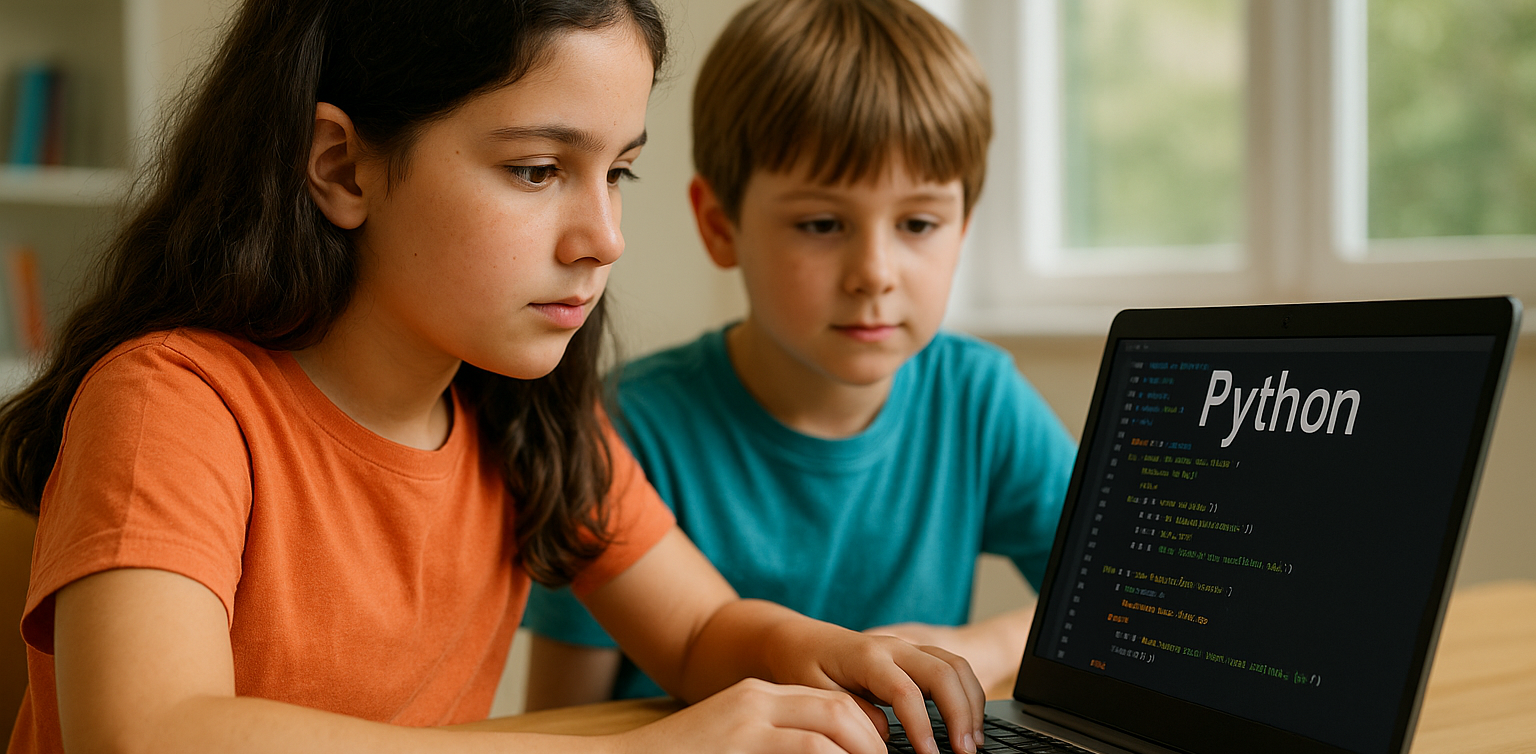
Why Coding for Kids Is Necessary in 2025?

Why Coding for Kids Is Necessary in 2025?

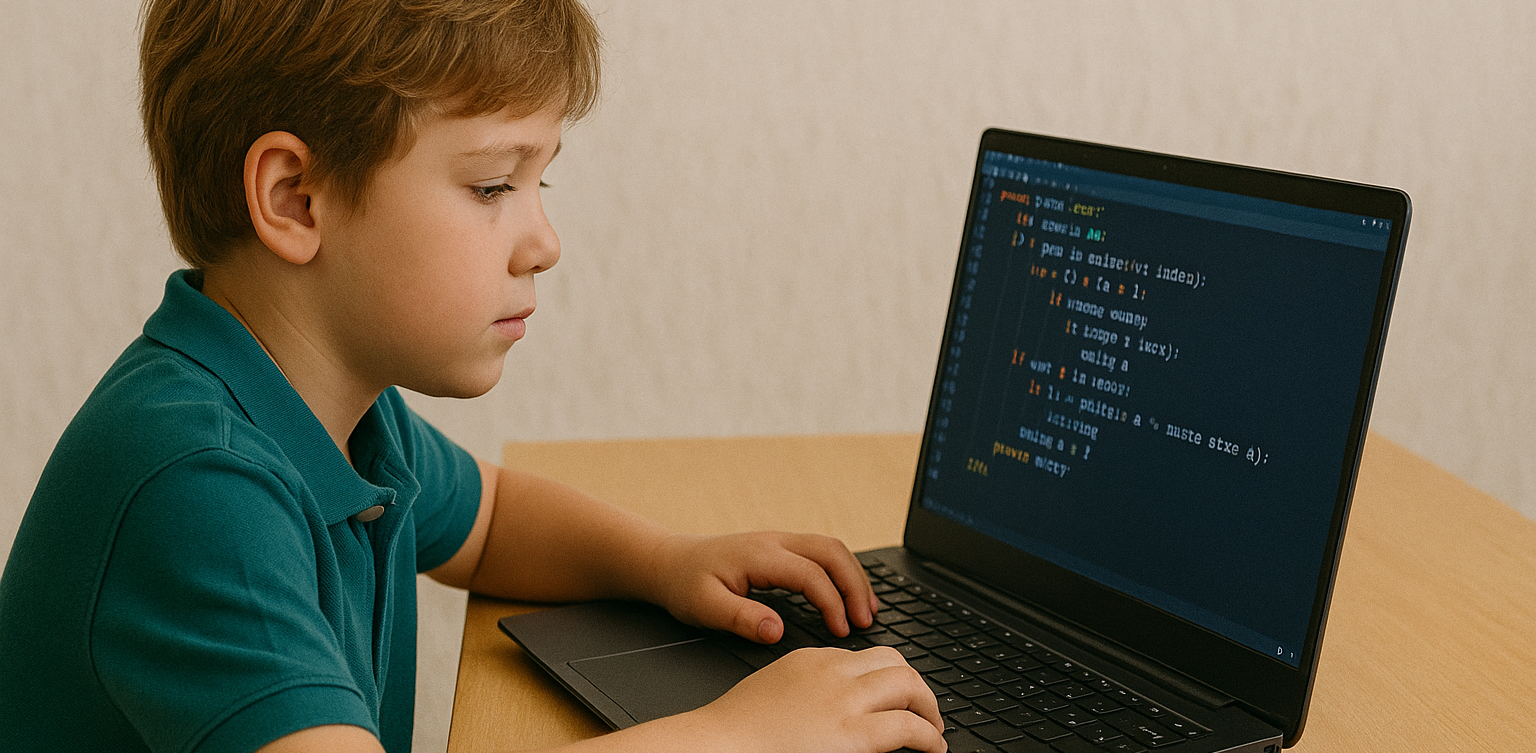
With the rapid growth of technology, many parents are beginning to wonder if learning to code is becoming as essential as reading or math. As we approach 2025, nearly every aspect of life is increasingly connected to the digital world. That brings up a big question for families: is coding for kids something they really need to prioritize? We all want to prepare our children for the future. In this context, coding for kids is not just about preparing them for careers in tech. It’s also about helping them build useful life skills like critical thinking, problem-solving, and digital confidence. Coding for Kids Is Not Just for Future Programmers One common misconception is that only kids who want to become programmers should learn to code. In reality, coding helps children develop logical thinking and structured problem-solving skills. When kids learn coding, they are training their brains to approach problems step by step and think clearly. These skills are useful far beyond technology. Children who think in an organized way often do better in school subjects like math and science. So when we talk about the benefits of coding for kids, we’re also talking about building stronger thinking habits for life. The Future Job Market Will Rely on Technology We may not know exactly what jobs will look like in the future. But one thing is certain—technology will be part of nearly every profession. Understanding coding for kids means giving them a foundation that allows them to adapt to change and take advantage of new opportunities. Even in creative or non-tech careers, basic digital literacy is essential. Teaching coding for kids at a young age gives them a strong foundation that can apply across a wide range of future possibilities. Coding Builds Patience and Resilience Learning to code involves lots of trial and error. Children learn how to fix problems, try again, and improve their work. These are real-life lessons in patience and resilience. Through coding for kids, they develop the ability to stay calm and focused even when things don’t work perfectly. These soft skills are just as important as academic ones. Children who code learn to accept mistakes as part of the process, and they become better problem solvers because of it. Start with Simple and Fun Activities Not every child has to start writing complex code right away. There are many playful and creative ways to introduce coding for kids, especially at early ages. It can begin with games, logic puzzles, or interactive apps that teach the basics in an enjoyable way. The key is to create positive experiences. When coding feels fun and engaging, kids are more likely to continue learning. Parents don’t need to be tech experts—they just need to be supportive and encouraging as their kids explore. Coding for Kids Doesn’t Have to Be Expensive A big myth about learning to code is that it requires expensive tools or lessons. Today, there are many online platforms that offer quality coding for kids programs at affordable prices, or even for free. Timedoor Academy, for example, provides online classes designed specifically for children, with friendly mentors and fun projects. It’s a simple and effective way to introduce kids to the world of coding from the comfort of home. Why Coding for Kids Is a Smart Investment More than a trend, coding for kids is a long-term investment in your child’s development. It strengthens both technical and personal skills. From building logic to growing confidence, the value goes far beyond the screen. As technology continues to evolve, helping kids understand it early on will empower them to not just consume digital tools, but also create and innovate with them. Make Learning to Code Fun with Timedoor Academy If you’re ready to get your child started on a fun and meaningful tech journey, Timedoor Academy offers engaging online classes tailored for kids. With hands-on projects and expert guidance, your child will learn to code in a way that is exciting and age-appropriate. Try a free class today and explore how coding for kids can open the door to a confident and creative future.
How to Introduce AI to Kids: Tips and Trick 2025

How to Introduce AI to Kids: Tips and Trick 2025

Artificial Intelligence, or AI, is no longer just a concept of the future. From voice assistants on smartphones to video recommendations on YouTube, AI is part of our everyday lives. That’s why learning how to introduce AI to kids is so important. When kids understand the basics, they can grow from passive users into confident, curious thinkers in a tech-driven world. Many parents worry that AI sounds too complicated for young minds. In reality, it can be introduced in very simple and engaging ways. Using relatable examples and interactive methods helps children understand how this powerful technology works. Use Everyday Examples The easiest way to begin is by pointing out how AI already exists around your child. When they ask questions to Google Assistant or talk to Siri, explain that they are interacting with AI systems that are designed to understand and respond to human language. You can also show them how platforms like YouTube suggest videos based on what they usually watch. This helps children understand that AI can observe patterns and make decisions, which is a great starting point in how to introduce AI to kids. Turn Learning into Stories Kids naturally connect with stories. You can create short tales about friendly robots that learn from their experiences, or animated characters who grow smarter over time. These narratives make AI feel more familiar and less abstract. Use simple examples in the story to show that AI learns just like people do. For instance, a robot might recognize faces after seeing them many times, just like children learn to recognize their classmates. Storytelling makes it easier to introduce complex ideas in a way kids enjoy. Play and Learn Together Play is one of the most effective learning tools for children. There are many apps and games that teach the building blocks of AI in fun ways. Look for games that involve logic puzzles, matching patterns, or choosing the best action based on different situations. These playful tools help children learn without even realizing it. Exploring AI through games is a great strategy if you are wondering how to introduce AI to kids without making it feel like a formal lesson. Explain According to Their Age Every child learns at a different pace. Younger children might only need to know that some technology can learn and help people. Older kids can begin to understand that AI works by using information and following rules to make decisions. There is no need to dive into technical terms. The goal is to help kids understand that AI is something people design and control. How to introduce AI to kids should match their age and curiosity level so the process feels natural. Show Real-Life Uses Kids become more interested when they understand why something matters. You can show them how AI is used to help doctors read x-rays, how it guides self-driving cars, or how it supports students with personalized learning tools. Understanding how AI helps people in real situations helps children see its value. This makes the topic more meaningful and gives you a strong foundation for how to introduce AI to kids in a way they’ll appreciate. Support Curiosity and Exploration After learning the basics, kids will often ask more questions. Use this moment to explore together. Look up short videos, create small projects, or just have simple discussions based on their questions. Encouraging exploration builds problem-solving skills and confidence. One of the best parts of how to introduce AI to kids is helping them grow more independent in how they think and learn. Teach Responsible Use Understanding AI should go hand in hand with learning digital responsibility. Talk to your child about online safety, the importance of privacy, and how to treat others kindly in digital spaces. Teaching children how to use technology thoughtfully is just as important as showing them how it works. A full approach to how to introduce AI to kids includes values and habits that prepare them for real life. Learn with Timedoor Academy If you want to support your child’s learning journey in technology, Timedoor Academy offers online interactive classes that are perfect for kids. With fun and age-appropriate lessons in coding, logic, and digital creativity, your child can explore AI concepts in a way that’s engaging and easy to understand. Timedoor Academy helps children build strong foundations in tech while having fun. Join a free trial class today and start discovering how to introduce AI to kids with the support of experienced mentors and exciting hands-on projects
How to Choose Coding Course for Kids: A Step-by-Step Guide In 2025

How to Choose Coding Course for Kids: A Step-by-Step Guide In 2025

In today’s digital era, coding is becoming a vital skill for children to learn early. Whether they are interested in games, animation, or just curious about how technology works, finding the right course can shape their learning journey. If you are wondering how to choose coding course for kids, this guide will walk you through the essential steps every parent should know. It covers what to consider, how to evaluate a course, and how platforms like Timedoor Academy make it easier than ever to get started. 1. Understand Your Child's Interests and Learning Style The first step in how to choose coding course for kids is to understand what motivates your child. Do they enjoy building things, telling stories, or playing logic games? A child who loves art might enjoy animation-focused coding, while one interested in tech may love learning how apps work. Choosing a course that connects to their personal interests makes it easier to keep them engaged and excited about learning. 2. Match the Course to Their Age and Skill Level Another important step in how to choose coding course for kids is making sure the difficulty fits your child’s current level. Younger children do better with visual tools like Scratch or Blockly, which help them understand basic logic without typing code. Older kids or those with some experience may benefit more from Python or JavaScript. Timedoor Academy provides coding programs grouped by age and ability, so children can learn comfortably at their own pace. 3. Look for Strong Curriculum and Project-Based Learning When exploring how to choose coding course for kids, the course structure matters. A good program should combine clear explanations with plenty of opportunities to build projects. Kids learn best by doing, so check if they’ll be creating apps, games, or animations. Timedoor Academy follows a project-based approach where each lesson builds toward a hands-on goal, helping children stay focused and feel proud of their work. 4. Decide Between Online or In-Person Formats Your child’s learning environment can impact their progress. As you consider how to choose coding course for kids, think about whether online or in-person learning works better for your family. Online courses are flexible and accessible from anywhere, while in-person classes may provide more direct support. Timedoor Academy offers live online sessions with real instructors and small class sizes, blending structure with flexibility. 5. Evaluate the Teachers and Student Support One of the key factors in how to choose coding course for kids is the quality of the teaching staff. Great instructors are not just skilled in programming—they also know how to communicate with children. Look for teachers who are patient, encouraging, and responsive. At Timedoor Academy, instructors are carefully trained to work with young learners and guide them with a friendly, easy-to-follow approach. 6. Try a Free Trial to See What Works Before making a commitment, it is helpful to try a class. This is one of the smartest ways in how to choose coding course for kids. A trial session lets your child experience the lesson format, meet the teacher, and decide if they enjoy it. Timedoor Academy offers free trial classes where children can explore coding firsthand, ask questions, and complete a mini project. This can be the difference between guessing and choosing a course with confidence. Ready to Begin Your Child’s Coding Journey? If you’re still wondering how to choose coding course for kids, the best way is to let them experience it. Timedoor Academy offers interactive and engaging online coding classes made for kids of all ages. With expert instructors, hands-on projects, and a flexible schedule, your child will not only learn coding but also grow in confidence and creativity. Sign up for a free class today and see how fun learning to code can be.
How to Use Figma for Kids: A Fun and Simple Digital Design Guide

How to Use Figma for Kids: A Fun and Simple Digital Design Guide

In today’s digital era, graphic design has become an increasingly essential skill, even for kids. Design is not just about drawing or creating illustrations. It also helps children develop creativity, visual logic, and systematic thinking. One of the most popular and beginner-friendly design tools to introduce early on is Figma. This article will guide you on how to use Figma for kids in a fun and easy-to-follow way. Figma is a web-based design platform widely used by UI/UX professionals and graphic designers. But because of its intuitive interface and real-time collaboration features, Figma can also be a great learning tool for children, especially those curious about digital design, posters, invitations, app layouts, or even simple games. Why Kids Should Learn Digital Design Digital design is not only about aesthetics, but also about communication. Kids who learn design early tend to express ideas visually, organize information clearly, and feel more confident experimenting with their creativity. Design skills also open doors to other fields like illustration, app development, animation, and branding. By learning how to use Figma for kids, the design process becomes more engaging. They can instantly try, rearrange, and explore design elements without needing to install any additional software. What to Prepare Before Using Figma Before your child starts designing, here are some things to set up: Figma account: Create a free account at figma.com. Use a parent’s email and assist during setup. Device: A laptop or desktop with a stable internet connection works best. Simple design theme: Start with fun, easy projects like a birthday card or character illustration. Benefits of Using Figma for Kids Here are some of the main benefits of using Figma as a learning tool for kids: Enhances creativity and visual aesthetics Builds logical thinking through layout structure Boosts confidence through hands-on creation Encourages teamwork and collaboration in online settings Step-by-Step Guide: How to Use Figma for Kids Below are specific steps on how to use Figma for kids, including core features and how to guide them: 1. Introduce the Interface and Basic Tools After logging in to a Figma account, walk your child through the main elements of the workspace: Canvas: the blank area where they’ll build designs Top toolbar: includes tools like Move, Frame, Shape, and Text Left panel: shows the object structure (layers) Right panel: used to adjust color, size, position, and effects Let them freely draw circles, squares, or stars and experiment with colors. This unstructured play helps them get familiar with Figma naturally. This is also a great starting point in how to use Figma for kids in a stress-free way. 2. Start a New Project Click New Design File and let your child name it something fun like “My Poster” or “Cute Cat Project.” Then: Create a Frame using A4 size or mobile screen dimensions Add shapes via the Shape tool, then change colors on the right panel Add text with the Text Tool, and adjust font size, color, and position This step of how to use Figma for kids feels like drawing on a digital piece of paper—fun and intuitive. 3. Add Images and Illustrations To make their design more dynamic, help them insert images: Click File > Place Image and choose from your computer Or simply drag and drop into the canvas Use the Unsplash plugin to find royalty-free images directly inside Figma This makes it easier for kids to create digital greeting cards, collages, or mood boards. These small projects are practical examples of how to use Figma for kids in real-life situations. 4. Create Simple App or Game Layouts For older kids, try introducing them to basic app layout design: Use Frames sized for iPhone or Android Add titles, icons, and buttons Turn elements into Components for duplication Use Prototype mode to simulate screen transitions This is a creative and exciting way to teach design logic and basic UX thinking. It’s also a more advanced stage in how to use Figma for kids who want to go deeper. 5. Collaborate and Present Figma is perfect for collaborative learning. Kids can: Click Share to invite parents, teachers, or friends Use Presentation Mode to view their design full-screen Receive comments directly on the canvas and learn from feedback These interactions help kids learn how to present and improve their ideas. How to use Figma for kids can extend into valuable lessons on teamwork and communication. Combine with Online Design Classes To support their learning journey, consider enrolling your child in an online design course. Timedoor Academy offers kid-friendly design programs based on fun projects and personalized learning. Learning how to use Figma for kids is much easier when supported by friendly mentors and structured activities. Tips for Parents to Support Learning To make the learning process smoother, parents can: Be present during the early stages, then give room to explore Ask about their designs and encourage storytelling Avoid focusing on perfection—celebrate creativity instead Try designing together as a bonding activity Ready to Introduce the World of Design? Introducing your child to digital creativity can begin with simple tools like Figma. With the right guidance and playful approach, how to use Figma for kids becomes a fun activity that sharpens logic, builds visual confidence, and sparks interest in technology. Timedoor Academy is here to support your journey. With interactive online classes and friendly instructors, your child can learn to design with confidence. Try a free class today and help your child discover their design potential from an early age.
6 Best Free Coding Resources for Kids in 2025

6 Best Free Coding Resources for Kids in 2025

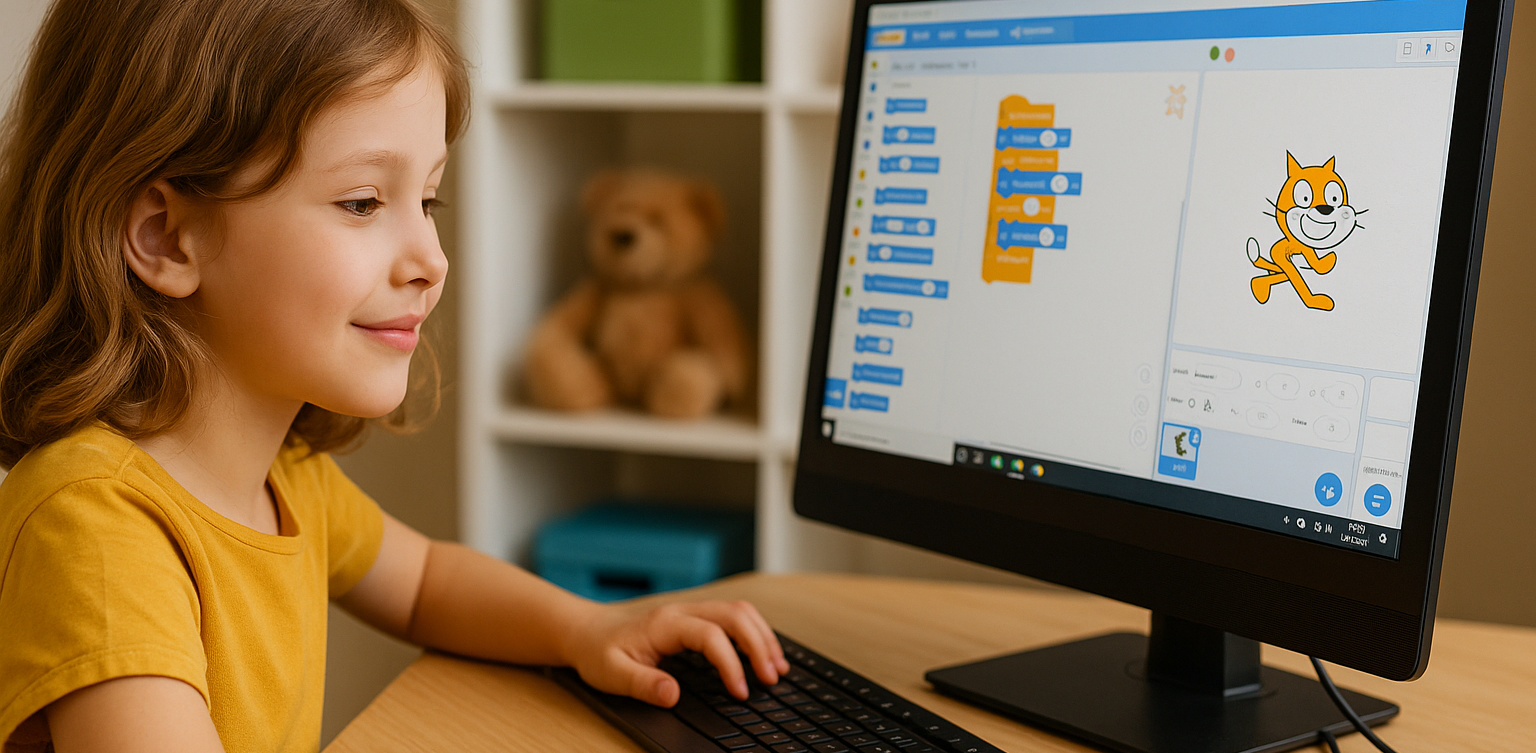
In today’s digital era, coding is becoming one of the most essential skills kids can learn for the future. It is not just about creating computer programs, but also about building logical thinking, creativity, and problem-solving abilities. Fortunately, there are now many free coding resources for kids that can be accessed easily from home. For parents who want to introduce programming early on, this article shares a variety of platforms, apps, and websites that offer free, fun, and kid-friendly coding lessons. Why Should Kids Learn to Code Early? Learning to code is not only for those who want to become programmers. It helps sharpen important cognitive skills like critical thinking, persistence, and collaboration. In addition, coding teaches kids how to face failure and try again, as they learn to troubleshoot and improve their work. Introducing coding at an early age also gives kids a chance to explore their interests in technology and create things they can be proud of, such as simple games, animations, or interactive stories. What Makes a Coding Resource Kid-Friendly? When choosing a free coding resource for kids, it is important to look for the following: Clear, simple language that is easy to understand Engaging and interactive visuals Gradual, age-appropriate learning paths Gamified elements to keep kids motivated Safe and ad-free learning environments Here are some great platforms and tools to try out. 6 Best Free Coding Resources for Kids in 2025 1. Scratch Scratch is an introductory coding platform developed by MIT for kids ages 8 and up. Using colorful code blocks, kids can create animations, stories, or interactive games without needing to write code. Scratch encourages creativity and features a global community where kids can safely share their projects. It is also available in Bahasa Indonesia, making it even more accessible for Indonesian families. 2. Code.org Code.org is one of the best free coding resources for kids worldwide. It offers a wide range of free courses with varying difficulty levels, from beginner to advanced. Kids can even learn with their favorite characters like Elsa from Frozen or Steve from Minecraft. The platform also provides age-specific curriculums for elementary to high school students, with a fun, project-based approach. 3. Tynker Tynker is another popular platform recommended for kids. While the premium version is paid, Tynker offers free access to several well-structured introductory modules. Kids can learn basic coding concepts through games, build animations, and even get a taste of drones and robotics in a simplified way. 4. Khan Academy – Computer Programming Khan Academy is widely recognized for offering free educational content, and its programming section is no exception. It provides beginner-friendly coding lessons, especially for older kids and teens who are starting to understand text-based programming logic. The videos are interactive and well-paced, making Khan Academy a great choice for slightly more advanced learners. 5. Blockly Games Blockly Games is a collection of educational games that teach basic coding concepts using block-based visual programming. It is perfect for kids who are just starting out and want to learn while having fun. With a simple and functional interface, Blockly Games is a solid first step into the world of coding for elementary-aged kids. 6. Timedoor Academy In addition to these global platforms, there is also a great local option: Timedoor Academy. Timedoor offers interactive online coding classes for kids, using a fun and structured approach guided by experienced instructors. Timedoor Academy understands the unique needs of children potential. It tailors its lessons to local language, uses project-based learning, and provides flexible schedules. A free trial class is also available, making it easy for parents and kids to try it out before committing. Tips for Supporting Kids Coding at Home To make the most of your child’s coding journey, here are a few helpful tips for parents: Be there to guide them when they try a new platform, especially younger kids Set a regular learning schedule, like 30 minutes per day Give small creative challenges, such as making a simple game or animation Celebrate their achievements, no matter how small Keep screen time balanced with physical and social activities Ready to Start Coding from Home? Here’s the First Step: Learning to code has never been more accessible, thanks to the growing number of free coding resources for kids. Parents can introduce programming in a fun, engaging way through platforms designed with kids in mind. But to make learning more structured and effective, it helps to choose the right method and guidance. Timedoor Academy offers kid-focused online coding classes with a creative and organized approach. Led by experienced instructors and adapted to different age levels, Timedoor is ready to support your child’s coding journey. Try a free class today and help your child start learning to code from home in a fun and meaningful way.
The Role of Parents in Kids Digital Learning: Practical Tips for 2025

The Role of Parents in Kids Digital Learning: Practical Tips for 2025

Digital learning is now a core part of how kids learn. Since the pandemic, many have grown used to studying through screens, whether from school platforms or extra classes like coding, languages, or math. But behind the ease of technology, the role of parents in kids digital learning is still key to making learning effective. Some might think digital learning makes kids more independent, but not all are ready to manage time, stay focused, or understand lessons on their own. This is where the role of parents in kids digital learning remains essential. Parents are not just supervisors but active guides who support and respond to their kids’ needs. Setting a Healthy Learning Rhythm Time management is one of the biggest challenges in digital learning. Without a teacher physically present, kids can get distracted easily when learning at home. Parents can help by building a consistent routine that balances study and rest. This structure helps shape responsible habits early. It is one of the simplest ways to support the role of parents in kids digital learning and helps build long-term discipline. Creating a Supportive Learning Space Focus depends a lot on environment. At home, distractions like TV, traffic noise, or a younger sibling playing nearby can make learning harder. Parents should create a quiet, comfortable study spot where kids can focus better. Make sure tools like laptops, headphones, and internet connections are working properly. These technical basics matter more than they seem. Helping with this setup is a key part of the role of parents in kids digital learning at home. Offering Emotional Support Digital learning can feel isolating. Kids may feel stuck, frustrated, or unsure who to talk to when lessons are hard. That is why emotional support is just as important as helping with assignments. Simple questions like “Was today’s class fun?” or “Anything that confused you?” can make a big difference. Being emotionally available is a powerful part of the role of parents in kids digital learning, helping kids stay motivated and confident. Guiding Tech Use with Balance Technology can help learning, but it can also be distracting. Kids might be tempted to play games or watch videos during study time. That is why parents should stay involved by setting rules and limits that feel fair. Use screen timers, focus modes, or parental control tools. More importantly, explain why these rules exist so kids see them as helpful, not harsh. Balanced tech use is part of the role of parents in kids digital learning that keeps learning on track. Becoming a Learning Partner Parents do not have to know everything their kid is learning. Just being involved by listening to a project explanation or joining an online session shows support. Being a learning partner means exploring together and showing real interest. This shared effort makes learning more engaging and strengthens the role of parents in kids digital learning by building trust and motivation. Why Parents Still Matter in Kids' Digital Learning Technology has made learning more flexible, but the role of parents in kids digital learning is still irreplaceable. From setting routines to offering encouragement, parents help make learning not only effective but enjoyable. By staying engaged and present, you give your kid the best chance to succeed. You become the connection between digital tools and real growth. Support Your Kid’s Digital Learning with Timedoor Academy Looking for a better way to support your kid’s learning at home? Timedoor Academy offers fun and interactive online classes in coding, math, and robotics. All programs are designed specifically for kids. Try a free class today and discover how we make your role of parents in kids digital learning easier and more meaningful.
Fun Ways to Help Kids Learn Math In 2025: Tips and Trick

Fun Ways to Help Kids Learn Math In 2025: Tips and Trick

For many kids, math can feel intimidating, boring, or just plain confusing. But with the right approach, it doesn’t have to be that way. When math is taught in a way that connects with how kids think and play, it can become one of their favorite subjects. In this article, we’ll explore fun ways to help kids learn math that you can try at home. These ideas are designed to build confidence, make learning enjoyable, and show kids that math is more than just numbers and formulas. Why Fun Matters in Learning Math Every child learns differently. Some understand best through visuals, while others learn by doing. Unfortunately, math is often taught through drills or worksheets that don’t speak to every child’s strengths. That’s why fun ways to help kids learn math are so important. When math is presented through games, stories, or real-life situations, it becomes more accessible and less stressful. It also helps kids build a positive attitude toward learning, especially for a subject that often gets a bad reputation. Turn Learning into Playtime One of the most effective ways to help children grasp math concepts is through play. When kids are having fun, they’re more likely to stay engaged and retain what they learn. Games like number bingo, card games with math challenges, or interactive apps make learning feel like part of everyday life. You don’t need expensive tools either. What matters most is creating a space where children feel excited, not pressured, to explore math. Simple Math Games to Try at Home Number Card ChallengeUse regular playing cards to practice addition or subtraction. Flip two cards and have your child call out the total. Make it a race to keep things fun. Hopscotch MathDraw a hopscotch board and add math problems to each square. Ask your child to solve the problem before hopping on. Math in the KitchenCooking is full of measurement and timing. Let your child help measure flour, count spoonfuls, or figure out how many cookies each person gets. Toy-Based CountingUse building blocks or toy cars to teach grouping, multiplication, or division. It’s especially helpful for visual learners. All these activities offer fun ways to help kids learn math without making it feel like a school assignment. Your Role as a Parent Many children struggle with math not because they can’t do it, but because they believe they can’t. That belief often comes from pressure, fear of mistakes, or a lack of confidence. As a parent, you can shift this mindset by encouraging effort and curiosity. Celebrate progress, no matter how small. With fun ways to help kids learn math, your support matters just as much as the method. Use Technology in a Positive Way Today’s technology offers tons of educational tools designed specifically for children. There are countless apps and websites that teach math through stories, games, and interactive challenges. Platforms like Timedoor Academy offer structured online classes that combine fun with effective learning. With the right tools, fun ways to help kids learn math become easier to find and apply in daily life. Make Math Social Kids often enjoy learning more when they can do it with others. Consider setting up math challenges between siblings or friends. You can also try a family game night with a math twist. Learning with others creates a sense of excitement and reduces pressure. It’s another fun way to help kids learn math while also building teamwork and communication skills. Make Math Part of Everyday Life Math is everywhere. It’s in the money you use at the store, the recipe you follow for dinner, and the clock you check every morning. Involving your child in these daily tasks can make math feel useful and natural. Let your child count change, estimate grocery costs, or track time before bedtime. When kids see math in action, they understand that it's a skill, not just a subject. Let Kids Find What Works for Them There is no one-size-fits-all method in learning. Some kids love singing math songs, while others enjoy solving puzzles. The key is to let your child explore different ways and figure out what helps them feel most confident. Fun ways to help kids learn math often come from trial and error. Give them room to experiment, and be there to cheer them on throughout the process. Make Learning Math Fun with Timedoor Academy If you're looking for guided, interactive math learning that your child will actually enjoy, Timedoor Academy offers online classes designed especially for kids. The lessons are built around engaging activities that teach core math skills in fun and creative ways. Try a free class today at Timedoor Academy and help your child discover fun ways to learn math at home with confidence and joy.
Future Trends in STEM Education: What Parents Need to Know In 2025

Future Trends in STEM Education: What Parents Need to Know In 2025

STEM education, which stands for science, technology, engineering, and mathematics, has long been recognized as a critical foundation for preparing children to thrive in a technology-driven world. However, it is no longer just about learning formulas or solving problems. The landscape of learning is changing quickly, and parents need to stay informed about where education is headed. This article explores the future trends in STEM education that are shaping how children learn and develop key skills. From coding in early grades to interdisciplinary learning, parents today play a bigger role than ever in guiding and supporting their child’s STEM journey. Personalized and Adaptive Learning One of the most significant future trends in STEM education is the use of personalized learning platforms. These platforms adjust the pace and content based on the learner's needs. Instead of using a one-size-fits-all approach, students receive lessons that match their ability level and learning style. This makes STEM subjects more accessible for children who may struggle in a traditional classroom. With adaptive tools, children can explore challenging topics like algebra or coding in ways that feel engaging rather than overwhelming. Emphasis on Real-World Problem Solving STEM education is moving beyond theory to practice. Schools are encouraging students to solve real-world problems, whether it's designing a water filtration system or programming a simple app. This trend helps children see the connection between what they learn in class and how it applies to the world around them. By focusing on real-life applications, children develop a deeper understanding of STEM concepts. They also build critical thinking, teamwork, and communication skills, which are just as important as technical knowledge. Coding as a Core Skill Coding is no longer seen as an optional extracurricular activity. It is becoming a core part of the curriculum in many schools around the world. Understanding the basics of coding helps children become not just consumers of technology but also creators. Among the future trends in STEM education, coding stands out because it blends creativity with logic. From block-based languages like Scratch to more advanced tools like Python, students are learning how to build games, automate tasks, and solve digital challenges. Integration of AI and Emerging Technologies Artificial intelligence is also making its way into STEM classrooms. AI-powered platforms can offer instant feedback, personalize learning paths, and even simulate experiments in virtual labs. Students are also being introduced to how AI works, not just how to use it. This exposure prepares children for a future where technology will continue to evolve rapidly. Understanding emerging technologies is becoming as important as understanding basic math or science. Focus on Interdisciplinary Learning In the future, STEM will not be taught in isolation. Interdisciplinary learning, often referred to as STEAM when incorporating the arts, is gaining popularity. Projects may combine coding with storytelling or physics with design. This shift reflects how the real world works, where innovation often happens at the intersection of multiple disciplines. For parents, encouraging children to explore connections between subjects helps them develop more holistic thinking. More Hands-On, Project-Based Learning Another one of the key future trends in STEM education is project-based learning. Children are no longer just reading textbooks or memorizing facts. They are building, testing, and iterating on their own designs. From robotics kits to 3D printing, students now learn through experimentation. Hands-on learning encourages trial and error and allows children to develop resilience. When a project fails, they learn to adapt and try new solutions, which is a critical skill in any STEM career path. Increased Access Through Online Platforms Online learning has become more refined and accessible. High-quality STEM content is now available to students from various backgrounds, often at low or no cost. This trend is helping to reduce gaps in education and allow more children to engage with STEM early on. Parents can use these resources to support their child’s learning from home. Platforms like Timedoor Academy offer structured online courses in coding, robotics, and math that are designed for children and flexible for families. Equity and Inclusion in STEM There is growing awareness about the need for more diverse representation in STEM fields. Future trends in STEM education will continue to emphasize equity by making sure girls, underrepresented groups, and students with different learning needs have equal opportunities to thrive. This includes inclusive teaching materials, diverse role models, and support systems that encourage every child to explore their interests in STEM regardless of background. What This Means for Parents Staying informed about the future trends in STEM education helps parents make better decisions about their child’s learning path. Whether through after-school programs, online courses, or simple encouragement at home, parents play a crucial role in nurturing a STEM mindset. Understanding these trends also helps parents advocate for improved STEM education at school. By recognizing the direction education is heading, families can help children develop both the curiosity and confidence needed to succeed. Explore STEM Learning at Home with Timedoor Academy If you want your child to experience hands-on, future-ready STEM learning, Timedoor Academy offers interactive online courses in coding, robotics, and digital skills. Designed with young learners in mind, these programs build creativity, logic, and confidence. Try a free class today and help your child stay ahead of the curve by exploring the future trends in STEM education in a fun and engaging way.
Introduction to Basic Robotics for Kids: Tips and Trick 2025

Introduction to Basic Robotics for Kids: Tips and Trick 2025

As technology advances rapidly, introducing children to robotics is no longer considered too early. In fact, robotics is one of the most valuable areas to explore at a young age, helping children develop logical thinking, creativity, and structured problem-solving skills. An introduction to basic robotics for kids can be a gateway to exploring technology in a fun and meaningful way. With a solid foundation in how technology works, children will be better prepared to navigate and shape the future ahead. What Is Robotics? Robotics is the field of study focused on designing, building, and controlling robots. For children, a robot doesn’t have to be a complex machine. It can be a simple educational toy that can move or perform tasks based on programmed instructions. Through an introduction to basic robotics for kids, children begin to understand core concepts like sensors, motors, and logic commands, while also learning that every action has a cause and an effect. Why Should Kids Learn Robotics Early? Builds Logical and Systematic ThinkingRobotics helps children learn how to think in sequences and steps. They learn to structure instructions so a robot can perform specific tasks, reinforcing their problem-solving skills. Encourages Creativity and InnovationChildren are given the opportunity to create something from their own ideas. Whether they are designing how a robot looks or deciding what it should do, they are learning to turn imagination into real outcomes. Introduces Technology in a Positive WayWhen children learn about technology through robotics, they see it as a helpful tool rather than just entertainment. This shapes how they interact with technology as they grow. Boosts Independence and ConfidenceCompleting a working robot on their own gives children a sense of accomplishment. This achievement builds self-confidence and motivates them to keep learning and trying new things. How to Get Started with Robotics for Kids An introduction to basic robotics for kids should be fun, simple, and age-appropriate. There are many robotics kits designed specifically for children, often equipped with easy-to-follow instructions and safe-to-use components. Parents can also begin with unplugged activities to build early logical thinking. Games like direction cards or movement simulations that mimic robot commands can serve as great stepping stones before introducing digital coding. Fun Robotics Activities to Try at Home Simple activities like building robots out of cardboard or using beginner-friendly kits like Bee-Bot can make robotics feel like play. Apps like Scratch Junior also help kids understand coding logic in a visual, hands-on way. The key to a successful introduction to basic robotics for kids is to keep it playful. When children enjoy the process, they naturally become more engaged and absorb more from each activity. Common Challenges and How to Overcome Them Introducing robotics to children can come with challenges. Not every parent has a technical background, and not every child is excited right from the start. These obstacles can be managed with patience and flexibility. Start small, go at the child’s pace, and remove the pressure to get everything right the first time. A consistent and supportive learning environment can make a big difference. Robotics as a Foundation for the Future An introduction to basic robotics for kids is not just about teaching them to use technology, but also about shaping how they think. It nurtures critical thinking, creative problem-solving, and the courage to experiment. Children learn to see failure as part of the process, to try again, and to evaluate what can be improved. These life skills will benefit them in any field they choose to pursue in the future. Learn Coding and Robotics Easily with Timedoor Academy If you're looking for a fun and structured way for your child to learn coding and robotics, Timedoor Academy offers interactive online classes designed for kids. Using creative methods and kid-friendly tools, children can build logical thinking, create commands, and develop real projects with confidence. Try a free coding and robotics class today with Timedoor Academy and help your child take their first steps into the world of future-ready technology through a guided and joyful introduction to basic robotics for kids.
Cara Menghasilkan Uang dari Koding
How to Make Money Coding as a Kid
In today’s tech-driven world, kids are not just consumers of technology. They can become creators too. One exciting way for young minds to explore this potential is by learning how to code. What’s even better? Coding is not just a fun and valuable skill. It can also help children start earning money at an early age. In this article, we will explore practical and age-appropriate ideas on how to make money coding as a kid, and how platforms like Timedoor Academy can help kickstart the journey.   1. Build and Sell Simple Games One of the most popular ways for kids to make money with coding is by creating simple games. Platforms like Scratch allow children to build their own games using visual programming blocks. Once they get the hang of it, kids can upload their games to platforms like itch.io or Game Jolt, where others can play and support their work through donations or small purchases. This is a great way for kids to combine creativity with coding skills. It also teaches them the basics of digital entrepreneurship, such as designing for users and thinking about what makes a game fun and engaging.   2. Design a Personal Website or Blog Creating a personal website is a great way for kids to showcase their projects and interests. Using platforms like WordPress, Wix, or coding from scratch with HTML/CSS, kids can build blogs, portfolios, or fan pages. Once the website gains some visitors, there are many ways to monetize it. These include placing ads through Google AdSense with adult guidance, using affiliate links, or even selling digital products like game templates or beginner-friendly coding guides. This helps kids learn how websites work and how online income is generated in real life.   3. Create YouTube Coding Tutorials Another exciting option on how to make money coding as a kid is by creating YouTube tutorials. Kids can teach others how to code in Scratch, build simple apps, or walk through a project step by step. These videos do not need to be fancy. They just need to be clear and helpful. As the channel grows, monetization through YouTube ads, sponsorships, and affiliate links becomes possible. This is also a great way for kids to improve their communication skills while reinforcing their own understanding of coding.   4. Sell Digital Art or Assets for Games Kids who enjoy both coding and art can create digital assets like characters, backgrounds, or sound effects. These can be sold on platforms like Unity Asset Store, OpenGameArt, or Itch.io. For example, if your child designs a cool background for a Scratch game, they can package it with a few more designs and offer it for free or for a small fee online. This is a fun way to blend art, coding, and entrepreneurship.   5. Try Safe Freelance Gigs (With Parental Help) Older kids or teenagers ages 13 and up can start exploring junior freelance work in simple coding tasks. These include fixing bugs, customizing websites, or helping with small scripts. Sites like Fiverr or Freelancer often have beginner-friendly gigs that can be done with parental supervision. Even if the job pays only a few dollars at first, the experience and confidence gained are invaluable. It helps children see how coding is used in the real world and builds their early portfolio.   6. Participate in Coding Competitions Many platforms and organizations hold coding competitions or hackathons for kids. These events often come with prizes such as gadgets, cash, or even scholarships. Websites like Tynker, Code.org, and local coding academies host events where kids can test their skills and possibly win something exciting. Competing not only motivates kids to learn faster. It also introduces them to other like-minded peers and creates a supportive community.   7. Build Mobile Apps With tools like Thunkable, MIT App Inventor, or even Flutter, kids can start building simple mobile apps. Whether it is a calculator, a quiz game, or a daily planner, these apps can be uploaded to the Google Play Store with adult help. Even if the app is free, kids can include ads or in-app purchases to start earning money. It is a great way to explore real-world coding with tangible outcomes.   8. Teach Coding to Other Kids Once your child becomes confident in their coding skills, they can teach younger children or peers who are just starting out. Whether it is through local workshops, helping a sibling, or organizing a mini class with friends, this builds leadership and communication skills. Some older kids even offer beginner Scratch tutoring sessions online, turning their knowledge into a meaningful side hustle.   Why Learning to Code Early Matters Understanding how to make money coding as a kid goes beyond earning an allowance. It teaches real-world skills like time management, problem-solving, entrepreneurship, and confidence. Kids who code not only learn how to build apps or games. They also gain a mindset that prepares them for the future.   Start Coding the Fun Way with Timedoor Academy If your child is curious about coding, game creation, or building their first app, Timedoor Academy is the perfect place to begin. With interactive lessons, expert guidance, and beginner-friendly projects, kids can explore coding in a way that is fun and engaging. Ready to see if coding is right for your child? Visit us to join a free trial class and let your child turn creativity into real skills and even their first coding income.
Why Scratch Games for Kids Are the Best Educational Tool
In today’s world, where digital technologies play a massive role, it’s important for children to develop the skills needed to thrive in an ever-evolving environment. One of the best ways to do this is through engaging, educational tools like Scratch games for kids. Scratch, a visual programming language, has become a go-to platform for introducing kids to the world of coding and game development. It offers a hands-on approach that encourages creativity, logical thinking, and problem-solving. Here’s why Scratch games for kids should be an essential part of your child’s learning journey.   1. Scratch Games for Kids Foster Creativity and Imagination One of the standout benefits of Scratch games for kids is their ability to spark creativity and imagination. Scratch allows children to design their own interactive stories, animations, and games. This creative freedom encourages kids to think beyond the box and develop their original ideas. With Scratch games for kids, your child can experiment with character designs, develop storylines, and even create custom sounds for their games. This is not only fun but also promotes a creative mindset that benefits them in other aspects of learning and life. By using Scratch games for kids, children can learn how to blend technology with creativity. Instead of simply consuming content, they actively engage with it, learning the process of making something unique. This helps them build a strong foundation for their future creative endeavors in digital media, game design, and beyond.   2. Scratch Games for Kids Boost Problem-Solving Skills Problem-solving is one of the key skills children can develop through Scratch games for kids. As children create their own games, they are often faced with challenges that require logical thinking. For instance, when designing a game, kids need to figure out how to make a character move, respond to certain actions, or interact with other game elements. These tasks require them to apply problem-solving strategies, breaking down complex tasks into smaller, manageable steps. The beauty of Scratch games for kids is that they provide a safe environment for children to experiment with different solutions, test their ideas, and make mistakes. This trial-and-error process not only improves problem-solving skills but also teaches kids how to approach challenges from various angles. By engaging with Scratch games for kids, children learn that failure is part of the learning process and develop resilience to overcome obstacles.   3. Scratch Games for Kids Teach Coding Fundamentals One of the most important reasons to incorporate Scratch games for kids into their learning routine is that they provide an accessible introduction to coding. Unlike traditional programming languages that might be too complex for beginners, Scratch uses a block-based visual interface, making it easy for kids to grasp coding concepts. By dragging and dropping blocks to create actions, children are learning the fundamentals of programming, such as loops, conditionals, events, and variables. With Scratch games for kids, children get to explore the basics of coding in a hands-on, interactive manner. These foundational skills will prepare them for more advanced programming languages as they grow older. Whether they choose to pursue Python, Java, or C++ in the future, the logical thinking and problem-solving skills learned from Scratch games for kids will provide a solid foundation for their programming journey.   4. Scratch Games for Kids Develop Logical Thinking At the heart of Scratch games for kids lies logical thinking. When creating a game, children need to structure their actions and events logically. For example, if a child wants their character to jump when a certain key is pressed, they must figure out how to implement that action through the right sequence of events. By working through this logical process, kids develop stronger critical thinking and reasoning skills. Engaging with Scratch games for kids encourages children to think step by step and organize their thoughts in a systematic way. These skills translate into better performance in subjects such as math, science, and even everyday problem-solving. By practicing logical thinking through Scratch games for kids, children will be more adept at making decisions and solving problems efficiently in the future.   5. Scratch Games for Kids Teach Persistence and Patience Creating Scratch games for kids can be challenging at times. Children might encounter bugs or unexpected behavior in their game, requiring them to troubleshoot and make adjustments. This process of debugging teaches kids the value of persistence and patience. Instead of getting frustrated or giving up when things don’t go as planned, children learn to approach the problem from different angles and keep trying until they find a solution. By working through these challenges, children develop a growth mindset, understanding that success often comes through perseverance. The ability to stick with a problem and find solutions is an invaluable skill that will serve kids well in all areas of life, from school projects to personal goals.   6. Scratch Games for Kids Foster Teamwork and Collaboration While Scratch games for kids can certainly be enjoyed individually, they also provide excellent opportunities for collaboration. In many cases, kids work together to share ideas, divide tasks, and support each other in game development. This teamwork aspect teaches kids how to communicate effectively, cooperate with others, and work towards a shared goal. When children collaborate on Scratch games for kids, they learn the importance of listening to others, respecting different viewpoints, and combining their strengths. These skills are vital for success in both academic and social settings, making Scratch games for kids a great way to promote collaboration and social learning.   7. Scratch Games for Kids Provide Real-World Skills One of the most significant benefits of Scratch games for kids is that they offer real-world skills that can translate into future careers. The coding concepts learned through Scratch are the same building blocks used in professional software development, game design, and digital content creation. By learning to create games and interactive projects, children gain practical skills that can open doors to future opportunities in the tech world. The skills developed through Scratch games for kids, such as coding, problem-solving, and logical thinking, are highly transferable and can be applied in various fields, including web development, app creation, and robotics. Early exposure to these skills will give children a head start in an increasingly digital world.   8. Scratch Games for Kids Make Learning Fun Above all, Scratch games for kids make learning enjoyable. Kids are naturally drawn to games, and by combining fun with education, Scratch turns learning into an engaging experience. As children create and play their own games, they get immediate feedback on their progress, which motivates them to continue exploring and learning. By integrating play with learning, Scratch games for kids foster a love for technology and education. This positive experience with coding can inspire children to explore other areas of technology, helping them become lifelong learners.   Start Your Child's Coding Journey with Timedoor Academy! If you're ready to introduce your child to the exciting world of Scratch games for kids, Timedoor Academy is here to help. Our interactive, beginner-friendly courses are designed to make coding fun and engaging. With a focus on creativity, problem-solving, and logical thinking, our classes ensure your child develops a strong foundation in programming. Join our free trial class today and see how much fun learning to code can be! Visit our website now to enroll!
Pemrograman Java untuk anak SMA
Java Programming for High School Students: Unlock the World of Coding
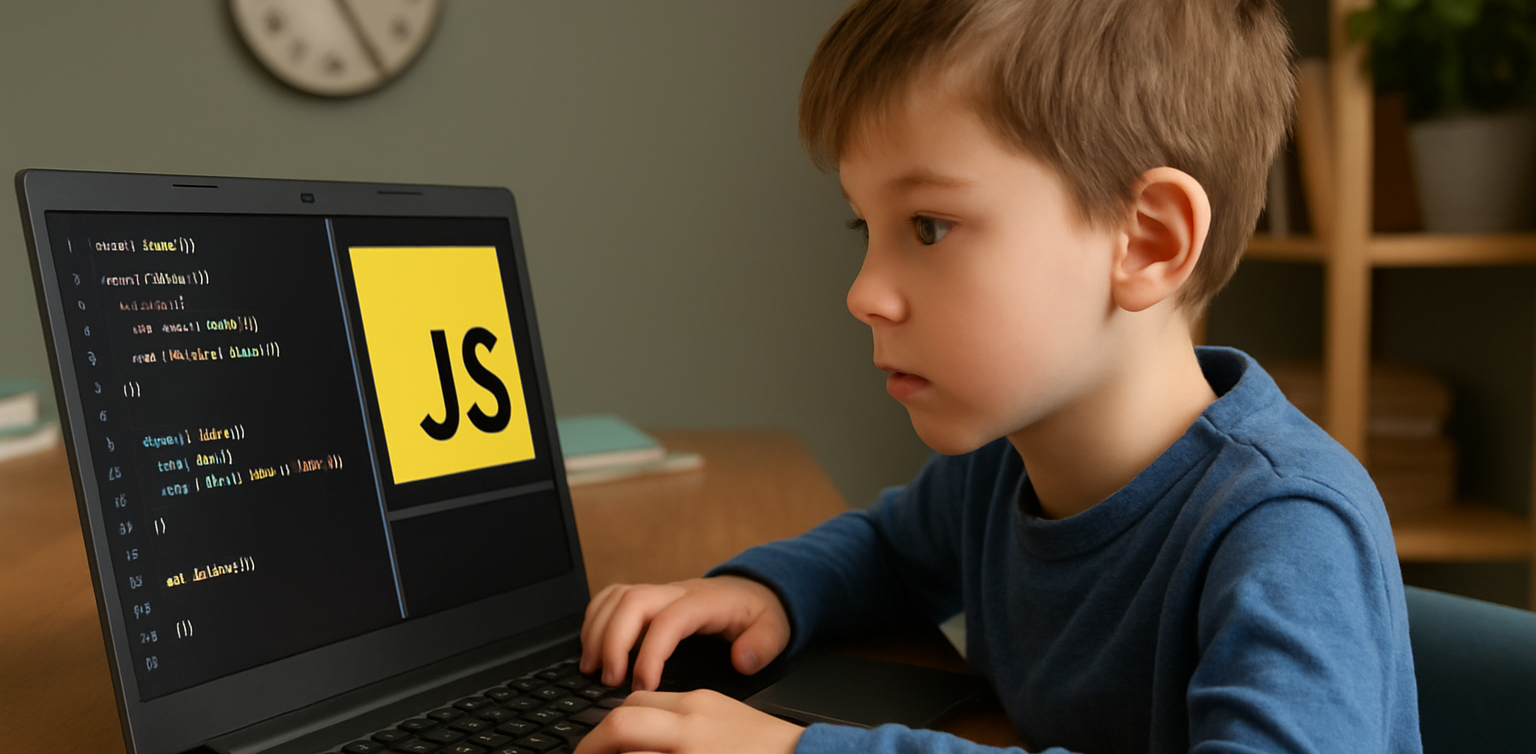
In today's fast-paced, technology-driven world, programming skills have become essential for young minds. For high school students looking to dive into the world of coding, Java programming for high school students is an excellent starting point. Java is one of the most widely used programming languages, known for its versatility, reliability, and ease of learning. It is used in everything from mobile apps to large-scale enterprise applications. Whether your child is interested in creating mobile games, building websites, or exploring artificial intelligence, Java programming for high school students provides a solid foundation. In this article, we will explore the importance of Java programming for high school students, how it can benefit their future, and why enrolling in a Java programming class for high school students is a smart choice. Why Java Programming is a Great Choice for High School Students Java programming for high school students offers a wide range of advantages for young learners: Universal Language: Java is a language that can run on any platform without needing to be re-written, which is known as its platform independence. This means students can write code once and run it anywhere, whether on Windows, macOS, or Linux. This cross-platform compatibility is a big advantage for aspiring developers. Foundation for Other Languages: Learning Java programming for high school students provides a strong foundation for other programming languages. Once students are comfortable with Java, transitioning to other languages like Python, C++, or JavaScript becomes much easier. Java introduces students to core programming concepts such as variables, loops, conditionals, and object-oriented programming. Job Opportunities: Java programming for high school students is one of the most in-demand skills in the job market. By learning Java early on, students set themselves up for future opportunities in fields such as software development, game design, web development, and even machine learning. Problem-Solving Skills: Java programming for high school students helps develop logical thinking and problem-solving skills. By learning to write code, students practice breaking down problems into manageable pieces and finding efficient solutions. These skills are not only valuable for coding but also essential in various other aspects of life. Real-World Applications: Java is used in numerous industries, from finance to entertainment. It powers Android mobile apps, large-scale enterprise systems, cloud-based applications, and much more. By learning Java programming for high school students, they gain exposure to real-world applications and can apply their knowledge to projects with practical uses. Benefits of Java Programming for High School Students Enrolling in a Java programming class for high school students can provide several key benefits: Structured Learning Path: While there are plenty of online tutorials and resources available, taking a formal Java programming class for high school students provides a structured approach. Students learn from experienced instructors who guide them through the fundamentals and advanced topics, ensuring they build a strong understanding of the language. Hands-On Experience: Programming is best learned through practice. Java programming classes for high school students typically involve hands-on coding exercises, allowing students to apply their knowledge in real-time. Whether it's building a simple calculator or creating a basic game, students get to experience the thrill of bringing their ideas to life. Access to Expert Guidance: Learning a programming language can be challenging, especially for beginners. Having access to expert instructors in a classroom setting allows students to ask questions, get feedback, and receive help when they encounter difficulties. This can boost their confidence and keep them motivated throughout the learning process. Collaborative Environment: Many Java programming classes for high school students encourage teamwork and collaboration. Students often work on group projects, where they can learn from one another, share ideas, and tackle challenges together. Collaboration enhances their communication skills and prepares them for future careers that require teamwork. Portfolio Building: One of the most valuable aspects of taking a Java programming class for high school students is the opportunity to build a programming portfolio. Students can showcase their projects, whether it's a simple game or a web application, to potential employers or universities. A strong portfolio can set them apart from others in the competitive tech industry. What Students Will Learn in Java Programming Classes A typical Java programming class for high school students covers a wide range of topics, including: Introduction to Java: Students learn the basics of Java programming for high school students, including how to install and set up the Java development environment. They'll also learn about the syntax of Java and how to write simple programs. Variables and Data Types: Students learn how to use variables to store data and how to work with different data types such as integers, strings, and booleans. They'll also learn how to perform operations on variables. Control Flow: Students are introduced to control flow concepts such as conditionals (if-else statements) and loops (for, while), which help in making decisions and repeating actions within a program. Object-Oriented Programming (OOP): One of the key features of Java is its object-oriented nature. Students learn how to create and work with classes and objects, which is essential for developing complex applications. Functions and Methods: Students learn how to define and call functions (or methods) to perform specific tasks within their programs. This is essential for organizing code and making programs more efficient. Arrays and Collections: Students learn how to store and manage collections of data, such as arrays and lists, which are essential for building more advanced programs. Exception Handling: Java programming classes for high school students introduce students to the concept of error handling, teaching them how to anticipate and manage potential errors in their programs. GUI Development: Students may also learn the basics of creating graphical user interfaces (GUIs), allowing them to build user-friendly applications with buttons, text fields, and other interactive elements. Project Development: As a final step, students often work on a larger project, applying everything they've learned to create a complete Java application. This could be a simple game, a calculator, or a more complex system. Why Timedoor Academy’s Java Programming Class Is Perfect for High School Students At Timedoor Academy, we offer Java programming classes for high school students specifically designed to help young learners succeed. Our classes provide a well-rounded curriculum that covers everything from the basics to advanced topics. Our experienced instructors are passionate about teaching and helping students succeed, and our hands-on approach ensures that students gain practical coding experience. We believe in making coding fun and accessible, and our classes are designed to engage students with interactive lessons, real-world projects, and collaborative work. Whether your child is new to programming or has some experience, our Java programming classes for high school students will help them develop their coding skills and prepare them for future success in the tech industry. The Power of Java Programming for High School Students Java programming for high school students is a valuable skill that can open doors to numerous career opportunities in the technology field. By enrolling in a Java programming class for high school students, they gain a solid foundation in coding that can serve as a stepping stone for future endeavors. The skills they acquire will not only help them in their academic journey but also prepare them for a bright future in the ever-evolving world of technology. Start your child’s coding journey today with Timedoor Academy in free trial class and watch them unlock their potential in the world of programming!
resep makanan sehat untuk anak
Healthy Food Recipes for Kids: Delicious and Nutritious Ideas for 2025
Finding healthy food recipes for kids that are both nutritious and loved by little ones can feel like a daily challenge. Many parents worry about picky eaters, sugar-filled snacks, and time-consuming meal prep. If you are searching for healthy food recipes for kids, you are in the right place. This article features easy, tasty, and nutritious meals that support your child’s growth and make healthy eating more exciting. Whether for breakfast, lunch, or snacks, these healthy food recipes for kids are designed to be simple and kid-approved.   Why Healthy Eating Matters for Kids Children need a balanced diet to grow strong and stay focused throughout the day. Healthy food recipes for kids help introduce essential nutrients like protein, fiber, vitamins, and minerals in fun and appealing ways. A variety of colorful, whole foods can encourage better eating habits and even reduce cravings for processed snacks.   1. Rainbow Veggie Quesadillas Why kids love it: They are colorful, cheesy, and easy to eat with fingers. Ingredients: 1 whole wheat tortilla ½ cup shredded cheddar or mozzarella cheese ¼ cup chopped bell peppers (red, yellow, green) ¼ cup corn 2 tablespoons chopped spinach Olive oil for cooking Instructions: Heat a pan and add a bit of oil. Place the tortilla on the pan and sprinkle cheese and vegetables on one half. Fold the tortilla and cook both sides until golden brown. Cut into triangles and serve warm. Tip: Using whole grain tortillas adds extra fiber to the meal.   2. Fruity Yogurt Parfaits Why kids love it: It looks like dessert, but it is a nutritious snack or breakfast. Ingredients: 1 cup plain Greek yogurt ½ banana, sliced ½ cup mixed berries (fresh or frozen) ¼ cup granola 1 teaspoon honey (optional) Instructions: Layer yogurt, fruit, and granola in a cup. Repeat the layers and drizzle with honey if desired. Tip: Greek yogurt is rich in protein and calcium for strong bones and muscles.   3. Mini Veggie Muffins Why kids love it: They are soft, tasty, and fun to eat. Ingredients: 1 cup grated zucchini or carrot 1 egg 1 cup whole wheat flour ½ teaspoon baking soda ½ teaspoon salt ½ cup milk ¼ cup olive oil ¼ cup shredded cheese Instructions: Preheat oven to 180°C (350°F). Mix all ingredients in a bowl. Pour into greased mini muffin trays. Bake for 15 to 20 minutes. Tip: These muffins are perfect for lunchboxes or after-school snacks.   4. Chicken and Veggie Rice Bowls Why kids love it: They get to build their own bowl with their favorite ingredients. Ingredients: 1 cup cooked brown rice ½ cup cooked chicken pieces ¼ cup steamed broccoli ¼ cup chopped carrots 2 tablespoons sweet corn 1 tablespoon soy sauce or sesame dressing Instructions: Add rice to a bowl and arrange chicken and vegetables on top. Let kids mix the ingredients themselves. Drizzle lightly with sauce. Tip: Use lean chicken and brown rice for more protein and fiber.   5. Baked Sweet Potato Fries Why kids love it: They are crispy on the outside and soft inside. Ingredients: 2 sweet potatoes 1 tablespoon olive oil ½ teaspoon paprika ¼ teaspoon salt Instructions: Preheat oven to 200°C (400°F). Peel and cut the sweet potatoes into strips. Toss with olive oil, paprika, and salt. Bake for 25 to 30 minutes, flipping halfway. Tip: Sweet potatoes are rich in vitamin A and antioxidants.   Making Healthy Eating Fun for Kids Here are a few ways to make healthy food recipes for kids even more enjoyable: Use cookie cutters to shape fruits, sandwiches, and pancakes Let kids help with washing, mixing, and serving Add a variety of colors to every meal Keep meals simple and avoid pressure during mealtime   Healthy Meals, Smarter Minds With the right approach, healthy food recipes for kids can be simple, delicious, and part of a fun daily routine. The meals shared above are designed to keep your child nourished and satisfied throughout the day. From rainbow quesadillas to sweet potato fries, each dish is packed with essential nutrients that growing kids need. And while you're helping your child eat better, consider supporting their brain development too. At Timedoor Academy, we offer online coding classes for kids that are just as exciting and educational as a well-balanced meal. Learning to code improves logical thinking, creativity, and confidence. Sign up for a free trial class at Timedoor Academy today and give your child the tools to succeed both in the kitchen and in the digital world.
apps for kids learning english
10 Best Apps for Kids Learning English in 2025 (Fun and Effective Tools)
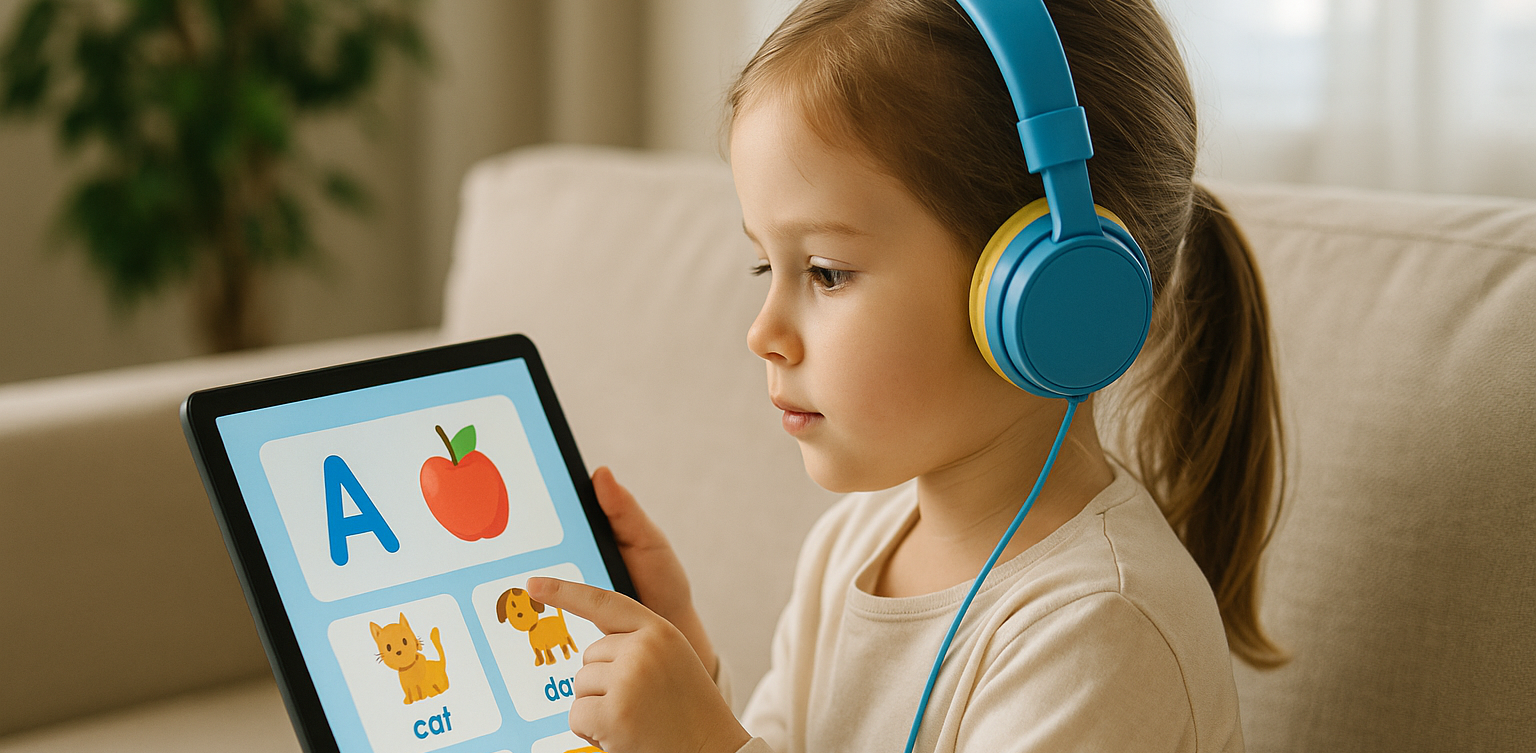
In today's digital age, many parents are turning to technology to support their child's education. If you're searching for apps for kids learning English, you are in the right place. The right apps can help children build their vocabulary, improve pronunciation, and master grammar while having fun through interactive games, songs, and storytelling. This article features the 10 best apps for kids learning English in 2025. Whether your child is a complete beginner or looking to sharpen their English skills, these apps offer engaging ways to learn at home or on the go.   10 Best Apps for Kids Learning English in 2025 (Fun and Effective Tools)   1. Duolingo Kids Why it’s great: Duolingo Kids simplifies English learning with bite-sized, gamified lessons. The colorful design and rewards system make it exciting for young learners. Key Features: Fun vocabulary practice with visual cues Audio support for correct pronunciation Progress tracking for parents Ideal for: Children aged 4 to 10 who enjoy playful, interactive learning.   2. Lingokids – Playlearning App Why it’s great: Lingokids offers a complete English learning experience for kids. It includes games, songs, and videos that cover grammar, vocabulary, and conversation skills. Key Features: Adaptive learning based on skill level Downloadable content for offline use Weekly progress reports for parents Ideal for: Preschool and elementary-aged children who learn best through play.   3. Endless Alphabet Why it’s great: This app uses adorable animated monsters to introduce English words in a fun and engaging way. It's great for building vocabulary and early literacy skills. Key Features: Animated word puzzles Clear voice narration No ads or distractions Ideal for: Toddlers and young children who are just starting with apps for kids learning English.   4. ABCmouse Why it’s great: ABCmouse offers a full curriculum, including reading, phonics, and grammar lessons in English. With thousands of activities, kids stay engaged while learning. Key Features: Structured learning paths Hundreds of English storybooks Built-in reward system for motivation Ideal for: Kids aged 2 to 8 who need a well-rounded learning app.   5. Fun English by Studycat Why it’s great: This app uses games and songs to teach kids English vocabulary, phrases, and sentence structures. It's fun and suitable for both beginners and bilingual learners. Key Features: Voice recognition to practice speaking Games covering numbers, colors, and animals Easy navigation for kids Ideal for: Children who want to learn English in a playful environment.   6. Reading Eggs Why it’s great: Focused on reading and comprehension, Reading Eggs offers phonics-based lessons that improve vocabulary and fluency. Key Features: Interactive reading games English storybooks and lessons Adaptive difficulty levels Ideal for: Early readers who want to improve their English comprehension.   7. Khan Academy Kids Why it’s great: This free app includes English reading lessons along with math, logic, and social-emotional learning. The friendly characters guide kids through interactive stories and games. Key Features: High-quality educational content Creative learning tools No ads and completely free Ideal for: Parents looking for high-value, free apps for kids learning English.   8. Monkey Stories Why it’s great: Monkey Stories features a vast library of animated stories in English. Kids can follow along with subtitles, improving listening and reading skills. Key Features: 1,000+ English books and stories Interactive reading mode Daily learning goals Ideal for: Children who enjoy learning through storytelling.   9. Speakia Why it’s great: Speakia focuses on improving speaking and conversational English skills. It uses AI to simulate dialogues, helping kids speak more confidently. Key Features: Speaking practice with instant feedback Real-life conversation simulations Progress tracking Ideal for: Kids who need extra help with speaking and listening in English.   10. Hello English Kids Why it’s great: Hello English Kids offers lessons in vocabulary, sentence structure, and everyday conversations. The app is simple to use and designed for young learners. Key Features: Games and videos for better engagement English tests and flashcards Child-friendly interface Ideal for: Beginners looking for simple and effective apps for kids learning English.   Tips of Choosing Apps for Kids Learning English Choosing the best apps for kids learning English depends on your child's: Age and learning level: Make sure the content is age-appropriate. Learning style: Some children prefer stories, while others enjoy games or visuals. Screen time: Pick apps that are ad-free and encourage short, productive sessions. Look for apps that allow offline access and offer progress reports so parents can stay involved.   Final Thoughts There are plenty of amazing apps for kids learning English, but the key is to find one that suits your child’s unique interests and learning pace. From storytelling apps to full learning platforms, each of the ten apps mentioned above offers a different approach to mastering English in a fun, engaging way. If your child enjoys using technology to learn, why not take the next step with Timedoor Academy’s online coding classes? While they explore apps to improve their English, learning to code can help them develop logical thinking, creativity, and problem-solving skills. These are essential abilities in today's digital world. Try a free coding class at Timedoor Academy today and empower your child for the future.
10 Best JavaScript Apps for Kids to Learn Coding in 2025
As we step into 2025, coding is no longer just for adults. Children are now learning programming through engaging tools that match their interests and age. One of the most effective ways to start is by using JavaScript apps for kids. These apps provide a fun and structured way for children to learn how to code while developing essential problem-solving and logical thinking skills. Whether your child is just starting out or already interested in tech, this list of JavaScript apps for kids in 2025 offers the perfect tools to support their coding journey.   10 Best JavaScript Apps for Kids to Learn Coding in 2025   1. CodeCombat Best for: Ages 10 to 15CodeCombat teaches real JavaScript through game-based adventures. Kids write actual code to control characters, solve puzzles, and progress through game levels. It is ideal for children who enjoy gaming and want to learn through action. What stands out: Real coding is combined with exciting missions that keep them motivated.   2. Tynker Best for: Ages 7 to 14Tynker offers lessons that grow with your child, starting with visual block coding and gradually introducing JavaScript and Python. It includes creative projects like Minecraft modding, storytelling, and space-themed challenges. What stands out: Smooth transition from beginner to real coding for long-term growth.   3. Grasshopper Best for: Ages 10 to 16Created by Google, Grasshopper is a mobile-friendly app that uses short, interactive lessons to teach JavaScript. It's excellent for older kids who are ready for more advanced program What stands out: Clean design, daily goals, and real code that builds confidence.   4. Kodable Best for: Ages 5 to 10Kodable begins with simple block coding concepts and introduces JavaScript later on. It focuses on early logic and computational thinking skills through colorful, engaging games. What stands out: Family dashboard for parents to support and track their child's progress.   5. Code.org’s App Lab Best for: Ages 11 to 16App Lab gives kids the freedom to build their own apps using JavaScript. It is perfect for students who are ready to apply their skills through hands-on projects. What stands out: Combines design tools and coding to promote both creativity and technical ability.   6. Bitsbox Best for: Ages 8 to 14Bitsbox is a unique service that sends coding projects to your home, teaching kids how to build apps using real JavaScript. It is ideal for learners who benefit from physical materials alongside digital practice. What stands out: Kids can test their creations on phones or tablets instantly.   7. Hopscotch (with JavaScript transition) Best for: Ages 9 to 13Hopscotch is a visual coding app that also encourages older users to explore JavaScript through community-driven projects and tutorials. It appeals to children who are artistic and love customizing their work. What stands out: Blend of art and code helps kids express creativity.   8. CodeMonkey’s Game Builder Best for: Ages 8 to 12CodeMonkey introduces kids to programming concepts with a JavaScript-style language and game-based learning. Later stages include real JavaScript coding as kids grow more confident. What stands out: Helpful support resources for both kids and educators.   9. LightBot: Code Hour + JavaScript Add-ons Best for: Ages 6 to 11LightBot uses puzzles to teach basic programming logic. It pairs well with JavaScript extensions that introduce actual syntax when the child is ready to move beyond the basics. What stands out: Offline play combined with logic-based challenges.   10. ScriptKit Junior Best for: Ages 10 to 14ScriptKit Junior is a lightweight coding app for iPads where kids can build basic apps using simplified JavaScript. It is ideal for those interested in app development without the complexity of a full IDE. What stands out: Combines touch interaction and coding for intuitive learning.   Why Use JavaScript Apps for Kids? These JavaScript apps for kids help young learners grasp real programming skills in a way that is accessible and exciting. They build a foundation for future learning in tech, engineering, and creative fields. Key benefits include: Developing logical thinking and focus Enhancing creativity through project-based tasks Preparing for future tech careers Boosting self-confidence in problem solving   Choosing the Right JavaScript Apps For Kids To get the most out of JavaScript apps for kids match the app to your child’s age, interests, and goals. Here are a few tips: Test the app yourself to ensure it is ad-free and safe Choose apps with structured learning paths Encourage regular use without overdoing screen time Combine coding with offline creative play or group activities   Support Their JavaScript Learning at Timedoor Academy At Timedoor Academy, we offer both online and offline classes that introduce kids to the world of coding through engaging lessons in JavaScript, Python, robotics, and more. Our structured programs help children build strong technical and critical thinking skills in a fun, supportive environment. Try a free class at Timedoor Academy and discover how we make coding accessible and meaningful for kids of all ages. Visit our website to learn more and start your child’s smart tech journey today.
dampak positif dan negatif ai terhadap anak
Positive & Negative Effects of AI on Kids
Artificial Intelligence (AI) is becoming a regular part of children's lives, from voice assistants and learning apps to smart toys and educational platforms. As this technology continues to shape the way children learn and interact with the world, parents and educators are beginning to ask an important question: what are the positive & negative effects of AI on kids? While AI can provide engaging and personalized learning experiences, it also raises concerns about screen time, privacy, and social development. In this article, we’ll explore both sides of the story and help you better understand how to manage AI in your child’s life. What Are the Positive & Negative Effects of AI on Kids? Understanding the positive & negative effects of AI on kids starts with identifying how AI is used in their daily routines. Many children today interact with AI-powered tools at home, in school, or even while playing. AI helps personalize lessons based on learning speed and style. It can adjust content difficulty, give instant feedback, and keep children motivated with gamified progress tracking. However, relying too much on AI can reduce face-to-face interactions and lead to excessive screen exposure. As we explore each aspect, keep in mind that moderation and parental guidance are essential to maximizing the benefits of AI while avoiding its downsides. Positive Effects of AI on Kids’ Learning and Development One of the major positive effects of AI on kids is how it transforms the learning process. AI can create personalized learning paths that help students progress at their own pace. This is especially useful for children who need more time with certain subjects or want to advance beyond the standard curriculum. Some common benefits include: Personalized education: Platforms like Duolingo, Khan Academy Kids, and Google’s Read Along adapt to a child’s learning speed and interests. Interactive engagement: AI-powered tools can make learning fun. Children feel like they are playing a game, which boosts motivation and retention. Support for special needs: AI can assist children with learning difficulties, such as dyslexia or ADHD, by providing tailored content and feedback. Language development: Tools like ChatGPT or AI-powered story apps can help kids practice conversation skills, learn vocabulary, and explore creative writing. When used thoughtfully, AI can support cognitive development, encourage independent learning, and make education more accessible to all children. Negative Effects of AI on Kids’ Behavior and Health While the benefits are impressive, the negative effects of AI on kids should not be overlooked. Increased screen time and constant engagement with digital devices can affect children in many ways. Here are some of the concerns: Reduced social interaction: Over-reliance on AI tools can limit kids' real-world communication and collaboration with peers. Privacy and data concerns: AI tools often collect personal data. Parents must stay aware of how and where their child’s information is stored and used. Impaired creativity: When kids rely too much on automated answers or suggestions, it may reduce their problem-solving and critical thinking skills. Health risks: Excessive screen time is linked to eye strain, poor posture, and decreased physical activity. These negative effects of AI on kids highlight the importance of setting boundaries and ensuring that AI is used as a supplement, not a replacement, for real-life experiences. Balancing the Positive & Negative Effects of AI on Kids at Home and School Finding the right balance between the positive & negative effects of AI on kids is the key to ensuring that technology supports rather than harms their development. Here are some strategies: Set clear screen time limits: Encourage breaks and schedule offline activities like outdoor play or reading. Choose high-quality apps: Use tools that offer educational value and avoid those filled with ads or mindless content. Stay involved: Talk to your child about what they’re learning, and encourage them to ask questions or reflect on what they discover. Encourage a mix of learning methods: Combine AI-based tools with traditional learning and hands-on activities. Teach digital responsibility: Help kids understand the importance of online privacy, respectful communication, and balanced usage. By creating a healthy digital environment at home and working with educators to do the same in schools, we can maximize the positive impact of AI while reducing the risks. Managing the Positive & Negative Effects of AI on Kids AI is here to stay, and its role in children's lives will only continue to grow. As with any technology, the key is to use it intentionally. When guided properly, the positive & negative effects of AI on kids can be managed in a way that supports learning, creativity, and healthy development. Parents, teachers, and caregivers all have a role in helping kids develop strong digital habits and a balanced approach to technology. With the right support, AI can be a powerful tool for growth rather than a source of distraction or harm. Make AI Work for Your Child at Timedoor Academy At Timedoor Academy, we believe in using technology the smart way. Our live, interactive coding and digital classes are designed to help kids explore AI, robotics, and programming while developing communication and critical thinking skills. Looking for a healthy way to introduce tech into your child’s routine? Try our free class and see how we guide students to grow in a structured and inspiring environment. Visit our website to learn more and start your child’s smart tech journey today!
cara mengurangi screen time pada anak
How to Reduce Screen Time for Kids and Encourage More Physical Activity
Screens are everywhere, from TVs and tablets to smartphones and laptops. While digital devices can support learning and creativity, many parents today are asking the same question: how to reduce screen time for kids without starting a daily argument. With more classes, entertainment, and social interaction happening online, children are spending more time in front of screens than ever before. But excessive screen time can affect their physical health, sleep quality, and even emotional well-being. So how can we find the right balance? This article shares practical tips for reducing screen time while promoting more physical activity, helping children grow in a healthy, well-rounded way.   Why Reducing Screen Time Matters Understanding how to reduce screen time for kids starts with knowing why it is important. According to the American Academy of Pediatrics, screen time (excluding educational use) should be limited to no more than two hours per day for children over age five. Excessive screen time can lead to: Eye strain and poor posture Trouble falling asleep Weight gain and low energy Reduced attention span and creativity Meanwhile, regular physical activity supports: Healthy growth and stronger bones Improved mood and focus Better sleep patterns Social development and teamwork skills   1. Set Consistent Rules and Daily Limits The first step in learning how to reduce screen time for kids is to set clear boundaries. Children thrive with structure, and having a consistent schedule helps them develop discipline and independence. Alternatives: Set device-free hours in the morning and evening Use timers or apps to manage screen duration Keep screens out of bedrooms, especially before bedtime Create a reward system for non-screen activities 2. Replace Passive Screen Time with Active Choices Not all screen time is bad, but it is important to guide children toward more active or creative screen use, or replace it with something physical. Alternatives: Encourage drawing, puzzles, or hands-on crafts Swap cartoons for interactive learning videos Use music apps for dancing or movement-based play Sign up for extracurriculars like swimming, martial arts, or team sports 3. Be a Role Model for Healthy Screen Habits Children mimic adult behavior. If you are always on your phone, it becomes harder to convince them to turn off their devices. Modeling a balanced tech routine is one of the most effective ways to teach how to reduce screen time for kids. Alternatives: Read a book while your child plays Keep your phone out of sight during meals Suggest family walks instead of watching TV Join your kids in outdoor games or activities 4. Involve Your Kids in Planning Screen-Free Time When children feel involved in the process, they are more likely to follow the rules. Let them help plan fun screen-free activities for the week. Alternatives: Create a weekly activity jar with ideas like bike rides, baking, or hide and seek Use sticker charts to track screen-free time Allow them to choose the family game or weekend adventure 5. Create Fun Physical Routines Balancing movement with screen time does not mean forcing kids into sports they do not enjoy. Find what excites them and build around that. Alternatives: Backyard obstacle courses Dance breaks between homework sessions Family yoga or stretching challenges Short fitness videos designed for kids Chores with a twist such as turning tasks into a timed race 6. Use Tech Wisely with Movement-Based Apps If completely removing screen time is not realistic, try using apps that blend movement with tech. This way, kids remain active while staying engaged. Alternatives: Dance apps like GoNoodle Augmented Reality (AR) games that require walking Fitness video games like Ring Fit Adventure Educational platforms that include movement breaks 7. Establish Tech-Free Family Traditions Make family time more meaningful by building rituals that do not involve screens. This strengthens your bond and shows that fun does not always require a device. Alternatives: Family cooking nights Nature walks or park visits Gardening or DIY projects Volunteering together in local events Learning how to reduce screen time for kids is not about removing devices entirely. It is about creating healthier, more balanced routines. When screen habits are paired with regular movement, children become more focused, creative, and emotionally strong. By staying involved, setting clear limits, and offering fun alternatives, parents can guide kids toward a lifestyle that blends the best parts of technology with the joys of being active.   Try a Healthy Digital Routine with Timedoor Academy Looking for another way how to reduce screen time for kids and turn them into learning time? At Timedoor Academy, your child can explore the world of coding, animation, and creative digital projects in a structured, kid-friendly environment. With live teachers and flexible schedules, our courses encourage healthy online habits and critical thinking. A free trial is available so you can see how your child can enjoy screen time the smart and balanced way. Visit our website to learn more and get started!
aplikasi python untuk anak
10 Best Python Apps for Kids to Learn Coding in 2025
In 2025, programming has become one of the most important skills for children to learn. With the rise of digital education, more parents and educators are introducing coding at an early age. Among the many programming languages, Python stands out for its readability and beginner-friendly structure, making it an ideal language for young learners. Today, there are plenty of Python apps for kids that make learning fun, interactive, and suitable for different age groups. These Python apps for kids are designed to simplify complex concepts and teach children how to think logically and solve problems creatively. Many of these apps use games, animation, and step-by-step challenges to help children build a strong foundation in Python coding. Whether your child is new to programming or already curious about how games and websites work, these apps will help them take their first steps into the world of technology. Here are the 10 best Python apps for kids that you can explore in 2025!   10 Best Python Apps for Kids to Learn Coding in 2025   1. Tynker Focus: Learn Python through games and puzzlesTynker is a highly recommended platform that offers a range of beginner to advanced courses, including Python. Its game-based lessons make learning Python enjoyable for kids and easy for parents to follow. How to Use It: Kids can choose a Python learning path, solve challenges, and build their own mini projects with guided instructions and instant feedback. 2. CodeCombat Focus: Coding adventure game with real Python codeCodeCombat combines learning with adventure. Kids control characters in a game by writing actual Python code. It’s one of the best Python apps for kids who enjoy storytelling and gaming. How to Use It: Children choose their characters, learn spells (code), and battle through levels by solving real coding problems using Python. 3. Trinket Focus: Write and share live Python code onlineTrinket is a coding tool that allows kids to write, run, and share Python code directly from their browser without installing anything. It’s simple and ideal for beginners. How to Use It: Children can explore beginner-friendly Python projects, experiment with code, and instantly see the output. Great for school use or homeschooling. 4. SoloLearn Focus: Mobile learning app for Python basicsSoloLearn is a mobile app that provides bite-sized Python lessons. While it’s suitable for learners of all ages, kids who are in upper elementary or middle school can benefit from its beginner courses. How to Use It: Kids can log in daily, go through short lessons, take quizzes, and interact with a global community of learners. 5. Pythonista (iOS Only) Focus: Real coding in Python for iPad usersPythonista is one of the more advanced Python apps for kids who are ready to try real-world coding environments. It features a full Python IDE on iOS. How to Use It: Young learners can build small apps, run scripts, and explore how Python works on mobile devices. Best for kids with prior coding experience. 6. EduBlocks Focus: Visual to text-based Python codingEduBlocks bridges the gap between block-based coding and text-based Python. It is perfect for transitioning from platforms like Scratch to actual Python code. How to Use It: Kids drag and drop visual blocks that automatically translate into real Python code, helping them understand syntax while building confidence. 7. PyGame Focus: Build games using Python If your child loves gaming, PyGame is one of the most engaging Python apps for kids. It is a set of Python modules used to make video games, and kids can create their own projects from scratch. How to Use It: Children can follow tutorials to build simple games such as pong or snake and then level up to more advanced interactive games. 8. Programming Hero Focus: Gamified learning and storytelling in PythonProgramming Hero teaches Python through colorful storytelling and missions. This makes it a great tool for children who enjoy visuals and creativity. How to Use It: Kids complete quests and unlock achievements while learning Python concepts like variables, loops, and functions in a game-like environment. 9. Blockly for Python Focus: Visual blocks to learn Python syntaxBlockly is a drag-and-drop visual coding app that helps kids learn the syntax of Python before they start writing the actual code. How to Use It: Kids create Python programs by dragging and arranging blocks to represent Python code, gradually transitioning to actual text-based coding. 10. Timedoor Academy’s Python Course for Kids Focus: Structured online classes with live mentorshipTimedoor Academy offers a fun and guided learning experience for kids who want to master Python. Lessons are designed by expert instructors who make programming fun and practical. How to Use It: Kids can join a free trial class, explore Python basics, and build real projects such as games and animations with a mentor’s help.   Why Use Python Apps for Kids? Python apps for kids are more than just learning tools. They are platforms that encourage curiosity, support creativity, and teach valuable skills in problem-solving, logic, and digital literacy. Unlike traditional learning methods, these apps allow children to experiment, make mistakes, and learn through interactive challenges. Python also offers a clean and easy-to-read syntax, which makes it perfect for beginners. Many schools and educators now include Python in their curriculum because it provides a strong foundation for learning other programming languages and STEM subjects in the future. By using Python apps for kids, your child can learn at their own pace, explore their interests, and even develop confidence in tech-related skills that may become essential in their careers later on.   Join a Free Trial with Timedoor Academy Looking for a structured yet fun way to help your child learn Python? Timedoor Academy provides interactive online coding classes that are tailored for kids. With live mentorship and project-based learning, children can build their own games, websites, and animations while learning real Python skills. Try a free trial class today and start your child’s coding journey with one of the best tech education platforms in Asia.
float button