Why Coding for Kids Is Necessary in 2025?

Why Coding for Kids Is Necessary in 2025?

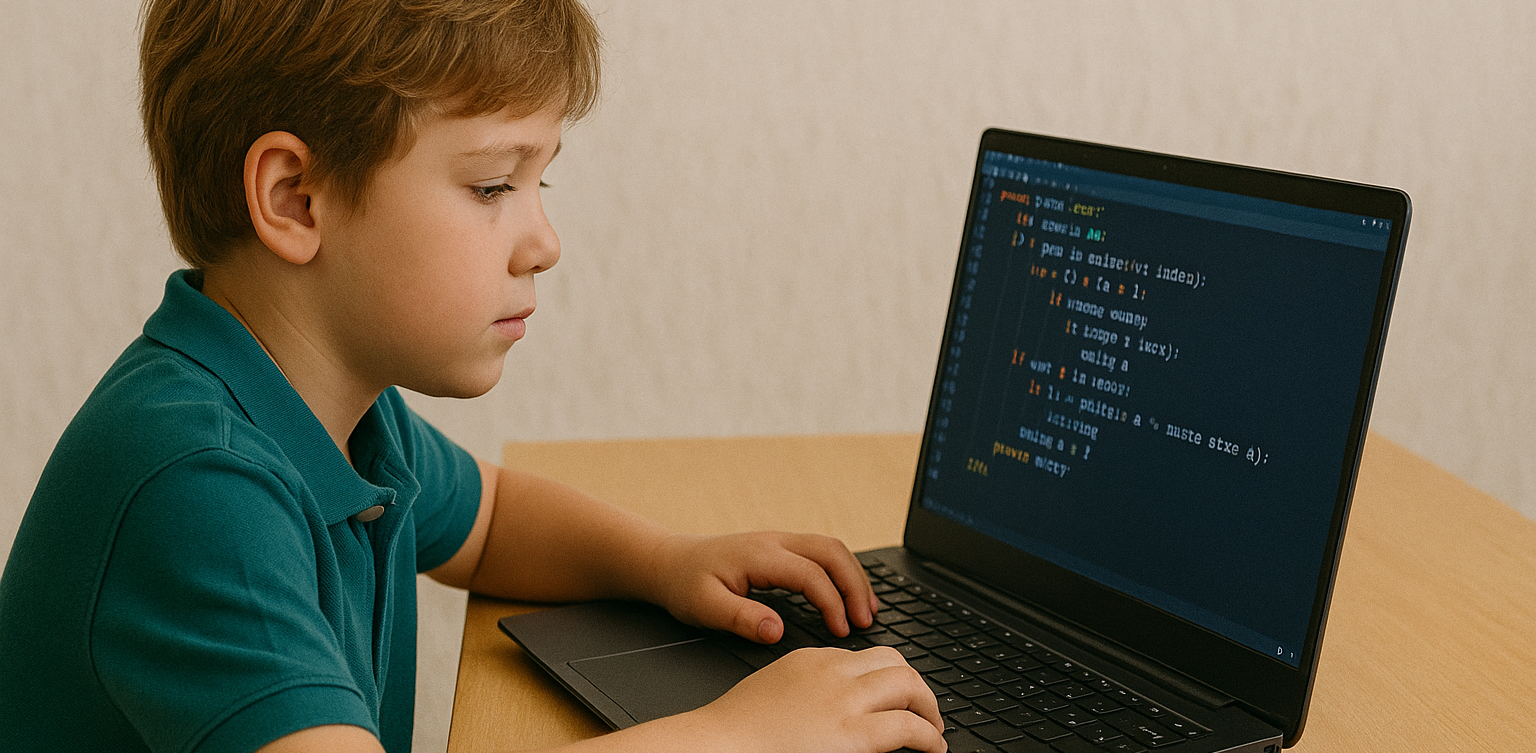
With the rapid growth of technology, many parents are beginning to wonder if learning to code is becoming as essential as reading or math. As we approach 2025, nearly every aspect of life is increasingly connected to the digital world. That brings up a big question for families: is coding for kids something they really need to prioritize? We all want to prepare our children for the future. In this context, coding for kids is not just about preparing them for careers in tech. It’s also about helping them build useful life skills like critical thinking, problem-solving, and digital confidence. Coding for Kids Is Not Just for Future Programmers One common misconception is that only kids who want to become programmers should learn to code. In reality, coding helps children develop logical thinking and structured problem-solving skills. When kids learn coding, they are training their brains to approach problems step by step and think clearly. These skills are useful far beyond technology. Children who think in an organized way often do better in school subjects like math and science. So when we talk about the benefits of coding for kids, we’re also talking about building stronger thinking habits for life. The Future Job Market Will Rely on Technology We may not know exactly what jobs will look like in the future. But one thing is certain—technology will be part of nearly every profession. Understanding coding for kids means giving them a foundation that allows them to adapt to change and take advantage of new opportunities. Even in creative or non-tech careers, basic digital literacy is essential. Teaching coding for kids at a young age gives them a strong foundation that can apply across a wide range of future possibilities. Coding Builds Patience and Resilience Learning to code involves lots of trial and error. Children learn how to fix problems, try again, and improve their work. These are real-life lessons in patience and resilience. Through coding for kids, they develop the ability to stay calm and focused even when things don’t work perfectly. These soft skills are just as important as academic ones. Children who code learn to accept mistakes as part of the process, and they become better problem solvers because of it. Start with Simple and Fun Activities Not every child has to start writing complex code right away. There are many playful and creative ways to introduce coding for kids, especially at early ages. It can begin with games, logic puzzles, or interactive apps that teach the basics in an enjoyable way. The key is to create positive experiences. When coding feels fun and engaging, kids are more likely to continue learning. Parents don’t need to be tech experts—they just need to be supportive and encouraging as their kids explore. Coding for Kids Doesn’t Have to Be Expensive A big myth about learning to code is that it requires expensive tools or lessons. Today, there are many online platforms that offer quality coding for kids programs at affordable prices, or even for free. Timedoor Academy, for example, provides online classes designed specifically for children, with friendly mentors and fun projects. It’s a simple and effective way to introduce kids to the world of coding from the comfort of home. Why Coding for Kids Is a Smart Investment More than a trend, coding for kids is a long-term investment in your child’s development. It strengthens both technical and personal skills. From building logic to growing confidence, the value goes far beyond the screen. As technology continues to evolve, helping kids understand it early on will empower them to not just consume digital tools, but also create and innovate with them. Make Learning to Code Fun with Timedoor Academy If you’re ready to get your child started on a fun and meaningful tech journey, Timedoor Academy offers engaging online classes tailored for kids. With hands-on projects and expert guidance, your child will learn to code in a way that is exciting and age-appropriate. Try a free class today and explore how coding for kids can open the door to a confident and creative future.
How to Introduce AI to Kids: Tips and Trick 2025

How to Introduce AI to Kids: Tips and Trick 2025

Artificial Intelligence, or AI, is no longer just a concept of the future. From voice assistants on smartphones to video recommendations on YouTube, AI is part of our everyday lives. That’s why learning how to introduce AI to kids is so important. When kids understand the basics, they can grow from passive users into confident, curious thinkers in a tech-driven world. Many parents worry that AI sounds too complicated for young minds. In reality, it can be introduced in very simple and engaging ways. Using relatable examples and interactive methods helps children understand how this powerful technology works. Use Everyday Examples The easiest way to begin is by pointing out how AI already exists around your child. When they ask questions to Google Assistant or talk to Siri, explain that they are interacting with AI systems that are designed to understand and respond to human language. You can also show them how platforms like YouTube suggest videos based on what they usually watch. This helps children understand that AI can observe patterns and make decisions, which is a great starting point in how to introduce AI to kids. Turn Learning into Stories Kids naturally connect with stories. You can create short tales about friendly robots that learn from their experiences, or animated characters who grow smarter over time. These narratives make AI feel more familiar and less abstract. Use simple examples in the story to show that AI learns just like people do. For instance, a robot might recognize faces after seeing them many times, just like children learn to recognize their classmates. Storytelling makes it easier to introduce complex ideas in a way kids enjoy. Play and Learn Together Play is one of the most effective learning tools for children. There are many apps and games that teach the building blocks of AI in fun ways. Look for games that involve logic puzzles, matching patterns, or choosing the best action based on different situations. These playful tools help children learn without even realizing it. Exploring AI through games is a great strategy if you are wondering how to introduce AI to kids without making it feel like a formal lesson. Explain According to Their Age Every child learns at a different pace. Younger children might only need to know that some technology can learn and help people. Older kids can begin to understand that AI works by using information and following rules to make decisions. There is no need to dive into technical terms. The goal is to help kids understand that AI is something people design and control. How to introduce AI to kids should match their age and curiosity level so the process feels natural. Show Real-Life Uses Kids become more interested when they understand why something matters. You can show them how AI is used to help doctors read x-rays, how it guides self-driving cars, or how it supports students with personalized learning tools. Understanding how AI helps people in real situations helps children see its value. This makes the topic more meaningful and gives you a strong foundation for how to introduce AI to kids in a way they’ll appreciate. Support Curiosity and Exploration After learning the basics, kids will often ask more questions. Use this moment to explore together. Look up short videos, create small projects, or just have simple discussions based on their questions. Encouraging exploration builds problem-solving skills and confidence. One of the best parts of how to introduce AI to kids is helping them grow more independent in how they think and learn. Teach Responsible Use Understanding AI should go hand in hand with learning digital responsibility. Talk to your child about online safety, the importance of privacy, and how to treat others kindly in digital spaces. Teaching children how to use technology thoughtfully is just as important as showing them how it works. A full approach to how to introduce AI to kids includes values and habits that prepare them for real life. Learn with Timedoor Academy If you want to support your child’s learning journey in technology, Timedoor Academy offers online interactive classes that are perfect for kids. With fun and age-appropriate lessons in coding, logic, and digital creativity, your child can explore AI concepts in a way that’s engaging and easy to understand. Timedoor Academy helps children build strong foundations in tech while having fun. Join a free trial class today and start discovering how to introduce AI to kids with the support of experienced mentors and exciting hands-on projects
How to Choose Coding Course for Kids: A Step-by-Step Guide In 2025

How to Choose Coding Course for Kids: A Step-by-Step Guide In 2025

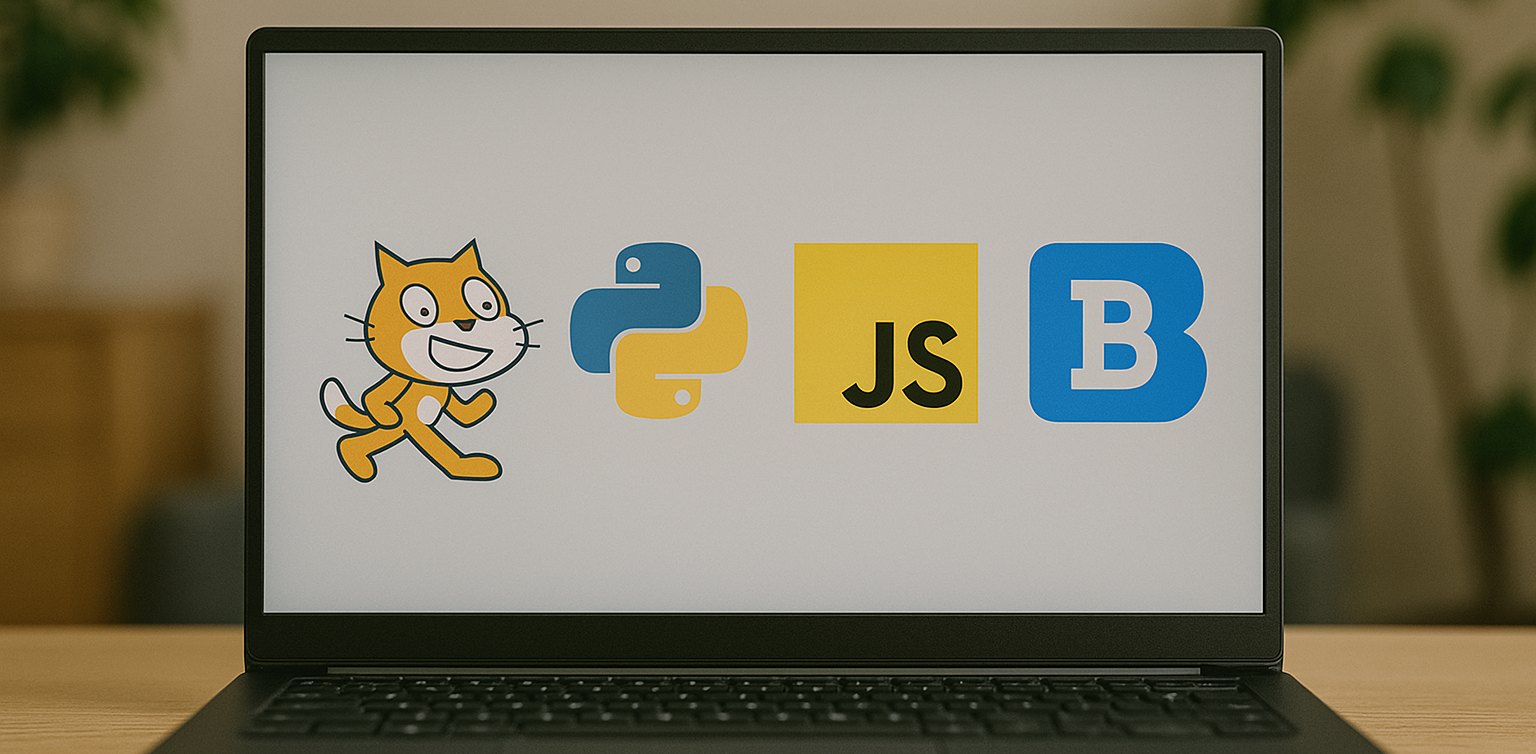
In today’s digital era, coding is becoming a vital skill for children to learn early. Whether they are interested in games, animation, or just curious about how technology works, finding the right course can shape their learning journey. If you are wondering how to choose coding course for kids, this guide will walk you through the essential steps every parent should know. It covers what to consider, how to evaluate a course, and how platforms like Timedoor Academy make it easier than ever to get started. 1. Understand Your Child's Interests and Learning Style The first step in how to choose coding course for kids is to understand what motivates your child. Do they enjoy building things, telling stories, or playing logic games? A child who loves art might enjoy animation-focused coding, while one interested in tech may love learning how apps work. Choosing a course that connects to their personal interests makes it easier to keep them engaged and excited about learning. 2. Match the Course to Their Age and Skill Level Another important step in how to choose coding course for kids is making sure the difficulty fits your child’s current level. Younger children do better with visual tools like Scratch or Blockly, which help them understand basic logic without typing code. Older kids or those with some experience may benefit more from Python or JavaScript. Timedoor Academy provides coding programs grouped by age and ability, so children can learn comfortably at their own pace. 3. Look for Strong Curriculum and Project-Based Learning When exploring how to choose coding course for kids, the course structure matters. A good program should combine clear explanations with plenty of opportunities to build projects. Kids learn best by doing, so check if they’ll be creating apps, games, or animations. Timedoor Academy follows a project-based approach where each lesson builds toward a hands-on goal, helping children stay focused and feel proud of their work. 4. Decide Between Online or In-Person Formats Your child’s learning environment can impact their progress. As you consider how to choose coding course for kids, think about whether online or in-person learning works better for your family. Online courses are flexible and accessible from anywhere, while in-person classes may provide more direct support. Timedoor Academy offers live online sessions with real instructors and small class sizes, blending structure with flexibility. 5. Evaluate the Teachers and Student Support One of the key factors in how to choose coding course for kids is the quality of the teaching staff. Great instructors are not just skilled in programming—they also know how to communicate with children. Look for teachers who are patient, encouraging, and responsive. At Timedoor Academy, instructors are carefully trained to work with young learners and guide them with a friendly, easy-to-follow approach. 6. Try a Free Trial to See What Works Before making a commitment, it is helpful to try a class. This is one of the smartest ways in how to choose coding course for kids. A trial session lets your child experience the lesson format, meet the teacher, and decide if they enjoy it. Timedoor Academy offers free trial classes where children can explore coding firsthand, ask questions, and complete a mini project. This can be the difference between guessing and choosing a course with confidence. Ready to Begin Your Child’s Coding Journey? If you’re still wondering how to choose coding course for kids, the best way is to let them experience it. Timedoor Academy offers interactive and engaging online coding classes made for kids of all ages. With expert instructors, hands-on projects, and a flexible schedule, your child will not only learn coding but also grow in confidence and creativity. Sign up for a free class today and see how fun learning to code can be.
How to Use Figma for Kids: A Fun and Simple Digital Design Guide

How to Use Figma for Kids: A Fun and Simple Digital Design Guide

In today’s digital era, graphic design has become an increasingly essential skill, even for kids. Design is not just about drawing or creating illustrations. It also helps children develop creativity, visual logic, and systematic thinking. One of the most popular and beginner-friendly design tools to introduce early on is Figma. This article will guide you on how to use Figma for kids in a fun and easy-to-follow way. Figma is a web-based design platform widely used by UI/UX professionals and graphic designers. But because of its intuitive interface and real-time collaboration features, Figma can also be a great learning tool for children, especially those curious about digital design, posters, invitations, app layouts, or even simple games. Why Kids Should Learn Digital Design Digital design is not only about aesthetics, but also about communication. Kids who learn design early tend to express ideas visually, organize information clearly, and feel more confident experimenting with their creativity. Design skills also open doors to other fields like illustration, app development, animation, and branding. By learning how to use Figma for kids, the design process becomes more engaging. They can instantly try, rearrange, and explore design elements without needing to install any additional software. What to Prepare Before Using Figma Before your child starts designing, here are some things to set up: Figma account: Create a free account at figma.com. Use a parent’s email and assist during setup. Device: A laptop or desktop with a stable internet connection works best. Simple design theme: Start with fun, easy projects like a birthday card or character illustration. Benefits of Using Figma for Kids Here are some of the main benefits of using Figma as a learning tool for kids: Enhances creativity and visual aesthetics Builds logical thinking through layout structure Boosts confidence through hands-on creation Encourages teamwork and collaboration in online settings Step-by-Step Guide: How to Use Figma for Kids Below are specific steps on how to use Figma for kids, including core features and how to guide them: 1. Introduce the Interface and Basic Tools After logging in to a Figma account, walk your child through the main elements of the workspace: Canvas: the blank area where they’ll build designs Top toolbar: includes tools like Move, Frame, Shape, and Text Left panel: shows the object structure (layers) Right panel: used to adjust color, size, position, and effects Let them freely draw circles, squares, or stars and experiment with colors. This unstructured play helps them get familiar with Figma naturally. This is also a great starting point in how to use Figma for kids in a stress-free way. 2. Start a New Project Click New Design File and let your child name it something fun like “My Poster” or “Cute Cat Project.” Then: Create a Frame using A4 size or mobile screen dimensions Add shapes via the Shape tool, then change colors on the right panel Add text with the Text Tool, and adjust font size, color, and position This step of how to use Figma for kids feels like drawing on a digital piece of paper—fun and intuitive. 3. Add Images and Illustrations To make their design more dynamic, help them insert images: Click File > Place Image and choose from your computer Or simply drag and drop into the canvas Use the Unsplash plugin to find royalty-free images directly inside Figma This makes it easier for kids to create digital greeting cards, collages, or mood boards. These small projects are practical examples of how to use Figma for kids in real-life situations. 4. Create Simple App or Game Layouts For older kids, try introducing them to basic app layout design: Use Frames sized for iPhone or Android Add titles, icons, and buttons Turn elements into Components for duplication Use Prototype mode to simulate screen transitions This is a creative and exciting way to teach design logic and basic UX thinking. It’s also a more advanced stage in how to use Figma for kids who want to go deeper. 5. Collaborate and Present Figma is perfect for collaborative learning. Kids can: Click Share to invite parents, teachers, or friends Use Presentation Mode to view their design full-screen Receive comments directly on the canvas and learn from feedback These interactions help kids learn how to present and improve their ideas. How to use Figma for kids can extend into valuable lessons on teamwork and communication. Combine with Online Design Classes To support their learning journey, consider enrolling your child in an online design course. Timedoor Academy offers kid-friendly design programs based on fun projects and personalized learning. Learning how to use Figma for kids is much easier when supported by friendly mentors and structured activities. Tips for Parents to Support Learning To make the learning process smoother, parents can: Be present during the early stages, then give room to explore Ask about their designs and encourage storytelling Avoid focusing on perfection—celebrate creativity instead Try designing together as a bonding activity Ready to Introduce the World of Design? Introducing your child to digital creativity can begin with simple tools like Figma. With the right guidance and playful approach, how to use Figma for kids becomes a fun activity that sharpens logic, builds visual confidence, and sparks interest in technology. Timedoor Academy is here to support your journey. With interactive online classes and friendly instructors, your child can learn to design with confidence. Try a free class today and help your child discover their design potential from an early age.
6 Best Free Coding Resources for Kids in 2025

6 Best Free Coding Resources for Kids in 2025

In today’s digital era, coding is becoming one of the most essential skills kids can learn for the future. It is not just about creating computer programs, but also about building logical thinking, creativity, and problem-solving abilities. Fortunately, there are now many free coding resources for kids that can be accessed easily from home. For parents who want to introduce programming early on, this article shares a variety of platforms, apps, and websites that offer free, fun, and kid-friendly coding lessons. Why Should Kids Learn to Code Early? Learning to code is not only for those who want to become programmers. It helps sharpen important cognitive skills like critical thinking, persistence, and collaboration. In addition, coding teaches kids how to face failure and try again, as they learn to troubleshoot and improve their work. Introducing coding at an early age also gives kids a chance to explore their interests in technology and create things they can be proud of, such as simple games, animations, or interactive stories. What Makes a Coding Resource Kid-Friendly? When choosing a free coding resource for kids, it is important to look for the following: Clear, simple language that is easy to understand Engaging and interactive visuals Gradual, age-appropriate learning paths Gamified elements to keep kids motivated Safe and ad-free learning environments Here are some great platforms and tools to try out. 6 Best Free Coding Resources for Kids in 2025 1. Scratch Scratch is an introductory coding platform developed by MIT for kids ages 8 and up. Using colorful code blocks, kids can create animations, stories, or interactive games without needing to write code. Scratch encourages creativity and features a global community where kids can safely share their projects. It is also available in Bahasa Indonesia, making it even more accessible for Indonesian families. 2. Code.org Code.org is one of the best free coding resources for kids worldwide. It offers a wide range of free courses with varying difficulty levels, from beginner to advanced. Kids can even learn with their favorite characters like Elsa from Frozen or Steve from Minecraft. The platform also provides age-specific curriculums for elementary to high school students, with a fun, project-based approach. 3. Tynker Tynker is another popular platform recommended for kids. While the premium version is paid, Tynker offers free access to several well-structured introductory modules. Kids can learn basic coding concepts through games, build animations, and even get a taste of drones and robotics in a simplified way. 4. Khan Academy – Computer Programming Khan Academy is widely recognized for offering free educational content, and its programming section is no exception. It provides beginner-friendly coding lessons, especially for older kids and teens who are starting to understand text-based programming logic. The videos are interactive and well-paced, making Khan Academy a great choice for slightly more advanced learners. 5. Blockly Games Blockly Games is a collection of educational games that teach basic coding concepts using block-based visual programming. It is perfect for kids who are just starting out and want to learn while having fun. With a simple and functional interface, Blockly Games is a solid first step into the world of coding for elementary-aged kids. 6. Timedoor Academy In addition to these global platforms, there is also a great local option: Timedoor Academy. Timedoor offers interactive online coding classes for kids, using a fun and structured approach guided by experienced instructors. Timedoor Academy understands the unique needs of children potential. It tailors its lessons to local language, uses project-based learning, and provides flexible schedules. A free trial class is also available, making it easy for parents and kids to try it out before committing. Tips for Supporting Kids Coding at Home To make the most of your child’s coding journey, here are a few helpful tips for parents: Be there to guide them when they try a new platform, especially younger kids Set a regular learning schedule, like 30 minutes per day Give small creative challenges, such as making a simple game or animation Celebrate their achievements, no matter how small Keep screen time balanced with physical and social activities Ready to Start Coding from Home? Here’s the First Step: Learning to code has never been more accessible, thanks to the growing number of free coding resources for kids. Parents can introduce programming in a fun, engaging way through platforms designed with kids in mind. But to make learning more structured and effective, it helps to choose the right method and guidance. Timedoor Academy offers kid-focused online coding classes with a creative and organized approach. Led by experienced instructors and adapted to different age levels, Timedoor is ready to support your child’s coding journey. Try a free class today and help your child start learning to code from home in a fun and meaningful way.
The Role of Parents in Kids Digital Learning: Practical Tips for 2025

The Role of Parents in Kids Digital Learning: Practical Tips for 2025

Digital learning is now a core part of how kids learn. Since the pandemic, many have grown used to studying through screens, whether from school platforms or extra classes like coding, languages, or math. But behind the ease of technology, the role of parents in kids digital learning is still key to making learning effective. Some might think digital learning makes kids more independent, but not all are ready to manage time, stay focused, or understand lessons on their own. This is where the role of parents in kids digital learning remains essential. Parents are not just supervisors but active guides who support and respond to their kids’ needs. Setting a Healthy Learning Rhythm Time management is one of the biggest challenges in digital learning. Without a teacher physically present, kids can get distracted easily when learning at home. Parents can help by building a consistent routine that balances study and rest. This structure helps shape responsible habits early. It is one of the simplest ways to support the role of parents in kids digital learning and helps build long-term discipline. Creating a Supportive Learning Space Focus depends a lot on environment. At home, distractions like TV, traffic noise, or a younger sibling playing nearby can make learning harder. Parents should create a quiet, comfortable study spot where kids can focus better. Make sure tools like laptops, headphones, and internet connections are working properly. These technical basics matter more than they seem. Helping with this setup is a key part of the role of parents in kids digital learning at home. Offering Emotional Support Digital learning can feel isolating. Kids may feel stuck, frustrated, or unsure who to talk to when lessons are hard. That is why emotional support is just as important as helping with assignments. Simple questions like “Was today’s class fun?” or “Anything that confused you?” can make a big difference. Being emotionally available is a powerful part of the role of parents in kids digital learning, helping kids stay motivated and confident. Guiding Tech Use with Balance Technology can help learning, but it can also be distracting. Kids might be tempted to play games or watch videos during study time. That is why parents should stay involved by setting rules and limits that feel fair. Use screen timers, focus modes, or parental control tools. More importantly, explain why these rules exist so kids see them as helpful, not harsh. Balanced tech use is part of the role of parents in kids digital learning that keeps learning on track. Becoming a Learning Partner Parents do not have to know everything their kid is learning. Just being involved by listening to a project explanation or joining an online session shows support. Being a learning partner means exploring together and showing real interest. This shared effort makes learning more engaging and strengthens the role of parents in kids digital learning by building trust and motivation. Why Parents Still Matter in Kids' Digital Learning Technology has made learning more flexible, but the role of parents in kids digital learning is still irreplaceable. From setting routines to offering encouragement, parents help make learning not only effective but enjoyable. By staying engaged and present, you give your kid the best chance to succeed. You become the connection between digital tools and real growth. Support Your Kid’s Digital Learning with Timedoor Academy Looking for a better way to support your kid’s learning at home? Timedoor Academy offers fun and interactive online classes in coding, math, and robotics. All programs are designed specifically for kids. Try a free class today and discover how we make your role of parents in kids digital learning easier and more meaningful.
Fun Ways to Help Kids Learn Math In 2025: Tips and Trick

Fun Ways to Help Kids Learn Math In 2025: Tips and Trick

For many kids, math can feel intimidating, boring, or just plain confusing. But with the right approach, it doesn’t have to be that way. When math is taught in a way that connects with how kids think and play, it can become one of their favorite subjects. In this article, we’ll explore fun ways to help kids learn math that you can try at home. These ideas are designed to build confidence, make learning enjoyable, and show kids that math is more than just numbers and formulas. Why Fun Matters in Learning Math Every child learns differently. Some understand best through visuals, while others learn by doing. Unfortunately, math is often taught through drills or worksheets that don’t speak to every child’s strengths. That’s why fun ways to help kids learn math are so important. When math is presented through games, stories, or real-life situations, it becomes more accessible and less stressful. It also helps kids build a positive attitude toward learning, especially for a subject that often gets a bad reputation. Turn Learning into Playtime One of the most effective ways to help children grasp math concepts is through play. When kids are having fun, they’re more likely to stay engaged and retain what they learn. Games like number bingo, card games with math challenges, or interactive apps make learning feel like part of everyday life. You don’t need expensive tools either. What matters most is creating a space where children feel excited, not pressured, to explore math. Simple Math Games to Try at Home Number Card ChallengeUse regular playing cards to practice addition or subtraction. Flip two cards and have your child call out the total. Make it a race to keep things fun. Hopscotch MathDraw a hopscotch board and add math problems to each square. Ask your child to solve the problem before hopping on. Math in the KitchenCooking is full of measurement and timing. Let your child help measure flour, count spoonfuls, or figure out how many cookies each person gets. Toy-Based CountingUse building blocks or toy cars to teach grouping, multiplication, or division. It’s especially helpful for visual learners. All these activities offer fun ways to help kids learn math without making it feel like a school assignment. Your Role as a Parent Many children struggle with math not because they can’t do it, but because they believe they can’t. That belief often comes from pressure, fear of mistakes, or a lack of confidence. As a parent, you can shift this mindset by encouraging effort and curiosity. Celebrate progress, no matter how small. With fun ways to help kids learn math, your support matters just as much as the method. Use Technology in a Positive Way Today’s technology offers tons of educational tools designed specifically for children. There are countless apps and websites that teach math through stories, games, and interactive challenges. Platforms like Timedoor Academy offer structured online classes that combine fun with effective learning. With the right tools, fun ways to help kids learn math become easier to find and apply in daily life. Make Math Social Kids often enjoy learning more when they can do it with others. Consider setting up math challenges between siblings or friends. You can also try a family game night with a math twist. Learning with others creates a sense of excitement and reduces pressure. It’s another fun way to help kids learn math while also building teamwork and communication skills. Make Math Part of Everyday Life Math is everywhere. It’s in the money you use at the store, the recipe you follow for dinner, and the clock you check every morning. Involving your child in these daily tasks can make math feel useful and natural. Let your child count change, estimate grocery costs, or track time before bedtime. When kids see math in action, they understand that it's a skill, not just a subject. Let Kids Find What Works for Them There is no one-size-fits-all method in learning. Some kids love singing math songs, while others enjoy solving puzzles. The key is to let your child explore different ways and figure out what helps them feel most confident. Fun ways to help kids learn math often come from trial and error. Give them room to experiment, and be there to cheer them on throughout the process. Make Learning Math Fun with Timedoor Academy If you're looking for guided, interactive math learning that your child will actually enjoy, Timedoor Academy offers online classes designed especially for kids. The lessons are built around engaging activities that teach core math skills in fun and creative ways. Try a free class today at Timedoor Academy and help your child discover fun ways to learn math at home with confidence and joy.
Future Trends in STEM Education: What Parents Need to Know In 2025

Future Trends in STEM Education: What Parents Need to Know In 2025

STEM education, which stands for science, technology, engineering, and mathematics, has long been recognized as a critical foundation for preparing children to thrive in a technology-driven world. However, it is no longer just about learning formulas or solving problems. The landscape of learning is changing quickly, and parents need to stay informed about where education is headed. This article explores the future trends in STEM education that are shaping how children learn and develop key skills. From coding in early grades to interdisciplinary learning, parents today play a bigger role than ever in guiding and supporting their child’s STEM journey. Personalized and Adaptive Learning One of the most significant future trends in STEM education is the use of personalized learning platforms. These platforms adjust the pace and content based on the learner's needs. Instead of using a one-size-fits-all approach, students receive lessons that match their ability level and learning style. This makes STEM subjects more accessible for children who may struggle in a traditional classroom. With adaptive tools, children can explore challenging topics like algebra or coding in ways that feel engaging rather than overwhelming. Emphasis on Real-World Problem Solving STEM education is moving beyond theory to practice. Schools are encouraging students to solve real-world problems, whether it's designing a water filtration system or programming a simple app. This trend helps children see the connection between what they learn in class and how it applies to the world around them. By focusing on real-life applications, children develop a deeper understanding of STEM concepts. They also build critical thinking, teamwork, and communication skills, which are just as important as technical knowledge. Coding as a Core Skill Coding is no longer seen as an optional extracurricular activity. It is becoming a core part of the curriculum in many schools around the world. Understanding the basics of coding helps children become not just consumers of technology but also creators. Among the future trends in STEM education, coding stands out because it blends creativity with logic. From block-based languages like Scratch to more advanced tools like Python, students are learning how to build games, automate tasks, and solve digital challenges. Integration of AI and Emerging Technologies Artificial intelligence is also making its way into STEM classrooms. AI-powered platforms can offer instant feedback, personalize learning paths, and even simulate experiments in virtual labs. Students are also being introduced to how AI works, not just how to use it. This exposure prepares children for a future where technology will continue to evolve rapidly. Understanding emerging technologies is becoming as important as understanding basic math or science. Focus on Interdisciplinary Learning In the future, STEM will not be taught in isolation. Interdisciplinary learning, often referred to as STEAM when incorporating the arts, is gaining popularity. Projects may combine coding with storytelling or physics with design. This shift reflects how the real world works, where innovation often happens at the intersection of multiple disciplines. For parents, encouraging children to explore connections between subjects helps them develop more holistic thinking. More Hands-On, Project-Based Learning Another one of the key future trends in STEM education is project-based learning. Children are no longer just reading textbooks or memorizing facts. They are building, testing, and iterating on their own designs. From robotics kits to 3D printing, students now learn through experimentation. Hands-on learning encourages trial and error and allows children to develop resilience. When a project fails, they learn to adapt and try new solutions, which is a critical skill in any STEM career path. Increased Access Through Online Platforms Online learning has become more refined and accessible. High-quality STEM content is now available to students from various backgrounds, often at low or no cost. This trend is helping to reduce gaps in education and allow more children to engage with STEM early on. Parents can use these resources to support their child’s learning from home. Platforms like Timedoor Academy offer structured online courses in coding, robotics, and math that are designed for children and flexible for families. Equity and Inclusion in STEM There is growing awareness about the need for more diverse representation in STEM fields. Future trends in STEM education will continue to emphasize equity by making sure girls, underrepresented groups, and students with different learning needs have equal opportunities to thrive. This includes inclusive teaching materials, diverse role models, and support systems that encourage every child to explore their interests in STEM regardless of background. What This Means for Parents Staying informed about the future trends in STEM education helps parents make better decisions about their child’s learning path. Whether through after-school programs, online courses, or simple encouragement at home, parents play a crucial role in nurturing a STEM mindset. Understanding these trends also helps parents advocate for improved STEM education at school. By recognizing the direction education is heading, families can help children develop both the curiosity and confidence needed to succeed. Explore STEM Learning at Home with Timedoor Academy If you want your child to experience hands-on, future-ready STEM learning, Timedoor Academy offers interactive online courses in coding, robotics, and digital skills. Designed with young learners in mind, these programs build creativity, logic, and confidence. Try a free class today and help your child stay ahead of the curve by exploring the future trends in STEM education in a fun and engaging way.
Introduction to Basic Robotics for Kids: Tips and Trick 2025

Introduction to Basic Robotics for Kids: Tips and Trick 2025

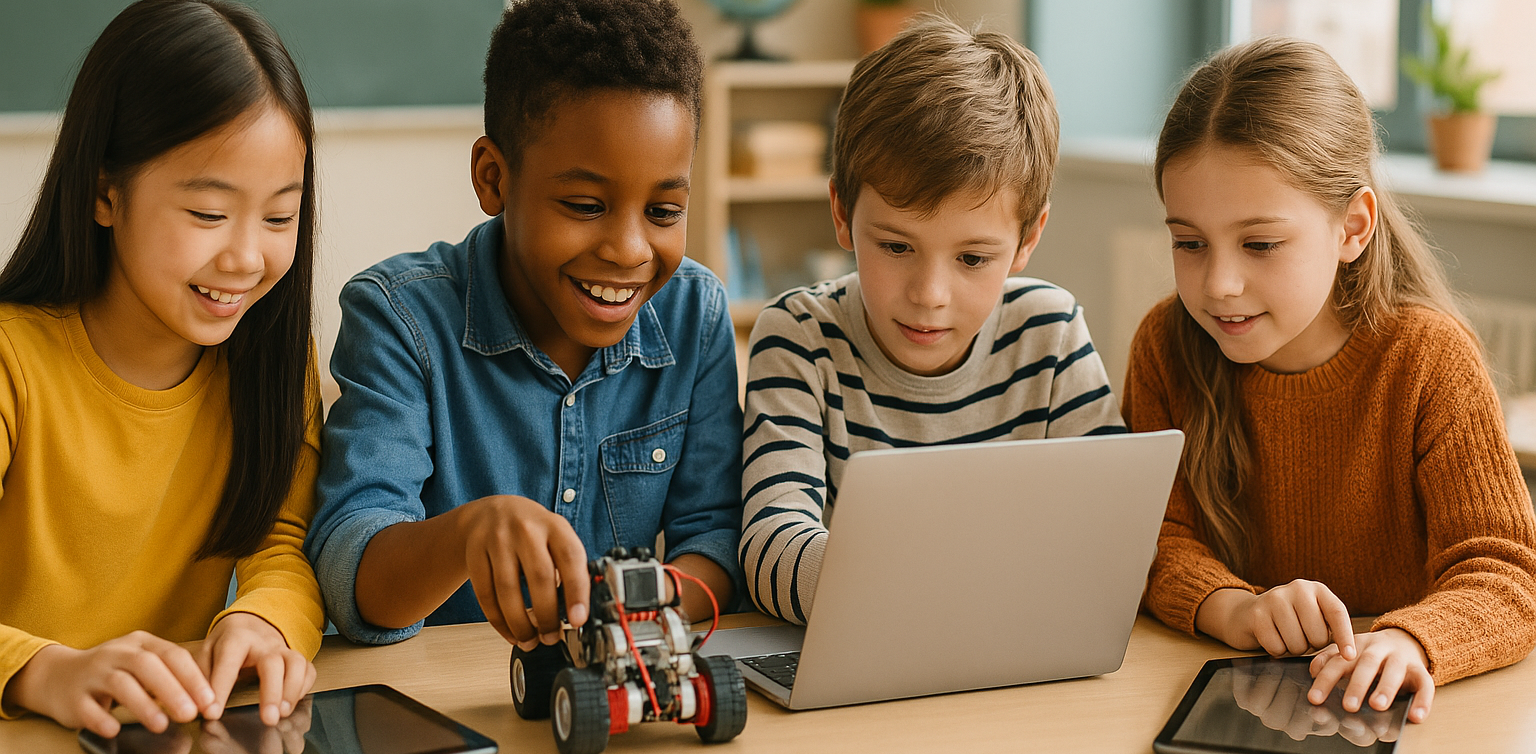
As technology advances rapidly, introducing children to robotics is no longer considered too early. In fact, robotics is one of the most valuable areas to explore at a young age, helping children develop logical thinking, creativity, and structured problem-solving skills. An introduction to basic robotics for kids can be a gateway to exploring technology in a fun and meaningful way. With a solid foundation in how technology works, children will be better prepared to navigate and shape the future ahead. What Is Robotics? Robotics is the field of study focused on designing, building, and controlling robots. For children, a robot doesn’t have to be a complex machine. It can be a simple educational toy that can move or perform tasks based on programmed instructions. Through an introduction to basic robotics for kids, children begin to understand core concepts like sensors, motors, and logic commands, while also learning that every action has a cause and an effect. Why Should Kids Learn Robotics Early? Builds Logical and Systematic ThinkingRobotics helps children learn how to think in sequences and steps. They learn to structure instructions so a robot can perform specific tasks, reinforcing their problem-solving skills. Encourages Creativity and InnovationChildren are given the opportunity to create something from their own ideas. Whether they are designing how a robot looks or deciding what it should do, they are learning to turn imagination into real outcomes. Introduces Technology in a Positive WayWhen children learn about technology through robotics, they see it as a helpful tool rather than just entertainment. This shapes how they interact with technology as they grow. Boosts Independence and ConfidenceCompleting a working robot on their own gives children a sense of accomplishment. This achievement builds self-confidence and motivates them to keep learning and trying new things. How to Get Started with Robotics for Kids An introduction to basic robotics for kids should be fun, simple, and age-appropriate. There are many robotics kits designed specifically for children, often equipped with easy-to-follow instructions and safe-to-use components. Parents can also begin with unplugged activities to build early logical thinking. Games like direction cards or movement simulations that mimic robot commands can serve as great stepping stones before introducing digital coding. Fun Robotics Activities to Try at Home Simple activities like building robots out of cardboard or using beginner-friendly kits like Bee-Bot can make robotics feel like play. Apps like Scratch Junior also help kids understand coding logic in a visual, hands-on way. The key to a successful introduction to basic robotics for kids is to keep it playful. When children enjoy the process, they naturally become more engaged and absorb more from each activity. Common Challenges and How to Overcome Them Introducing robotics to children can come with challenges. Not every parent has a technical background, and not every child is excited right from the start. These obstacles can be managed with patience and flexibility. Start small, go at the child’s pace, and remove the pressure to get everything right the first time. A consistent and supportive learning environment can make a big difference. Robotics as a Foundation for the Future An introduction to basic robotics for kids is not just about teaching them to use technology, but also about shaping how they think. It nurtures critical thinking, creative problem-solving, and the courage to experiment. Children learn to see failure as part of the process, to try again, and to evaluate what can be improved. These life skills will benefit them in any field they choose to pursue in the future. Learn Coding and Robotics Easily with Timedoor Academy If you're looking for a fun and structured way for your child to learn coding and robotics, Timedoor Academy offers interactive online classes designed for kids. Using creative methods and kid-friendly tools, children can build logical thinking, create commands, and develop real projects with confidence. Try a free coding and robotics class today with Timedoor Academy and help your child take their first steps into the world of future-ready technology through a guided and joyful introduction to basic robotics for kids.
Aplikasi Belajar Anak SD
Top 10 Technology Tools for Elementary Students in 2025
As we step into 2025, technology tools for elementary students are more important than ever. These tools enhance creativity, improve learning outcomes, and foster engagement both inside and outside the classroom. With the help of these technology tools for elementary students, children can develop essential skills that will serve them throughout their academic careers and beyond. Here’s a list of 10 essential technology tools for elementary students to boost their educational experience in 2025. Top 10 Technology Tools for Elementary Students in 2025 1. Kahoot! Focus: Interactive learning and quizzes Kahoot! remains one of the most popular technology tools for elementary students because it turns learning into a fun and competitive experience. Teachers and students can create customized quizzes on subjects like math, science, and language arts, fostering active participation. How to Use It: By incorporating Kahoot! in lessons, educators can make learning feel like a game. Students can play individually or in teams, which makes learning not only engaging but also interactive. With real-time feedback, teachers can adjust their lessons based on students' performance, ensuring that every child stays on track. 2. Seesaw Focus: Digital portfolio and communication Seesaw is another fantastic example of technology tools for elementary students that focuses on student documentation and communication. It allows students to create digital portfolios where they can showcase their work through photos, videos, and drawings. This tool strengthens the bond between teachers and parents, as they can track the progress of the students in real-time. How to Use It: With Seesaw, students can upload images of their assignments or record their thoughts on projects. Teachers can provide feedback and conduct virtual lessons or activities, keeping students and parents connected in an efficient, digital space. 3. Google Classroom Focus: Classroom management and assignment tracking Google Classroom is essential for managing assignments, tracking progress, and organizing classroom materials. As one of the top technology tools for elementary students, it helps both teachers and students streamline their work. Teachers can assign tasks, grade assignments, and provide real-time feedback, while students can easily access learning materials and submit work in one centralized platform. How to Use It: Teachers can post assignments and resources to Google Classroom, making it easy for students to stay organized. Additionally, it integrates with Google Drive, enabling students to collaborate on documents and presentations. This makes it easier to stay on top of deadlines and receive instant feedback. 4. Scratch Focus: Coding and creativity Scratch is one of the most popular technology tools for elementary students when it comes to learning programming. Through visual coding, students can create interactive stories, games, and animations, sparking creativity while teaching them important skills in computational thinking. How to Use It: Scratch is beginner-friendly and offers a drag-and-drop interface for students to build their own projects. Teachers can incorporate Scratch into STEM lessons, teaching logic, sequencing, and problem-solving through interactive coding challenges. This tool is a great starting point for young learners to get familiar with coding and digital creation. 5. Epic! Focus: Digital library for young readers For young readers, Epic! is an invaluable tool in the world of technology tools for elementary students. Epic! offers access to thousands of books, audiobooks, and educational videos. Its interactive features like read-aloud and quizzes make reading more engaging for children. How to Use It: Teachers can assign reading materials directly from Epic! to keep students engaged with books that suit their level. Students can explore a vast library of e-books or listen to audiobooks that cater to their individual reading preferences. Epic! fosters a love for reading by offering a fun and interactive approach to literature. 6. ClassDojo Focus: Classroom behavior and communication ClassDojo is one of the best technology tools for elementary students when it comes to fostering positive behavior and classroom culture. It allows teachers to reward students for good behavior, accomplishments, and teamwork. How to Use It: Teachers can assign points to students based on specific behaviors, such as being on task, helping others, or staying focused. These points can be exchanged for rewards like extra break time or special privileges. ClassDojo is an excellent tool for teaching students about responsibility and positive reinforcement. 7. TinkerCAD Focus: 3D design and engineeringFor students interested in design and engineering, TinkerCAD is one of the leading technology tools for elementary students. This user-friendly 3D design platform allows children to create their own digital models. How to Use It: Students can start by designing simple objects like keychains or toys and gradually work their way up to more complex 3D projects. Teachers can use TinkerCAD to introduce students to engineering and design concepts, making it easier for them to visualize their ideas and understand the basics of 3D modeling and printing. 8. Google Earth Focus: Geography and exploration Google Earth opens up the world to elementary students by allowing them to explore every corner of the globe. Whether for geography lessons or environmental studies, this tool is an essential part of technology tools for elementary students. How to Use It: Teachers can use Google Earth to give virtual tours of countries, cities, landmarks, and natural wonders. Students can explore geographical features and learn about different cultures and ecosystems. This immersive tool makes learning about the world fun and interactive. 9. Duolingo Focus: Language learning As one of the leading technology tools for elementary students, Duolingo helps young learners acquire new languages in a fun, gamified format. This app is perfect for introducing kids to a new language, including popular languages like Spanish, French, and German. How to Use It: Duolingo presents lessons in bite-sized segments that are both fun and educational. Students can practice daily and track their progress. This tool offers rewards and challenges, motivating students to keep learning new words and phrases while building language proficiency. 10. BrainPOP Focus: Educational videos and quizzes BrainPOP is a popular educational platform that offers animated videos and interactive quizzes. It covers a wide range of subjects, including science, math, and social studies, making it one of the best technology tools for elementary students to enhance their learning. How to Use It: Teachers can use BrainPOP to introduce new concepts in a fun and visual way. After watching the videos, students can complete quizzes and discuss the material in class. This helps reinforce key ideas and assess student understanding in an engaging, interactive manner. Why Technology Tools Matter for Elementary Students In 2025, technology tools for elementary students are not just an enhancement to traditional learning; they are essential to developing digital literacy and critical thinking skills. These tools help provide personalized learning experiences that adapt to the needs of each student, whether they need extra support or more challenging material. By incorporating technology tools for elementary students into the classroom, teachers can create an environment that promotes engagement, creativity, and collaboration, preparing students for future success in an increasingly digital world. Start Your Digital Learning Journey Today! Want to make learning even more engaging for your child? Explore Timedoor Academy and try free trial class today and discover how our digital learning platform can support your child’s educational growth with interactive lessons and expert-curated content.
Cheap Laptops For Kids
10 Best Cheap Laptops for Kids in 2025: Specs and Prices
As digital learning becomes more integrated into daily education, laptops have become an essential tool for kids. From joining online classes to completing homework and exploring creative projects like coding or animation, a laptop can be a child’s gateway to limitless learning. In this article, we’ll share 10 best cheap laptops for kids in 2025 that strike the perfect balance between affordability, durability, and performance. Whether your child is in elementary or junior high school, these devices can support their learning journey without breaking your budget.   What to Look for in Cheap Laptops for Kids Before buying a laptop for your child, make sure you check the essentials: 1. Budget-friendly price Look for options ranging from $150 to $400 that still offer smooth performance for daily school needs. 2. RAM and Storage A minimum of 4 GB RAM and at least 64 GB storage is ideal for online learning, browsing, and video conferencing. 3. Battery Life Long battery life (6 to 10 hours) ensures your child can use the laptop for long school sessions without constantly needing to recharge. 4. Screen Size and Portability Laptops with 11 to 14 inch screens are the best for kids, offering a balance between portability and screen real estate for learning. 5. Operating System Windows 10 or 11 or ChromeOS laptops tend to support the widest range of educational apps and tools.   10 Best Cheap Laptops for Kids in 2025 Here are 10 cheap laptops for kids that are recommended based on their specifications and friendly prices as of April 2025:   1. ASUS Chromebook C204 Price: Around $220Display: 11.6-inch HDProcessor: Intel Celeron N4000RAM & Storage: 4 GB RAM, 32 GB eMMCBattery: Up to 10 hours This laptop is durable and perfect for younger kids who need something that can withstand a little rough handling. 2. Lenovo IdeaPad Slim 1 Price: Around $280Display: 14-inch HDProcessor: AMD 3020eRAM & Storage: 4 GB RAM, 64 GB eMMCBattery: Up to 8 hours An affordable laptop that packs just enough power for everyday school activities. 3. Acer Aspire 3 Slim A314 Price: Around $300Display: 14-inch HDProcessor: Intel Celeron N4500RAM & Storage: 4 GB RAM, 256 GB SSDBattery: Up to 9 hours This budget-friendly model is suitable for kids starting to experiment with design and coding. 4. HP Chromebook 11A G8 Price: Around $230Display: 11.6-inch HDProcessor: AMD A4RAM & Storage: 4 GB RAM, 32 GB eMMCBattery: Up to 10 hours Great for younger kids thanks to its simple design and intuitive ChromeOS. 5. Zyrex Sky 232 S2 Price: Around $210Display: 14-inch Full HDProcessor: Intel Celeron N3350RAM & Storage: 4 GB RAM, 128 GB SSDBattery: Up to 7 hours A local option that combines affordability with decent performance for online school activities. 6. Axioo MyBook 14E Price: Around $250Display: 14-inch HDProcessor: Intel Celeron N4020RAM & Storage: 4 GB RAM, 128 GB SSDBattery: Up to 8 hours This lightweight laptop is perfect for active kids who need to take their learning on the go. 7. Samsung Chromebook 4 Price: Around $240Display: 11.6-inch HDProcessor: Intel Celeron N4000RAM & Storage: 4 GB RAM, 32 GB eMMCBattery: Up to 12.5 hours A highly affordable energy-efficient device with an easy-to-use interface. 8. Dell Inspiron 11 3180 Price: Around $280Display: 11.6-inch HDProcessor: AMD A9RAM & Storage: 4 GB RAM, 64 GB eMMCBattery: Up to 9 hours Compact and sleek this laptop is perfect for light schoolwork and web browsing. 9. Lenovo Chromebook 3 14 Price: Around $300Display: 14-inch HDProcessor: MediaTek MT8183RAM & Storage: 4 GB RAM, 64 GB eMMCBattery: Up to 10 hours Perfect for kids using Google Classroom and other school apps. 10. HP Stream 11 Price: Around $260Display: 11.6-inch HDProcessor: Intel Celeron N4020RAM & Storage: 4 GB RAM, 64 GB eMMCBattery: Up to 10 hours Affordable portable and designed for basic school tasks and entertainment.   Cheap Laptops For Kids as Kids Learning Journey Support Giving laptops for kids is not just a financial decision. It’s an investment in their confidence independence and future potential. These cheap laptops for kids and affordable laptops for kids are not just tools. They’re a stepping stone into digital exploration. But to truly make the most of these tools your child also needs the right guidance. At Timedoor Academy we offer online classes in coding animation game development and more tailored for kids ages 7 to 18. Let your child explore the tech world with the support of expert mentors and interactive learning methods. Best of all you can try it out first. Sign up now for a free trial class and take the first step toward your child’s digital future.
Rekomendasi 10 HP Murah Untuk Anak
10 Cheap Smartphones for Kids in 2025: Prices and Features
In today’s digital age, smartphones are not just entertainment tools. For many children, they serve as a bridge to learning, communication, and creativity. Choosing the right device can help your child stay connected in school, access educational apps, and explore digital skills in a fun and productive way. To help parents make smart and budget-friendly decisions, we have curated a list of the 10 best cheap smartphones for kids in 2025. These models offer great value, strong performance, and essential safety features that are perfect for young users. What to Consider When Buying a Cheap Smartphone for Kids When shopping for cheap smartphones for kids, it is important to think beyond the price tag. Here are key things every parent should consider before making a choice: PriceA good smartphone for kids does not need to be expensive. Many reliable devices under 180 dollars offer excellent features for school and everyday use. Parental ControlsSmartphones with built-in parental control settings make it easier to monitor your child’s activity, manage screen time, and ensure safe browsing. BatteryLook for phones with strong battery life that can support your child throughout a full day of studying, gaming, or video calling without frequent charging. DurabilityChildren can be rough with gadgets. A solid build or phone that works well with a protective case will help prevent costly accidents. PerformanceAt least 3 GB of RAM and 32 GB of storage is recommended for smooth learning app usage, media playback, and communication features. 10 Best Cheap Smartphones for Kids in 2025 1. Xiaomi Redmi Note 12 A favorite among cheap smartphones for kids, this model supports learning apps and video streaming with ease. Price: Around 170 USDDisplay: 6.67 inch AMOLEDProcessor: Snapdragon 4 Gen 1RAM and Storage: 4 GB RAM and 128 GBCamera: 50 MP triple rearBattery: 5000 mAh with 33W fast charging 2. Realme Narzo 50A Reliable and long-lasting, this phone is perfect for children attending full-day online classes or playing educational games. Price: Around 140 USDDisplay: 6.5 inch HD PlusProcessor: MediaTek Helio G85RAM and Storage: 4 GB RAM and 64 GBCamera: 50 MP rearBattery: 6000 mAh 3. Samsung Galaxy A14 A well-known brand delivering one of the most dependable cheap smartphones for kids with a simple interface. Price: Around 180 USDDisplay: 6.6 inch Full HD PlusProcessor: Exynos 850RAM and Storage: 4 GB RAM and 64 GBCamera: 50 MP triple rearBattery: 5000 mAh 4. Infinix Hot 12 This large-screen phone supports video learning and basic mobile games for children with curiosity. Price: Around 130 USDDisplay: 6.82 inch HD PlusProcessor: MediaTek Helio G85RAM and Storage: 4 GB RAM and 64 GBCamera: 13 MP rearBattery: 5000 mAh 5. Motorola Moto E40 A practical choice among cheap smartphones for kids with clean software and strong performance. Price: Around 150 USDDisplay: 6.5 inch HD PlusProcessor: Unisoc T700RAM and Storage: 4 GB RAM and 64 GBCamera: 48 MP triple rearBattery: 5000 mAh 6. OPPO A54 Stylish, dependable, and ideal for preteens who need extra storage for schoolwork and hobbies. Price: Around 155 USDDisplay: 6.51 inch HD PlusProcessor: MediaTek Helio P35RAM and Storage: 4 GB RAM and 128 GBCamera: 13 MP triple rearBattery: 5000 mAh 7. Tecno Spark 9 Simple and affordable, making it one of the easiest cheap smartphones for kids to learn with. Price: Around 130 USDDisplay: 6.6 inch HD PlusProcessor: MediaTek Helio G37RAM and Storage: 4 GB RAM and 64 GBCamera: 13 MP dual rearBattery: 5000 mAh 8. Huawei Y5p Compact and lightweight, this is great for younger kids who are just starting out with digital devices. Price: Around 110 USDDisplay: 5.45 inch LCDProcessor: MediaTek Helio P22RAM and Storage: 2 GB RAM and 32 GBCamera: 8 MP rearBattery: 3020 mAh 9. Samsung Galaxy M12 Trusted by many parents, this phone balances power and price well for a first smartphone. Price: Around 160 USDDisplay: 6.5 inch HD PlusProcessor: Exynos 850RAM and Storage: 4 GB RAM and 64 GBCamera: 48 MP quad rearBattery: 6000 mAh 10. Realme C55 With high storage and RAM, this phone is excellent for older children who like creative apps and multitasking. Price: Around 170 USDDisplay: 6.72 inch IPS LCDProcessor: MediaTek Helio G88RAM and Storage: 6 GB RAM and 128 GBCamera: 64 MP dual rearBattery: 5000 mAh Let Your Child Grow With Purpose A smartphone should not just be a toy. With the right guidance, it can be a tool that helps children grow their knowledge, confidence, and independence. Whether it is joining virtual classes, discovering coding, or connecting with mentors online, cheap smartphones for kids can open doors when used wisely. At Timedoor Academy, we believe that learning with technology should be meaningful. That is why we offer engaging online classes in coding, animation, and digital skills for children. If you want to help your child turn screen time into real learning, start with a free trial class. No pressure, just an open door to see what your child can create!
Online Homecshooling
Online Homeschooling for Junior High School Students: A Flexible and Personalized Education Solution
With the advancement of technology and changing lifestyles, an increasing number of parents are considering alternative education paths for their children. One option that is becoming more popular is online homeschooling, a flexible, personalized learning model that adheres to national curriculum standards. For Junior High School students, online homeschooling offers a learning solution that can be tailored to the child’s needs, whether in terms of time, learning style, or emotional well-being. Children can still receive a quality education without being tied to the conventional school system. In this article, we will explore the benefits of online homeschooling for junior high school students and highlight several trusted platforms that provide officially recognized and legal homeschooling programs. Benefits of Online Homeschooling for Junior High School Students Flexible Learning ScheduleStudents can learn at their own pace and during the times when they are most productive. This helps improve learning effectiveness and reduces stress. Safer Learning EnvironmentLearning from home provides a sense of security for children, especially if they have previously experienced social pressure or difficulty adjusting to a traditional school environment. Customized to InterestsHomeschooling programs allow for exploration. In addition to core subjects, children can explore coding, digital arts, foreign languages, or even business from an early age. Increased Parental InvolvementHomeschooling enables parents to play an active role in their children's learning process, not just as supervisors but also as companions in character development. Recommended International Online Homeschooling Platforms 1. Wolsey Hall Oxford Established in 1894, Wolsey Hall Oxford is a distinguished British online school offering IGCSE and A-level courses to homeschoolers in over 120 countries. It is a registered online school of Cambridge Assessment International Education, providing a comprehensive curriculum with personalized support. Key Features: Customized curriculum Interactive video lessons Guidance from professional teachers Examinations and progress reports 2. Connections Academy Based in the United States, Connections Academy offers full-time online schooling for grades K–12 through its International Connections Academy. It provides a U.S.-based curriculum with a flexible learning environment, catering to students worldwide. Key Features: Full-time online school Flexible, personalized learning Accredited curriculum Interactive lessons and online communities 3. Bridgeway Academy Bridgeway Academy offers customizable homeschooling programs with U.S. accreditation. It provides options for live online classes, self-paced courses, and textbook-based learning, making it suitable for international families seeking a flexible educational experience. Key Features U.S. accredited programs Live online classes Self-paced and textbook-based learning Flexible schedule Cambridge Home School Cambridge Home School provides online education based on the British curriculum, offering courses from Primary Prep to Sixth Form College. Renowned for high academic standards and personalized learning experiences, it caters to students aged 7–19. Key Features: British curriculum High academic standards Personalized learning Online classes for students aged 7–19 Tips for Choosing the Best Online Homeschooling Program Check AccreditationEnsure that the program is officially accredited, offering a valid certificate or diploma recognized by the respective education authorities. Evaluate the Learning MethodChoose a program that fits your child’s learning style. Whether they prefer structured lessons or more flexible, self-paced learning, find the right approach for them. Consider Additional FeaturesSome programs offer extra classes in coding, foreign languages, or special skills development. These could be beneficial for your child’s overall growth. Communication with TeachersMake sure the program provides active communication and engagement with teachers, not just assignments and assessments. Does Online Homeschooling Reduce Social Interaction? One of the primary concerns parents have is whether online homeschooling will limit their child’s social interaction. Many online homeschooling programs include social aspects such as: Online group discussions Interactive classes Collaborative projects Local homeschooler communities (both online and offline) With these features, students still have the opportunity to develop social skills and engage in teamwork. Enhancing Digital Skills with Extra Classes Academics alone are no longer enough in today’s world. Children today need to be equipped with digital skills such as: Coding Graphic design Animation Game programming One platform offering such extra classes is Timedoor Academy, which focuses on technology and coding education for Junior High School to High School students. If your child is already homeschooling and has a flexible schedule, taking coding classes can be a fun and beneficial way to fill their time while also building their digital future. Timedoor Academy also offers a free trial class for those who want their kids to have a seamless experience learning about IT! Learning from Home, Growing Freely! Online Homeschooling is no longer just a temporary solution but has become an effective, legal, and increasingly popular education alternative. By choosing the right program and being actively involved in your child’s learning journey, homeschooling from home can be a rewarding experience that helps build strong character. So, are you ready to explore online homeschooling for your child?
The Role Of Ai For Kids Education
The Role of AI for Kids Education
Picture this: a child learning math with a virtual tutor that patiently explains complex ideas. Or mastering a new language through interactive games, tailored to their learning speed and interests. This isn’t a fantasy—it’s the real-world impact of The Role of AI for kids education. Artificial Intelligence (AI) is revolutionizing how children learn. With smart technology, education becomes more personalized, engaging, and flexible, helping every child unlock their true potential. The Role of AI for Kids Education Why AI for Kids Education Matters Children are naturally curious, adaptable, and fast learners—ideal qualities for learning with AI. With advanced algorithms, AI can personalize learning paths for each child, making lessons more efficient and enjoyable. Here’s how AI for kids education makes a difference: Adapts content based on each child’s learning progress Matches teaching methods to individual learning styles Provides real-time feedback and suggestions when a child struggles AI can also track patterns—like which topics confuse a child, when they’re most focused, and how they best absorb information. Key Benefits of AI for Kids Education 1. Personalized Learning for Every Child No two children learn the same way. AI for kids education lets children learn at their own pace—whether they need extra time or crave advanced challenges. AI adapts to meet them exactly where they are. 2. Interactive and Engaging Lessons From adaptive quizzes to fun simulations, AI turns learning into a game. To children, it feels like play. But underneath, they’re gaining deep understanding and critical thinking skills. 3. Instant Feedback No more waiting days for test results. AI offers real-time feedback, helping kids quickly understand mistakes and try again. It also suggests additional exercises when needed. 4. Inclusive Support for Special Needs AI-based tools can support children with dyslexia, ADHD, or other learning differences. From reading-aloud features to simplified instructions, AI makes education more inclusive for everyone. 5. Time-Saving for Parents and Teachers AI automates reports and tracks progress, allowing parents and teachers to focus more on guidance and emotional support rather than grading and paperwork. Real Examples of AI for Kids Education Many platforms are already using AI for kids education successfully: Socratic by Google – Snap a homework question, get step-by-step help. Tynker – Teaches kids coding with gamified learning. Duolingo – Uses adaptive tech to personalize language learning. Khan Academy Kids – Combines fun animations with AI for early learning. These tools show that AI for Kids education isn’t just theory—it’s shaping learning today. Challenges of AI for Kids Education Despite the benefits, there are important challenges to keep in mind: 1. Data Privacy Children are vulnerable online. AI platforms must have strong protection for kids' personal data. 2. Lack of Human Interaction While AI is smart, it can’t replace real human friendships. Children still need to build empathy, teamwork, and social skills through real-life interaction. 3. Unequal Access Not all families can afford AI devices or fast internet. Equal access must be a top priority for inclusive education. 4. Technology Overuse Overreliance on screens can limit offline creativity. Children still need time to explore nature, books, and play beyond digital tools. Human Support in AI for Kids Education AI is a powerful tool, but it must be guided by people who care. Parents and teachers are essential in making sure AI for Kids Education technology is used wisely. Here are some tips: Use age-appropriate, trusted AI platforms Supervise learning sessions and offer emotional support Teach kids about digital responsibility and screen time balance Mix AI learning with offline activities Shaping the Future of Education Together AI for kids education is not about replacing traditional learning—it’s about making it better. When used with care and purpose, AI helps children become confident, independent learners prepared for the future. At Timedoor Academy, we believe in combining innovation with empathy. Let’s build a future where technology empowers children to thrive. ? Ready to Explore the Future of Learning? Try a free class at Timedoor Academy and see how AI for kids education can spark your child’s learning journey today.
Belajar Coding Pemula Anak dan Remaja
How to Learn Coding for Beginners Kids and Teens
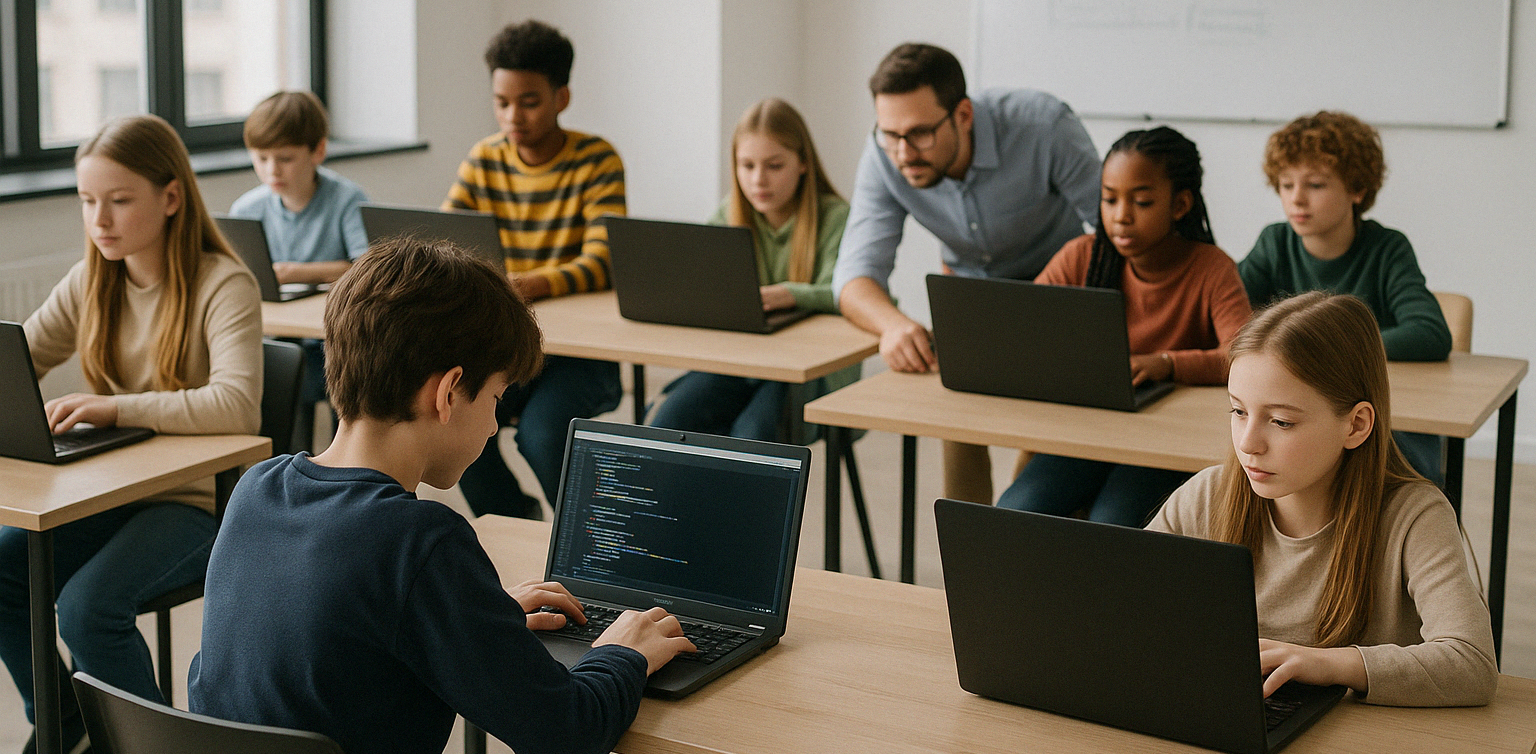
In today’s increasingly digital world, coding has become an essential skill that opens up many opportunities for the future. For kids and teens, learning coding for beginners is a great first step to understanding how technology works and starting to build their own digital creations. Why Should Kids and Teens Learn Coding for Beginners? Starting to learn coding for beginners at a young age offers many benefits, not only technical ones, but also for personal development and social skills. Some key benefits include: Improving logical thinking and problem-solving skills Boosting creativity and imagination Building a structured way of thinking Gaining confidence through creating real projects Understanding the technology they use every day First Steps to Learn Coding for Beginners To make the learning process more effective, it’s important to use a fun, engaging approach that matches the child’s learning level. Here are some steps to get started: Introduce basic concepts with interactive gamesApps like Scratch Junior or Code.org help kids understand the logic behind programming through visuals and games. Choose the right programming language based on ageAges 5–9: Scratch Junior, BlocklyAges 10–14: Scratch, basic PythonAges 15 and above: Python, HTML/CSS, JavaScript Start small with simple, fun projectsFor example, making a basic game or an animated story on Roblox or Minecraft Education Kid-Friendly Platforms to Learn Coding for Beginners There are many online platforms available to help children understand programming step by step. Recommended platforms include: Scratch – A visual programming tool perfect for beginners Code.org – Educational coding challenges with fun themes Tynker – A subscription-based platform with interactive content Minecraft Education – Learn coding through building and playing Timedoor Academy – Project-based coding courses available online and offline, perfect for kids and teens across the world! Make Learning to Code Fun and Enjoyable Kids are more likely to stick with coding if it’s connected to things they already enjoy. Here are some project ideas that make learning to code more exciting: Create interactive games using Scratch Build a short animation or digital comic Design a personal website with HTML and CSS Make a basic app using Python When children can see and share what they’ve created, they’ll feel proud and motivated to keep learning. Combine Kids' Interests with Learning to Code One effective way to encourage your child to learn coding for beginners is by tying it to their hobbies and interests. For example: Kids who love drawing can try digital animation Kids who enjoy gaming can learn to create their own games Kids who like writing can make interactive stories or visual novels This personalized approach makes the learning process feel more natural and enjoyable. Learning to Code is Better with Mentors Although self-learning is possible, coding for beginners is often more effective with a mentor and a supportive environment. At Timedoor Academy, kids and teens can join: Coding for Kids (ages 5 to 12) Coding for Teens (ages 13 to 18) Courses in Scratch, Python, HTML/CSS, and more All classes focus on hands-on practice through age-appropriate digital projects. Parents Play a Big Role in the Learning Journey Parental support is key, especially when children face challenges or lose motivation. What parents can do: Set aside time and space for learning Celebrate their child’s achievements, big or small Have conversations about the projects they’re working on Enroll them in a trusted program with the right learning style When parents show interest and encouragement, kids feel supported and excited to learn. Tips for Choosing the Right Coding Course for Beginners With so many options available, how do you choose the best one? Here are some factors to consider: Age and skill levelMake sure the course matches the child’s stage of development. It should be challenging but not overwhelming. Teaching methodProject-based, interactive learning is often more engaging than memorizing theory. Mentor availabilityHaving a mentor helps children when they get stuck or need guidance. Flexible schedulesA flexible program works well with school and other activities. Parent reviewsLook for testimonials or reviews to get a sense of the course’s quality and impact. At Timedoor Academy, every aspect is carefully designed to help kids learn coding for beginners in a way that’s fun, meaningful, and future-ready. Ready to Start Your Child's Coding Journey? Learning coding for beginners is an investment in the future, and it can start today. With the right approach, kids and teens won’t just understand technology, they’ll be able to shape it with their own ideas. Looking for a fun, project-based, and child-friendly place to start? Join Timedoor Academy’s free trial class available offline all around the world!
8 Reasons Why Your Kids Should Join Coding Class
In today’s fast-moving digital world, coding is no longer just for tech professionals. It is quickly becoming a basic form of literacy, just like reading, writing, or math. Kids today are growing up surrounded by technology. From YouTube videos to online games and smart devices, digital tools play a major role in their daily lives. So instead of letting kids just consume technology, why not teach them how to create it? That is exactly what coding classes are all about. These programs help kids build valuable skills that go far beyond the screen. Let’s explore the top reasons why joining a coding class could be one of the smartest decisions for your kids future. Coding class improves kids problem-solving At its core, coding is all about solving problems. Kids learn how to break a big challenge into smaller steps, test different solutions, and try again when something goes wrong. This helps them think logically and become more patient. Imagine your child is building a simple game. The character is supposed to jump when they press a button, but it is not working. They start asking questions. Did they miss something? Is the command correct? This process of figuring things out helps develop critical thinking, a skill that will benefit them in school and beyond. Coding class boosts kids creativity Coding is not just about writing lines of code. It is a way for kids to tell stories, build games, animate characters, and design their own digital world. With platforms like Scratch or Roblox Studio, children can turn their wildest ideas into real, working projects. This kind of creativity builds confidence too. It shows kids that they can make something fun, interesting, and completely their own. Coding class builds kids persistence and confidence Coding teaches kids that it is okay to fail. In fact, failure is part of the process. When a code does not work, they are encouraged to try again. And again. Until they get it right. Over time, this builds resilience and confidence in their own abilities. They start to think, I can fix this or I know how to figure this out instead of giving up. This kind of mindset helps in school, sports, and even social situations. Coding class offer structured learning for kids Sure, your child could try learning from free videos online. But coding classes offer something more valuable. They provide a step-by-step structure that matches your child’s age and skill level. With experienced instructors guiding them, kids can ask questions, get support, and build their skills in a safe space. It is similar to learning music or swimming. Having a coach makes a huge difference. Coding class prepares kids for their future The job market is changing. Many of the careers our children will have one day do not even exist yet. But one thing is certain. Technology will be a big part of those jobs. By learning to code, your child gets a head start. Even if they do not become a programmer, they will understand how technology works. That knowledge is useful in almost every field, from medicine to business to the arts. Coding class encourages kids teamwork Many people think coding is a solo activity, but that is not always true. In coding classes, kids often work in teams. They share ideas, collaborate on projects, and give each other feedback. This helps improve their communication skills and teaches them how to work well with others. These are important skills no matter what career path they choose later on. Coding class is fun for kids Let us not forget the most important part. Coding is fun. When taught in a playful and engaging way, it becomes something kids actually look forward to. They get to build their own games, apps, and stories. They get to be creators, not just consumers. And when kids are having fun while learning, they are more likely to stick with it. Early exposure by coding class builds kids confidence Just like learning a new language or playing an instrument, it is easier to start coding when you are young. Kids are naturally curious and unafraid to experiment. They pick things up quickly and are not afraid to make mistakes. By introducing coding early, you help your child build digital confidence. They grow up not just comfortable with technology, but capable of using it in meaningful ways. How to get started in coding class for your kids You do not need to be a tech expert to support your child. Just look for beginner-friendly programs or platforms designed for kids. Start with block-based coding tools like Scratch, where they can drag and drop commands to make things happen. Even better, enroll them in a structured coding class that fits their age and learning style. Classes with real instructors give kids the guidance and support they need to succeed. Why Timedoor Academy is a great choice for your kids coding class At Timedoor Academy, we make coding fun and meaningful for kids. Our classes are designed to be beginner-friendly, with hands-on projects, supportive mentors, and lots of room for creativity. Kids build games, solve challenges, and most importantly, enjoy the learning process. Thousands of parents in Indonesia and beyond have already seen the benefits. Now it is your turn. Let your child explore, create, and grow with technology. Enroll in a coding class or free trial at Timedoor Academy today and give them the tools to thrive in a digital world!
4 Bahasa Pemrograman Terbaik Untuk Anak
Top 4 Programming Languages for Kids
In today’s digital-first world, teaching children how to code is becoming just as essential as teaching them math, reading, or science. Coding builds logical thinking, creativity, and problem-solving skills. These are abilities that are crucial for success in any future career. But with so many programming languages out there, many parents wonder: Where should my child start? The answer depends on your child’s age, interests, and learning style. Some languages are visual and beginner-friendly, while others offer more complexity for older or advanced learners. In this article, we’ll break down the top 4 programming languages for kids, explaining what makes each of them great and how to choose the right one for your child’s coding journey.   Why Should Kids Learn Programming Language In Coding? Before we jump into the list, let’s quickly look at why coding is so valuable for children: Boosts logical thinking and analytical skills Strengthens creativity and imagination Improves academic performance, especially in STEM subjects Builds persistence and resilience through problem-solving Prepares them for a future in a tech-driven world Coding also helps children become creators of technology, not just passive users.   1. Programming Language In Coding: Scratch Best for Kids Aged 6 to 12 Scratch is a block-based programming language developed by MIT, specifically for children and beginners. Instead of typing code, kids drag and drop visual blocks to build animations, games, and interactive stories. Why it’s great: No previous coding knowledge needed Highly visual and engaging Encourages storytelling, creativity, and experimentation Free and web-based Scratch is ideal for young learners who enjoy art, games, or creative play. It’s fun, easy to understand, and extremely rewarding.   2. Programming Language In Coding: Python Best for Kids Aged 10 and Up Python is one of the world’s most popular programming languages and a great choice for kids who are ready to move beyond visual coding. Its syntax is clean and readable, making it one of the easiest text-based languages to learn. Why it’s great: Beginner-friendly with real-world applications Used in data science, AI, game development, and automation Loads of free resources and tutorials available Great for building games, quizzes, and mini apps Python is perfect for curious kids who enjoy solving problems and want to dive deeper into the tech world.   3. Programming Language In Coding: JavaScript Best for Kids Aged 11 and Up JavaScript is the go-to language for web development. If your child is interested in how websites work or wants to build their own online games or tools, JavaScript is an exciting and rewarding option. Why it’s great: Teaches how to make websites interactive Encourages real-time experimentation in the browser Can be combined with HTML and CSS for full website building Great for creative projects like online games and visual effects JavaScript is ideal for tweens and teens who are internet-savvy and want to bring their ideas to life on the web.   4. Programming Language In Coding: Blockly Best for Kids Aged 7 to 10 Blockly is a visual coding language like Scratch but with a twist. It also shows the actual code behind the blocks. It’s designed to help children transition from block-based programming to real text-based coding. Why it’s great: Easy to use with a visual interface Builds understanding of programming logic Bridges the gap between Scratch and Python Often used in educational robots and coding kits Blockly is excellent for kids who are ready to go beyond simple blocks but not quite ready for full typing-based code.   Quick Guide by Age For Kids To Choose Programming Language Age Group Recommended Language 6 to 8 Scratch or Blockly 9 to 12 Scratch, then Python 12+ Python or JavaScript   How Can Parents Support Their Kids Coding Journey? Explore coding platforms together such as Timedoor Academy Choose fun, project-based learning activities Encourage creativity by allowing your child to build what they love Celebrate progress at every step, no matter how small   Ready to Help Your Kids Start Coding? The best programming language for your child is the one that fits their age, interest, and learning pace. Whether they’re creating their first animation in Scratch or developing a game in Python, every coding experience empowers them with skills for the future. At Timedoor Academy, we provide structured and engaging online coding classes for children of all ages. Our programs are designed to turn beginners into confident young coders through hands-on learning and creative projects. Ready to start your child’s coding journey? Check out our courses and free trial at Timedoor Academy and unlock your child’s potential in tech.
Cara Membuat Game di Roblox untuk Anak-Anak
How to Create a Roblox Game for Kids: Easy Guide
Roblox is a fantastic platform that allows kids to create, play, and share their own games. Learning how to create a game in Roblox can be a rewarding and fun experience for children, helping them develop creativity and basic coding skills. In this easy guide, we’ll walk you through step-by-step how your child can start creating their very own Roblox game. Creating Roblox Game For Kids Step 1: Setting Up Roblox Game Studio For Your Kids To create games, kids first need Roblox Game Studio. Here’s how to set it up: Log in to your Roblox account. Go to the Roblox Studio website and click on "Start Creating." Follow the simple instructions to install Roblox Studio on your computer. Step 2: Choose a Roblox Game Template For Your Kids Roblox Game offers several easy-to-use templates to help beginners: Open Roblox Studio. Select "New," and then choose a template like "Obby" (Obstacle Course) or "Baseplate." Step 3: Customize Your Roblox Game For Your Kids Encourage your child to personalize their roblox game: Drag and drop different objects from the Toolbox. Click objects to move, rotate, or resize them. Customize colors and textures to make the game visually appealing. Step 4: Add Simple Roblox Gameplay Elements For Your Kids Make the roblox game interactive: Add checkpoints or obstacles in an Obby game. Use scripts from the Toolbox to easily add functionality. Test the game frequently by clicking the "Play" button at the top. Step 5: Publish and Share Your Kids Roblox Game Once your roblox game is ready, follow these simple steps: Click "File" then select "Publish to Roblox." Enter a fun and descriptive name for the game. Choose settings like visibility (Public or Private). Click "Create" to publish your game. Tips for Kids Creating Roblox Game Start simple: Create a basic game and gradually add more features. Explore tutorials: Roblox provides great beginner tutorials. Experiment: Don’t be afraid to try new things Start Your Kids Roblox Game Journey Today! Creating Roblox games is an excellent way for kids to express creativity while learning valuable skills. Follow our simple steps and your child can easily build their first Roblox game today. Want more learning experiences? Timedoor Academy offers free classes to help your kids dive deeper into coding and game design. Join the Free Trial Class now and keep the fun going!
float button